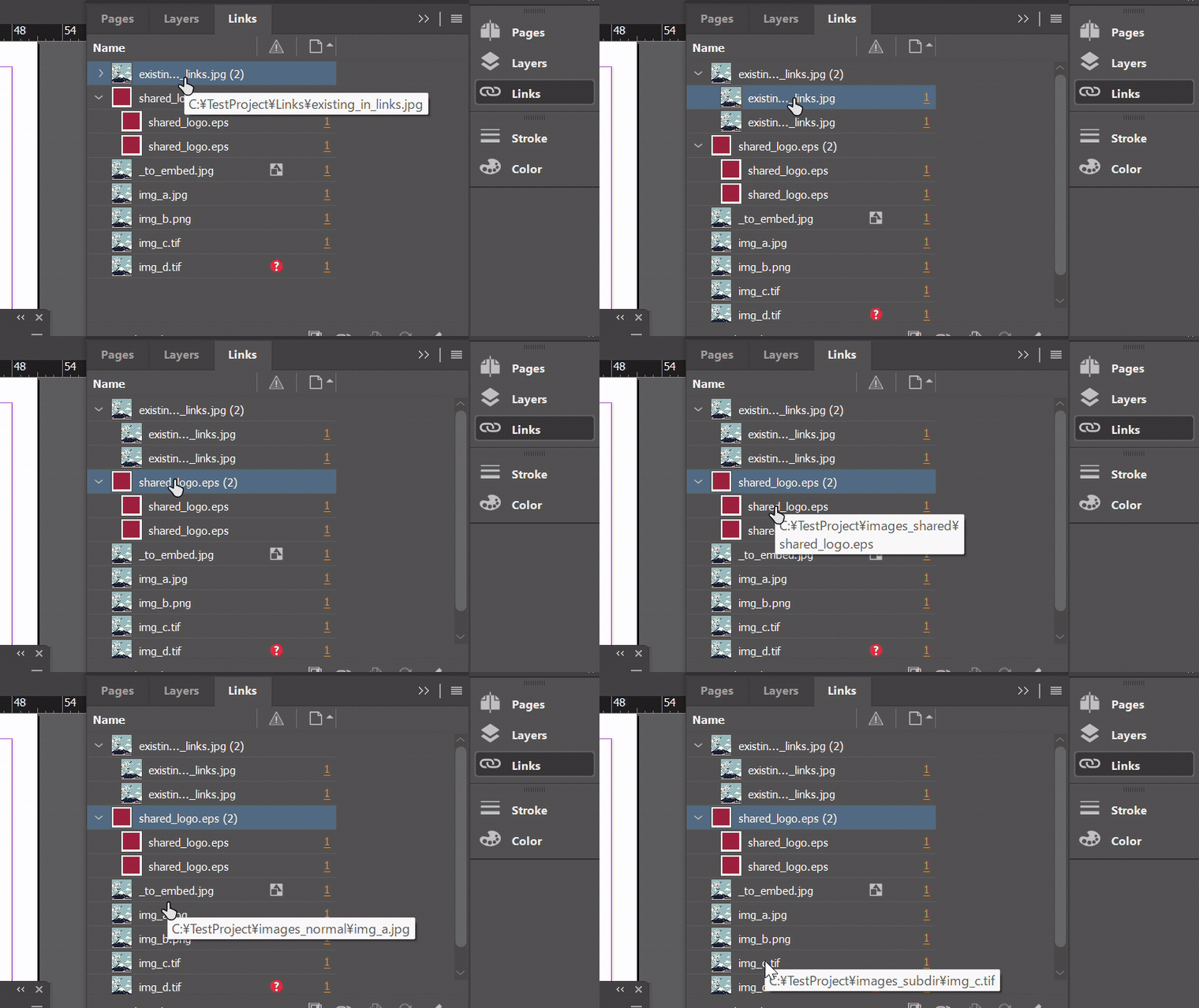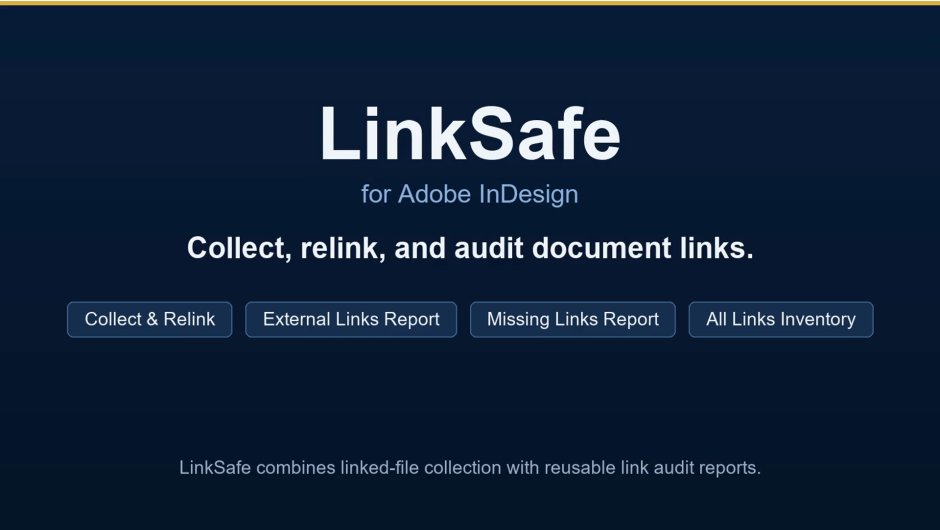
LinkSafe is a JSX (ExtendScript) utility for Adobe InDesign. It copies linked files stored outside the Links folder beside a saved document into that folder, then relinks the working document to the copies and checks the results.
LinkSafe uses “external” to mean outside that document’s Links folder. A file in another project folder, such as Project/Logos, counts as external too. InDesign shows link paths in the Links panel and Link Info, but does not compare them with the document’s Links folder. LinkSafe checks filesystem case behavior when it runs so path comparisons work on macOS and Windows.
Collect and relink links
Collect & Relink changes the open document. LinkSafe copies each eligible external file into its Links folder and points the document to the copy. If a filename conflicts with an existing file, it uses a new name; it does not overwrite existing files. Embedded, missing, and already-local links are skipped with a reason code.
After each relink, LinkSafe reads back the link status and path. An inaccessible link is logged as a failure. An out-of-date link is logged as a success with a warning. Placed INDD and PDF files are relinked like other files, but LinkSafe does not collect links inside a placed INDD.
Three reports for checking links
- External Links Report: A CSV of existing, non-embedded links outside the Links folder, with their source paths, expected folder, status, and reason code.
- Missing Links Report: A list of missing links and the last path InDesign has for each one. LinkSafe cannot recover missing files.
- All Links Inventory: A CSV with one row per link and a status such as local, outside_links_folder, embedded, or missing.
The reports do not modify the document. Collect & Relink writes a text report, JSON log, and CSV containing each checked link.
How it differs from File > Package
InDesign’s Package command creates a new folder with a copy of the document, its links, and fonts. The document you are working in keeps its existing links. LinkSafe changes the working document to use copies in its own Links folder and does not collect fonts.
Trial and requirements
The free trial includes all four modes. Collect & Relink is limited to five relinked files per document; the three reports have no limit. The full version removes the relink limit. Save the document before running LinkSafe, and test on a copy for production work.
LinkSafe requires Adobe InDesign 2024 or later and runs on macOS or Windows from the InDesign Scripts panel. One Ctrl+Z on Windows or Cmd+Z on macOS reverts the run’s relinks. Copies left in the Links folder can be removed after you check the document.