Bring SVG artwork into a Premiere Pro project
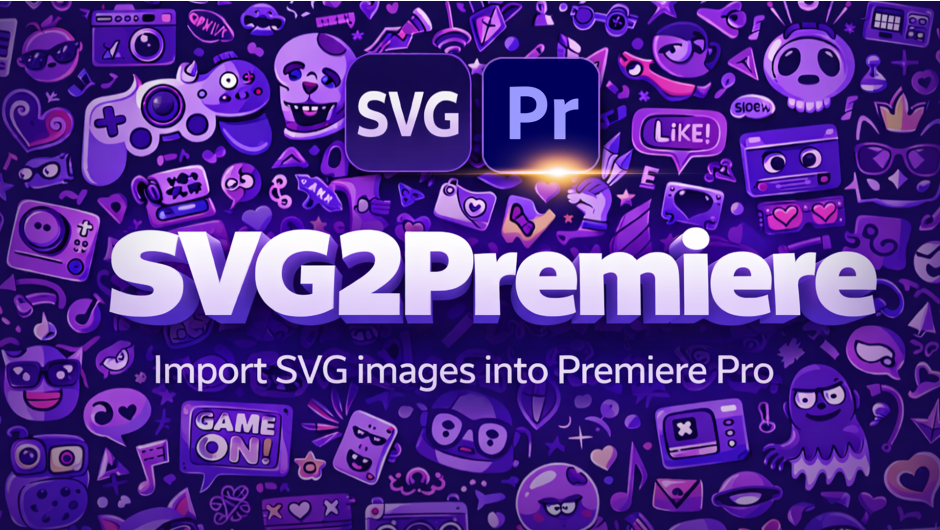
SVG2Premiere is a Premiere Pro panel that converts SVG files into transparent 4,000 px PNGs and imports the resulting files into the Project panel. It supports batch processing, so you can prepare several SVG assets in the same workflow.
The output is PNG, which gives you a pixel-based image with a transparent background for use in an edit. The listing documents PNG output, so this workflow is for raster images, not editable vector paths.
How the import workflow works
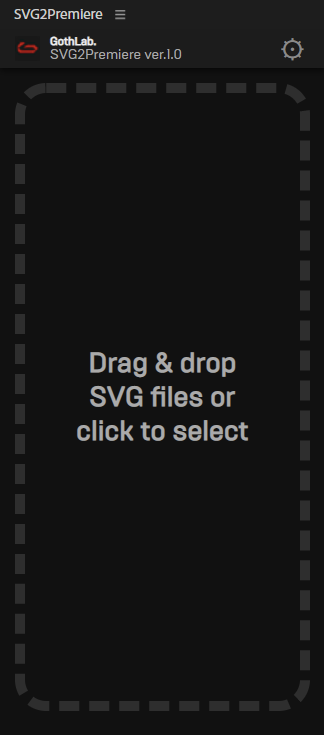
- Open the SVG2Premiere panel.
- Choose where to save the output.
- Drag and drop SVG files into the panel.
- SVG2Premiere saves the PNGs and imports them into the Project panel.
Batch processing is useful when you have multiple graphics to bring into a project. The listing specifies 4,000 px transparent PNG output; check the product details if your work depends on a different output size or format.
Choose where the PNGs are saved
You can save converted files to Documents, the Premiere project folder, or a custom path. Use the project folder when you want generated images alongside the project files, or choose a custom path if your edit already uses a separate media folder. The files are auto-imported into the Project panel after conversion.
Compatibility and purchase details
The product listing names Premiere Pro 2022, 2023, 2024, 2025, and 2026 as compatible versions. Its version history records a 1.0 release dated March 25, 2026.
The aescripts listing displays $29.99 as a suggested price. It says individual users may pay any amount, while businesses and teams must pay the suggested price to receive a valid license. For current purchase details and the full license terms, see the SVG2Premiere listing.