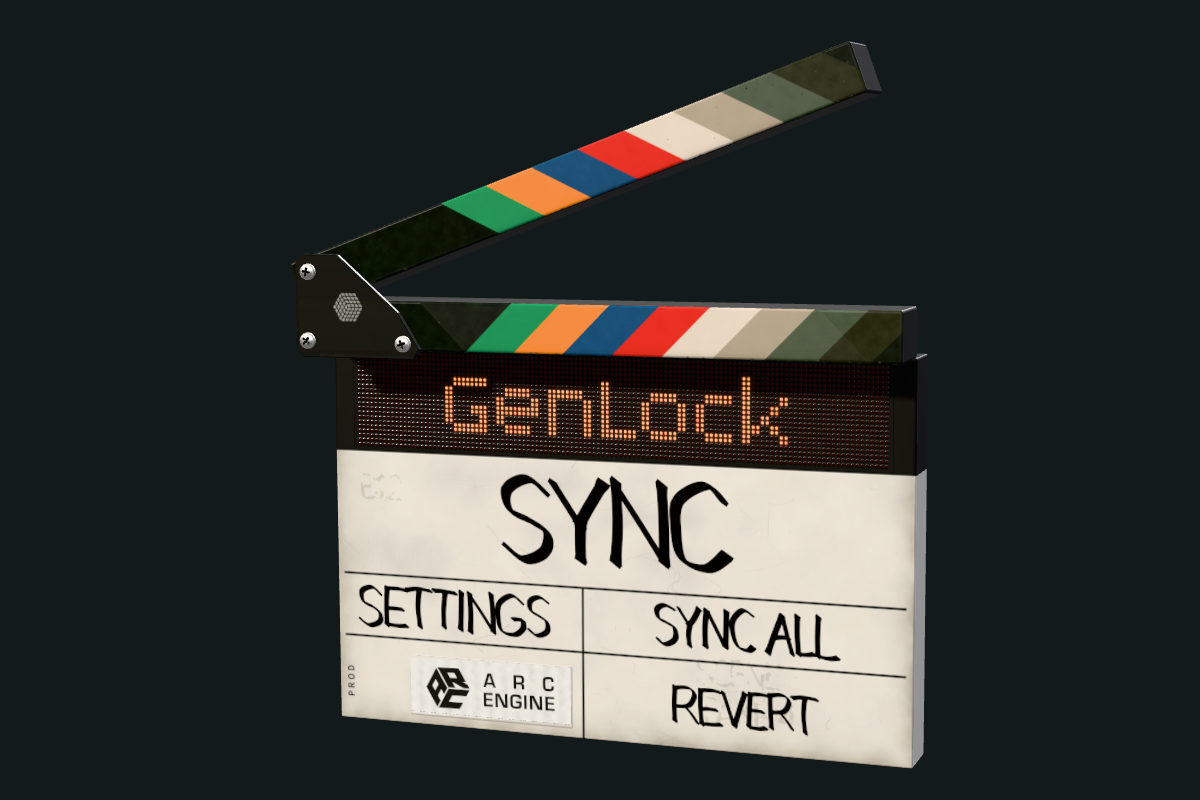
GenLock is an audio-sync plugin for Premiere Pro from Arc Engine Tools. It matches clips by their sound and arranges matched sources on synced layers in the timeline. The product listing says GenLock can match camera and recorder clips in quiet rooms, with muddy or distant audio, and when recordings only partly overlap.
Sync a selection or the full timeline
Place clips on one track, then choose Sync to process selected clips or Sync All to work through the timeline. GenLock moves matched sources onto their own layers as synced chunks, ready for editing. Its panel sits beside the Premiere timeline, with Revert to put everything back where it was.
See which clips did not match
GenLock can match clips whose audio is quiet, muddy, distant, or only partly overlapping. Clips with no overlapping audio stay where they are; GenLock reports them as solo and does not move them.
System requirements and trial
- macOS 14 or later on Apple silicon, or Windows 10 or 11, 64-bit
- Premiere Pro 2025 (25.6) or later
Install GenLock through the aescripts + aeplugins Manager app, which also handles updates. A free seven-day trial includes every feature. To start it, choose Add Trial from the app's Account menu.