Instant Assets Versioning for Premiere Pro
Use Instant Assets Versioning for Premiere Pro to switch timeline clips between available versions, jump to the first or last, and compare edits.
Developer listing
2 tools attributed to this developer in the catalog.
Use Instant Assets Versioning for Premiere Pro to switch timeline clips between available versions, jump to the first or last, and compare edits.
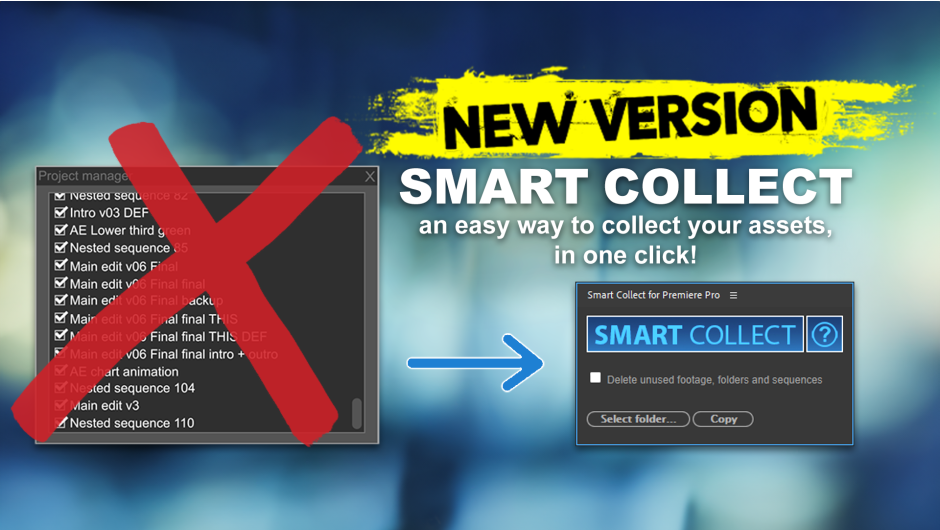
Smart Collect copies and relinks assets used by a selected Premiere Pro timeline, including nested sequences. Learn about project copies and file exceptions.
Developer attribution comes from the linked product listings. Current product details are available on each product’s website. About our sources