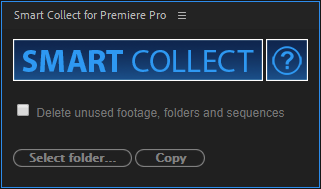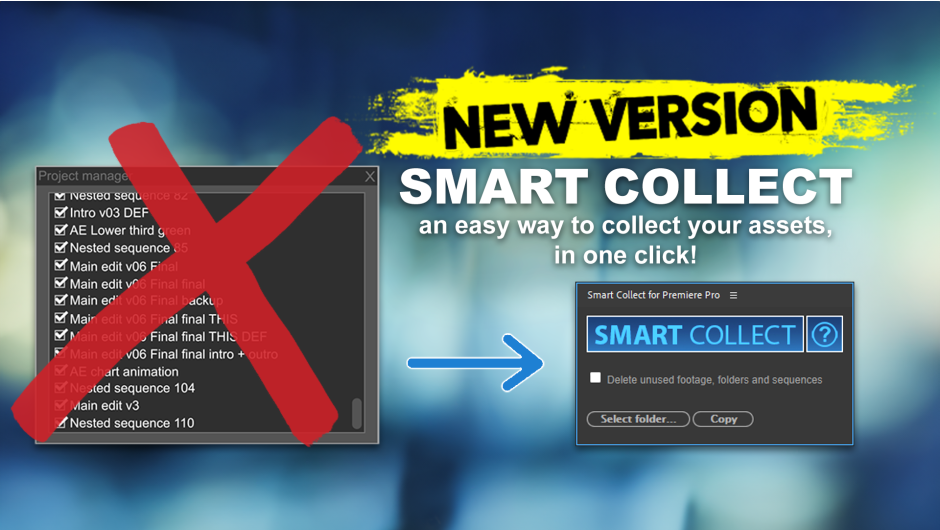
Smart Collect is a Premiere Pro extension by Igor Burgstaller. It copies assets used by a selected timeline and its nested timelines, saves a copy of the project, and relinks clips to the copied media. That gives editors a way to prepare a sequence-specific project without copying unused media from the larger project.
How Smart Collect handles a sequence
Open the sequence you want to collect and run Smart Collect. The extension follows the assets used in that timeline and its nested timelines, then copies them to disk. The copied project’s media is relinked to those files, and the folder structure mirrors the organization in Premiere Pro’s Project panel.
The developer’s comparison says Premiere Pro’s Project Manager does not track assets used in nested sequences, leaving editors to find and record those sequences manually. Smart Collect is intended to handle that nested timeline work from the selected sequence.
When it fits
Smart Collect suits a handoff or working copy that needs only the media used by a particular timeline. The product listing also says it can shrink a project by deleting unused assets and timelines. Review the project copy before removing material if you need to preserve assets used elsewhere.
Files that need manual relinking
Imported After Effects projects are a documented exception. Because of Premiere Pro scripting limitations, Smart Collect creates an AE Files.txt log with their paths instead of collecting and relinking those projects. Back them up and relink them manually; otherwise, they continue to point to the original files.
Graphic essential templates are copied but not relinked. Smart Collect writes their copied paths to AEG files.txt, and you need to relink the templates yourself. The developer’s product page lists its compatible Premiere Pro versions and includes a video about collecting multiple sequences.