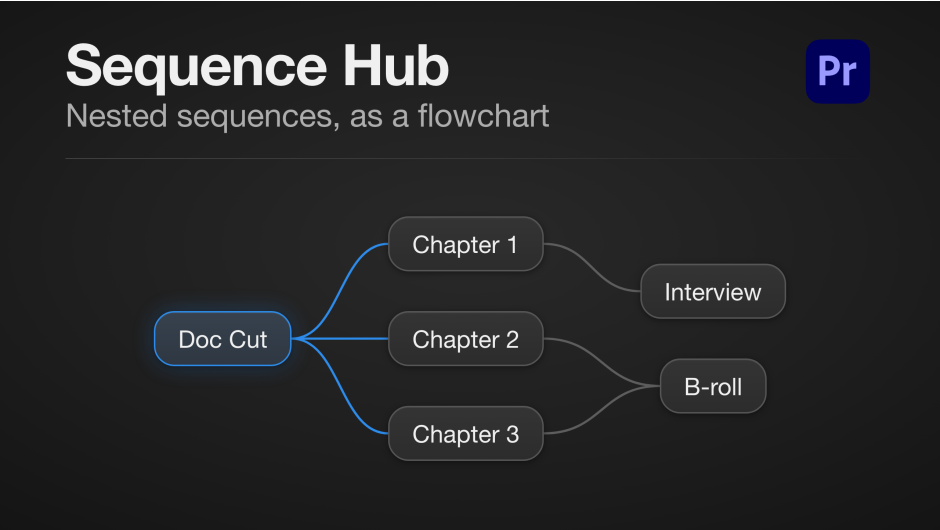
QuickNest Pro is a Vakago Tools extension for Adobe Premiere Pro that batches nesting and un-nesting. It can nest several timeline clips at once or un-nest one clip or multiple sequences, according to the developer's product page. It is designed for editors who repeat these sequence tasks in larger projects.
Batch nesting and un-nesting in Premiere Pro
The developer describes Premiere Pro's manual un-nesting process as opening each nested sequence, copying its contents to the parent sequence, and deleting the obsolete sequence. QuickNest Pro provides a batch workflow for nesting clips and a button-based way to un-nest clips or multiple sequences. That can reduce the repeated sequence handling in projects with several nested clips.
Using it with clips at different frame rates
The catalog listing identifies batch nesting as useful when preparing clips with different frame rates for stabilization. The developer's feature description covers nesting and un-nesting; it does not describe a stabilization effect.
Compatibility, version, and availability
The catalog entry lists compatibility with Premiere Pro 15.0 and later, labels QuickNest Pro as free, and records version 1.0.4 with an October 3, 2023 update. It also notes that version addressed a potential issue with offline footage. These details come from the catalog record; check the Vakago Tools product page and the Adobe Exchange listing for current compatibility, release, download, and licensing information.