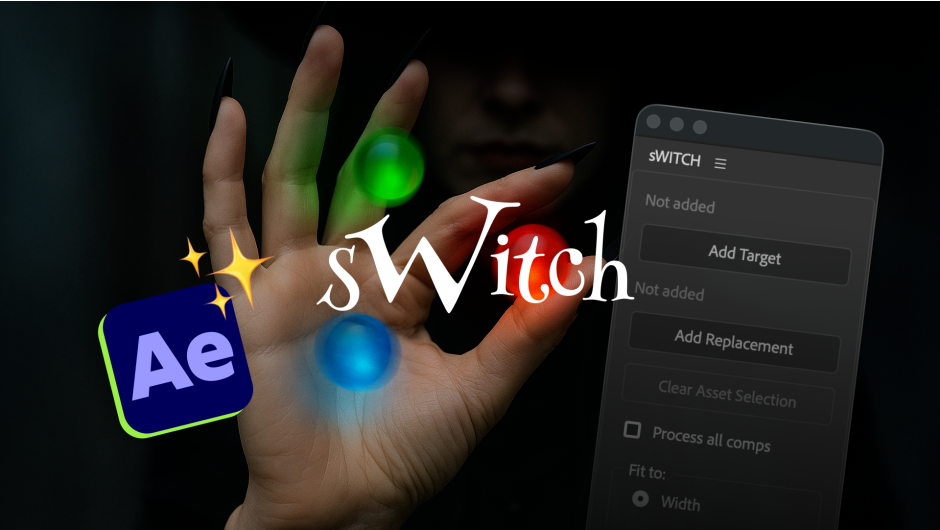
sWITCH replaces footage and compositions in an After Effects project. It can update the active composition, selected compositions, or instances across the project while compensating for resolution changes and preserving mask shape. This suits workflows such as swapping proxies for finals, replacing temporary renders, or updating placeholders with delivered assets.
Choose what to replace
Select the source footage or composition from the timeline or Project panel, then choose the replacement. sWITCH displays both sources side by side so you can check the selection before switching. Run the replacement on the active composition, selected compositions, or the whole project. Selected-composition processing can include nested precomps.
Keep scale and layer relationships in place
When the replacement has a different resolution, sWITCH adjusts layer scale automatically. You can match by width or height to control how aspect ratio changes are handled. The product listing says masks retain their visual shape across aspect changes, with feather and expansion scaled proportionally. Parent-child layer relationships remain intact.
For project-wide runs, protected folders let you skip compositions that should stay untouched, such as client-approved sections or archived versions. Shell Mode handles wrapper compositions when a replacement could create circular references. Smart Selection can identify a source selected on the stage or timeline and reveal it in the Project panel.
Check the expression and anchor-point limits
Version 1.0.1, released September 23, 2026, repairs name-based expressions, including cross-composition references, when a footage replacement renames a layer. Keyframed anchor points also retain their on-screen motion when the replacement has a different aspect ratio.
Expression-driven anchor points cannot be corrected across an aspect ratio change. Bake them to keyframes before replacing the footage. The listing recommends saving before each run and making a duplicate for larger or more involved projects. Each run uses one Undo group, but the save is a useful recovery point if After Effects crashes or conflicts with another panel.
After Effects compatibility
The product listing names After Effects 2026, 2025, 2024, 2023, 2022, 2021, and 2020, plus CC 2019 and CC 2018. Check the sWITCH product listing for current product details and its free trial.