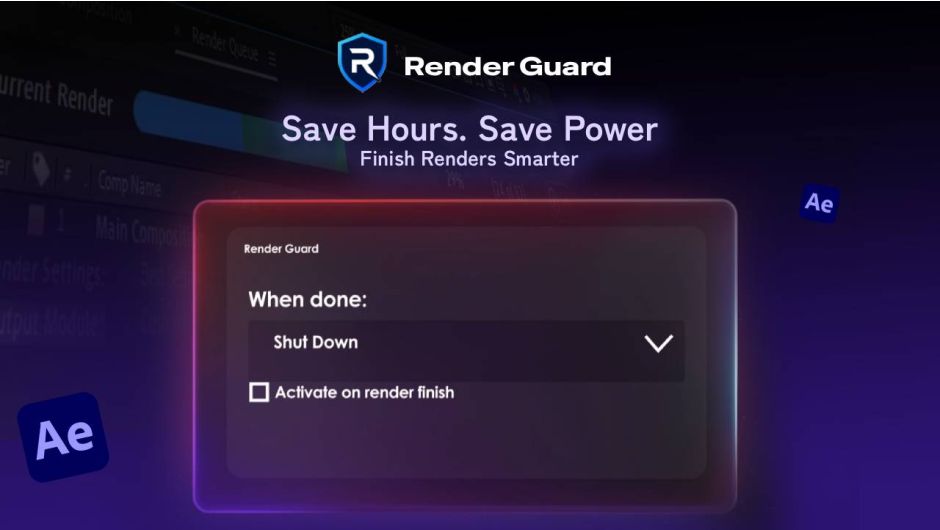
Render Guard is a dockable ScriptUI panel for Adobe After Effects that monitors the render queue and runs a selected computer action when the queue finishes. It is designed for unattended renders: activate the panel, leave After Effects running, and let it watch for completion.
Queue monitoring and completion
Choose Shutdown, Hibernate, Sleep, Lock Screen, or Do Nothing, then activate Render Guard. The panel saves the After Effects project when armed and monitors the queue. When rendering finishes, a 12-second countdown appears with a Cancel button before the selected action runs. Shutdown also asks for confirmation before arming.
Failures and stalled renders
If a render item fails, Render Guard requeues it and retries once. The listing says it falls back to Hibernate after that retry. If the queue stays stalled for 10 minutes or more without rendering, it forces Hibernate as well. The listed fallback for either condition is Hibernate.
System actions and operating systems
Shutdown powers off the computer. Hibernate saves RAM to disk before powering off and is marked Windows-only. Sleep uses low-power mode and works on Windows and macOS; the listing names Sleep as the Mac alternative to Hibernate. Lock Screen keeps the computer running while locking the session, which can suit a shared workstation. Do Nothing leaves the computer unchanged when the queue completes.
Render Guard is listed for Windows and macOS as a dockable panel inside the After Effects workspace. Before installing, compare your After Effects release with the Render Guard product listing.