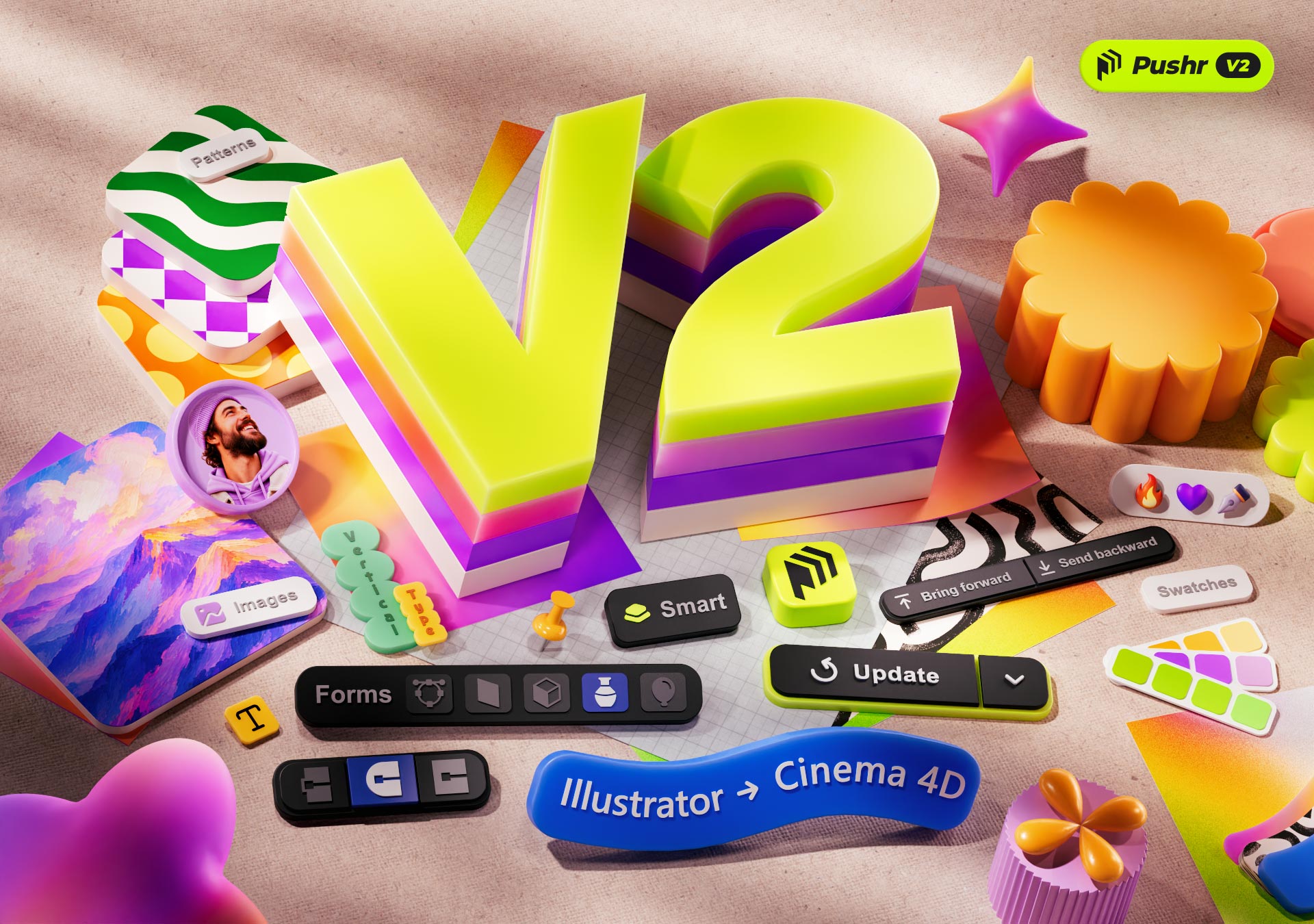
Pushr is Mateo Baldasare’s workflow plugin for moving selected Adobe Illustrator artwork into Cinema 4D. Choose a shape, a group or a full design, set its size and orientation, then push it to the chosen Cinema 4D document; when several Cinema 4D documents are open, select one from the Illustrator panel. The result can include editable geometry, native text, strokes and materials, ready for 3D layout and animation.
Send only the artwork you need
Pushr works from the current Illustrator selection, so a scene can be built from individual elements or larger groups without importing the entire file. Choose the Front, Top or Side target plane, and set a height and depth before sending the artwork. With Artboard reference selected, separate pushes keep their scale and position relative to the full design. Selection reference sizes each push from the selected artwork.
Illustrator layers, names and stacking order can carry into Cinema 4D. Group handling is configurable: Ungroup sends elements separately, Keep makes groups into editable nulls, and Merge combines each group into one object.
Keep shapes, text and strokes editable
Filled vector shapes arrive as Cinema 4D geometry built from splines, with depth and bevel controls. Pushr can also make rectangles, circles, ellipses, rings, polygons and stars into parametric splines when they have no stroke. Stroked shapes arrive as splines.
Text becomes native Cinema 4D text, including Type on a Path and Vertical Type. Strokes retain caps, corners, dashes and alignment, with controls for width and roundness. Images, including linked or embedded images and masked images, arrive at their Illustrator size and position. With Form set to Solid, transparent PNG artwork becomes a solid following its visible outline, including holes.
Adjust the result in Cinema 4D
The Pushr panel, available from Extensions > Pushr, controls depth, edges, forms, pivots, layout, strokes, materials and images. Choose among Spline, Flat, Solid, Revolve and Inflate forms. Smart offset places objects according to what overlaps in the design; Stack and None are also available. Pivots can be placed at one of nine points, and the Objects tab helps find and group pushed elements.
Pushr can create materials from Illustrator colors and supported gradients. Objects using the same color can share a material, and material names can follow Illustrator swatches. If material creation is turned off, objects retain their Illustrator colors as display colors.
Update a design as it changes
Push sends a fresh result into Cinema 4D. Update applies changes from Illustrator to existing pushed objects while keeping animation, materials and 3D adjustments. Replace artwork swaps an object’s artwork while retaining its position, animation, materials and settings. Pushr is a deliberate push-and-update workflow, not continuous live sync.
For more control over the whole scene, use the panel’s options to adjust object depth and arrangement, save pushes to the Asset Browser with their materials and images, or select an object in Cinema 4D and locate its artwork in Illustrator.
Requirements and transfer details
The listing specifies Cinema 4D 2025, 2026 or 2027 and Illustrator 2025, 2026 or 2027 on Windows or macOS. Pushr can create Redshift materials when Redshift is the active supported renderer. Renderers without native material support use Standard materials; Octane and Arnold materials are not generated natively.
Illustrator effects set to Preserve to Appearance are expanded for transfer, so supported effects such as Warp and Round Corners arrive as they look on the artboard. They are not live effects in Cinema 4D. Pixel effects such as Drop Shadow and Outer Glow are excluded. Pattern fills, freeform gradients and gradient meshes arrive as textures; linear and radial gradients arrive as editable gradients.
For current purchase and trial details, see the Pushr product listing.