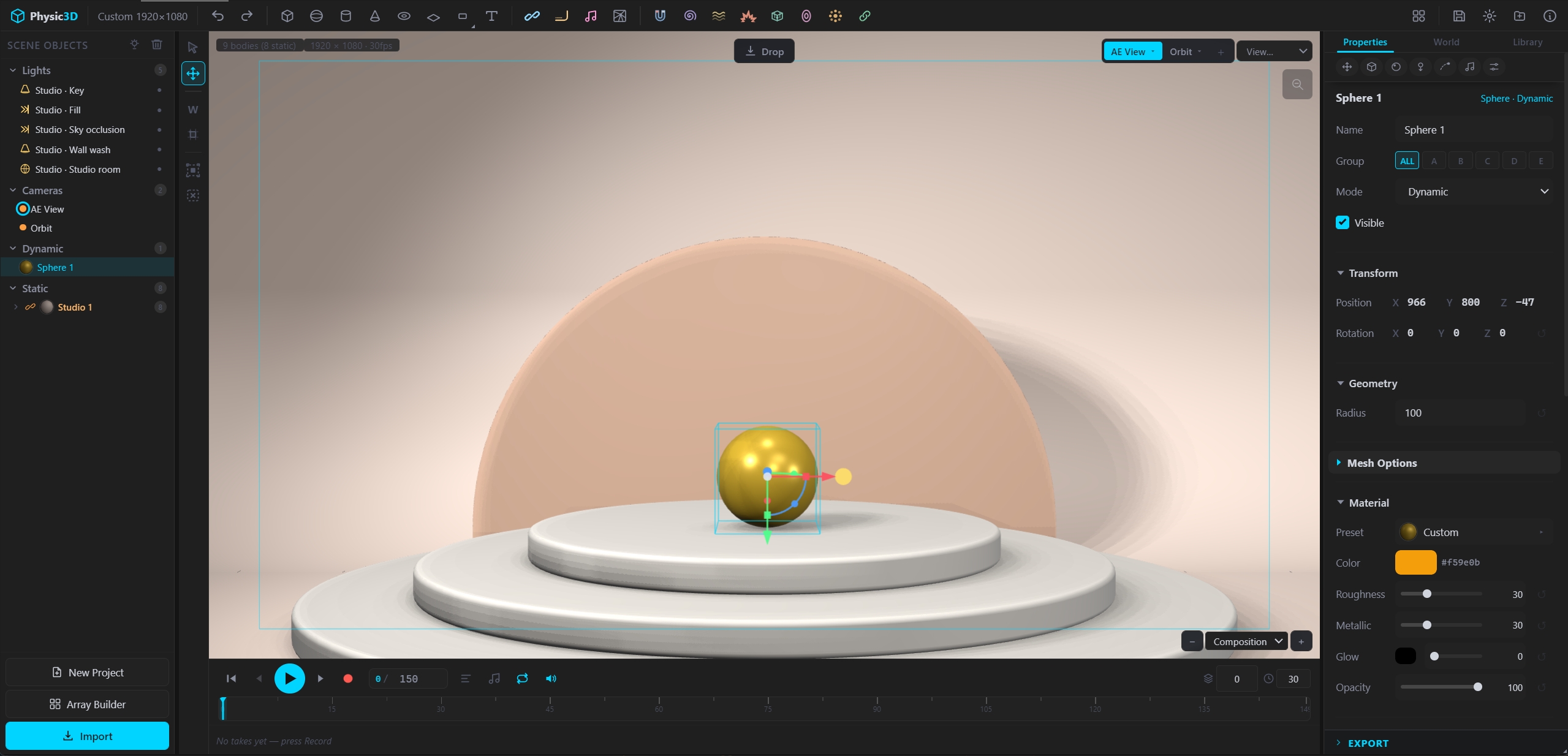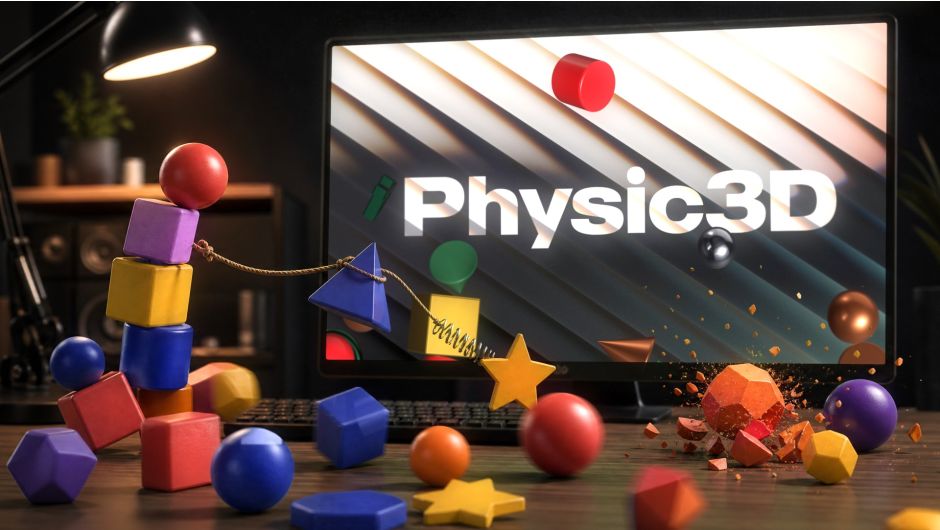
Physic3D is a physics simulator for Adobe After Effects. Build a 3D scene in its panel, run collisions and other simulations, then bake the result into After Effects as native 3D layers with keyframes. The workflow is suited to motion graphics and product scenes where objects need to fall, break, swing or interact with cloth.
Build a scene from layers, text and models
Start with shapes, 3D text, ready-made models or layers from an After Effects composition. Imported images, solids, video, shape and text layers can take part in the simulation and return as the same After Effects layers. For 3D assets, Physic3D supports glTF, GLB and OBJ imports with textures.
Text can act as geometry: each letter receives its own collider, including the counters in letters such as O. The model library includes props, furniture, vehicles and toys, while ready-made sets and assemblies provide complete scenes such as a bowling lane, city or domino run. The Array Builder lays out objects in grids, rings and patterns before they enter the simulation.
Run physics, cloth and forces in the panel
Press Play to simulate collisions in the panel, then adjust the scene and try another take. Forces include explosions, vortices, attractors, turbulence and wind. Joints such as hinges, springs, ropes, sliders and welds connect bodies; fracture can break objects on impact or at a chosen time. Emitters launch shapes, models or layers, with controls for size, spin and material.
Cloth simulation supports fabric that can be pinned, attached with a rope or spring, moved by wind and draped over bodies. Physic3D includes 73 fabrics, and cloth exports to After Effects as an animated 3D model. Imported animated GLB or glTF models can also play in the scene and interact with bodies and cloth.
Style the scene and keep useful takes
Materials, textures, lighting rigs, HDR environments and studio setups let you shape the rendered look alongside the motion. A studio preset can set a backdrop, plinth, panel, colors and lighting, which you can then adjust. Physic3D also has audio-driven objects, including equalizers and beat stacks that use a track to drive physical motion.
Recorded takes can be previewed and extended before export. Baking creates native parametric 3D layers with materials, lights and the scene camera. Position and X, Y and Z rotation are written as ordinary keyframes, so you can retime the animation and continue working with the layers in the composition. The workflow uses After Effects' Advanced 3D renderer and does not require an external renderer or image-sequence output.
Check compatibility before starting
The product listing specifies After Effects 26.3 or later with the Advanced 3D renderer, and lists compatibility with After Effects 2026 and 2027. Physic3D is available for Windows and macOS. If a project depends on a particular After Effects release or renderer, check the current listing before installing.