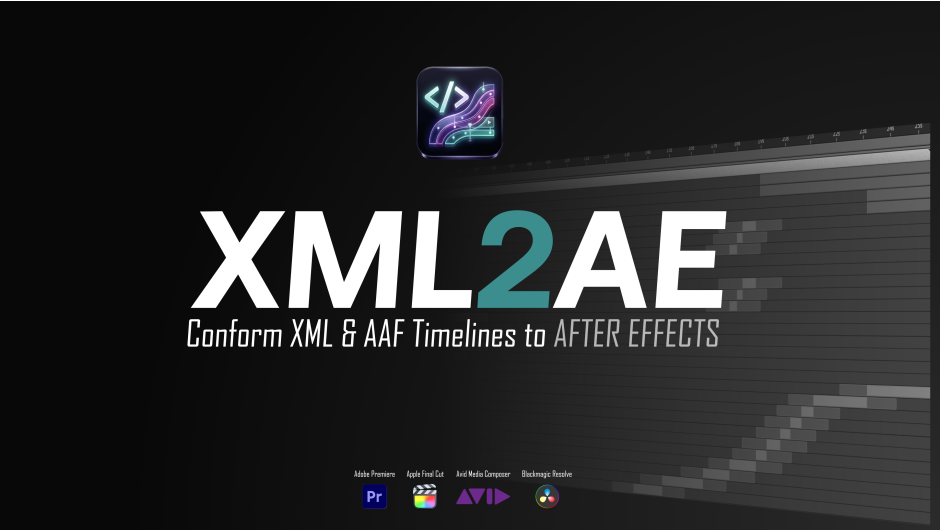
XML2AE by Nick Pittas is an After Effects extension for conform and VFX prep. It reads FCP7 XML sequence data or AAF, scans footage folders you select, and builds a video-only composition intended to preserve editorial timing as closely as possible.
Bring an edit into After Effects
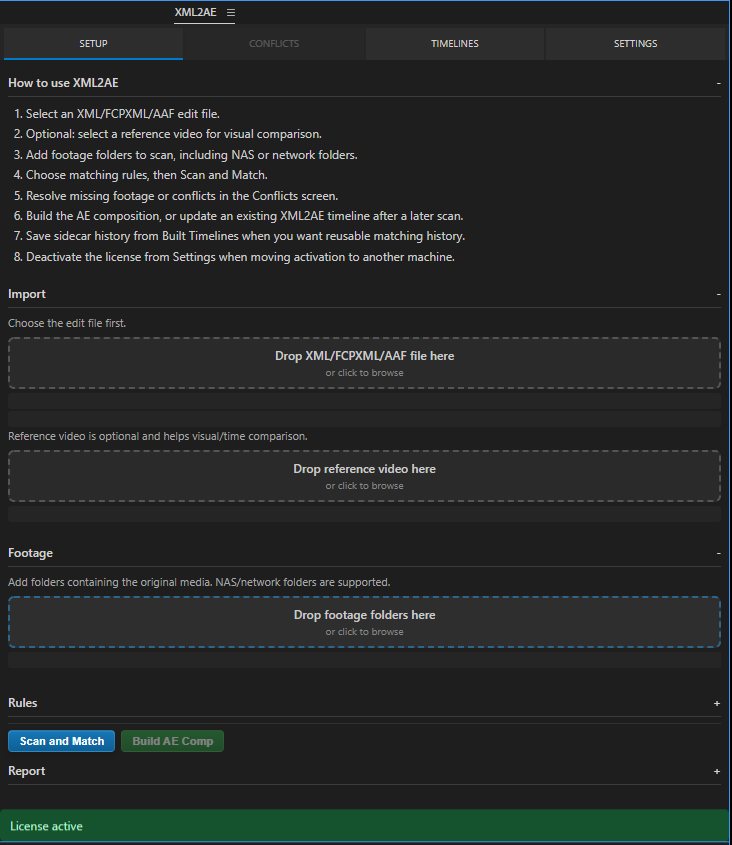
Start by loading the XML or AAF. XML2AE parses the sequence name, frame rate, duration and clips. You can also add an optional reference video, which appears at the top of the layer stack to help check the conform. Then choose one or more footage folders. The scan includes their subfolders.
Media matching uses filename or stem, reel, timecode, duration and strict fallback rules. Embedded source paths in the XML or AAF are not used as match criteria, so automatic matching searches the scanned folders; you can browse to missing files manually. The product page recommends keeping the default matching rules unless your workflow calls for changing them.
Resolve missing and ambiguous footage
XML2AE reports found, missing and conflicted footage. For missing media, you can browse to a file yourself. If multiple files are possible matches, the conflict picker shows candidate thumbnails and metadata, including names, timecodes and folder locations, so you can choose the correct source or browse elsewhere.
After matching, XML2AE imports the selected footage and can build the composition even when footage is missing or matches remain conflicted. Missing footage appears as a solid with diagnostic text; unsupported constructs receive text details to help you reconstruct them.
Check the composition after the build
The listing describes support for layer timing and trims, disabled states, opacity, keyframes, and selected transform data such as scale, position, anchor point and rotation. Crop is supported where possible, and blend or composite modes are applied where mapped. Keyframes on trimmed clips use source-in-aware timing.
XML2AE does not transfer every effect or setting from an edit. The product listing recommends checking scaling, time-remapping and repositioning against a reference video. Check the generated composition's size and frame rate too, since values derived from the edit may not suit compositing.
Update a timeline when media changes
XML2AE's Built Timelines panel can save history in a sidecar file next to the After Effects project. After adding new footage folders and running Scan and Match again, use Update from latest match to create a copy of the earlier composition and replace missing, conflicted or newer footage in that copy. The earlier build remains available, and new or replaced footage receives a distinct label color.
Compatibility and setup
The XML2AE listing names After Effects 2025 and 2026 as compatible versions. Its Settings page checks for FFmpeg, FFprobe and mediainfo-cli, which the extension uses for metadata and thumbnails on compatible files. If a conflict thumbnail cannot be generated, the bundled FFmpeg build may lack support for that file's codec; the settings allow you to specify your own FFmpeg path.