Retro Computer Effect Bundle is a video conversion plugin from GIZMON, LLC. It maps footage to looks inspired by six early computer and game systems, using limited palettes, dithering, and CRT effects. The bundle is listed for Adobe After Effects and OpenFX hosts, including Premiere Pro, DaVinci Resolve, Nuke, and Natron. See the product listing for its full compatibility details.
Six selectable system looks
- Apple II: Recreates the display style of the Apple II, IIe, and IIc, including HGR, DHGR, LORES, and DLORES modes.
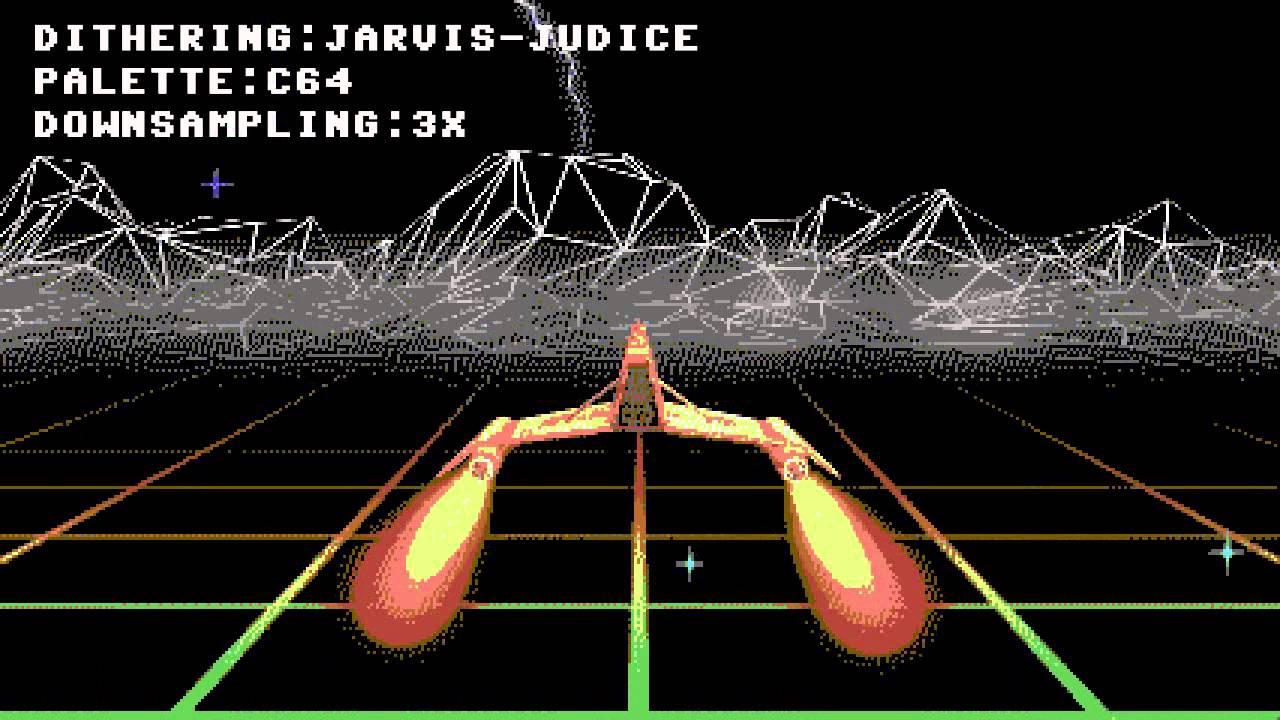
- Commodore 64: Uses the computer's characteristic palette and display style.
- Game Boy: Maps the image to four shades of monochrome.
- NES (Famicom): Applies a palette and graphics style based on the console.
- TMS9918: Recreates the video chip's display style, found in systems such as MSX, ColecoVision, and TI-99/4.
- Early Macintosh: Uses a monochrome CRT look with Atkinson dithering and palette patterns used in MacPaint.
Adjust the palette and display
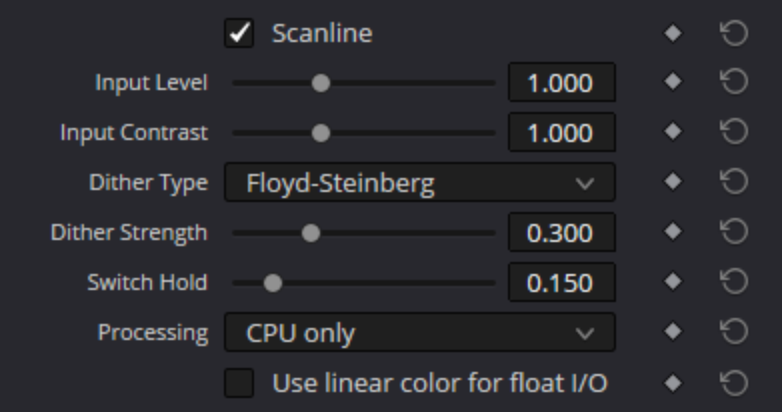
Choose from three dithering algorithms, then tune Dither Strength, Input Level, and Input Contrast to shape color quantization. Scanline and blooming controls add CRT display effects. When processing moving footage with Floyd-Steinberg or Atkinson dithering, Switch Hold preserves the previous frame's palette selection to reduce flicker, while Spatial Mix considers surrounding colors to stabilize palette selection. Values set too high can look unnatural, so adjust them while the footage plays.
Set a suitable sequence resolution
The effect represents the image as dots, so the horizontal resolution affects their shape and placement. For After Effects, Premiere Pro, and DaVinci Resolve, the listing recommends setting the horizontal resolution to an integer multiple of the reference value for the selected system, then choosing the vertical size to match the footage aspect ratio. For the Apple II ap2 mode, it gives 560, 1120, and 1680 pixels as examples.
Host and processing options
The product listing identifies the plugin type as Adobe After Effects and OpenFX. It also names Media Encoder among compatible software. GPU acceleration is listed for OpenCL, CUDA, and Metal, and the Processing control lets you choose GPU acceleration or CPU-only processing.