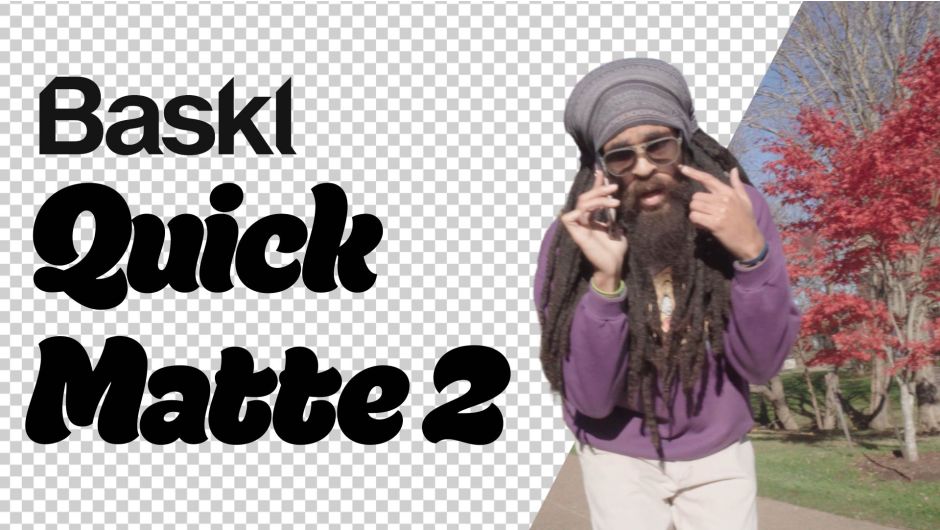
Quick Matte 2 by Baskl.ai is an AI background-removal plugin for After Effects and Premiere Pro. Version 2.2.3 adds Final Cut Pro and Motion on Mac. The developer says its models run locally on your GPU; the product listing identifies OFX support for DaVinci Resolve and Nuke/NukeX as beta.
Background removal and model options
The Quick Matte 2 product listing names BiRefNet for background removal and advanced tiling with ViTMatte for extra-challenging clips. The product is described as working on any scene, but the listing does not include benchmarks or results by footage type. If a project depends on a particular shot, try a representative clip and inspect the matte before using it throughout a sequence.
Resolution and performance
Version 2.1.0 added a resolution parameter and a performance improvement. Later release notes report up to 39% faster renders in version 2.1.10 and up to 80% faster previews in After Effects at Half, Third, and Quarter resolution in version 2.1.12. Version 2.1.12 sets 256 at Non-Full Res by default; full-resolution renders still use the selected Resolution setting. They do not specify benchmark hardware or footage conditions, so treat the percentages as vendor-reported results and check performance on your own system.
Application support
The compatibility table lists After Effects and Premiere Pro versions 2022, 2023, 2024, 2025, 2026, and 2027; DaVinci Resolve 18, 19, 20, and 21; and Nuke/NukeX 14.0, 15.0, 16.0, and 17.0. The release history labels OFX support for DaVinci Resolve and Nuke as beta when it was added in version 1.2.0; the version 2.2.3 notes do not report a change to that status. Version 2.2.3, dated November 8, 2026, adds Final Cut Pro and Motion on Mac but gives no compatible version numbers. It also fixes the trial watermark in DaVinci Resolve and Nuke when a license is activated in After Effects or Premiere Pro, and vice versa.
What to check before using it
Quick Matte 2 is suited to editors who want AI background removal within a supported video-editing or compositing application. Check your host version against the compatibility table; for Final Cut Pro or Motion, confirm the supported Mac version with the developer. Test challenging footage in the app you plan to use. The product page offers a free trial and installation documentation; it does not publish minimum GPU requirements or benchmark conditions.