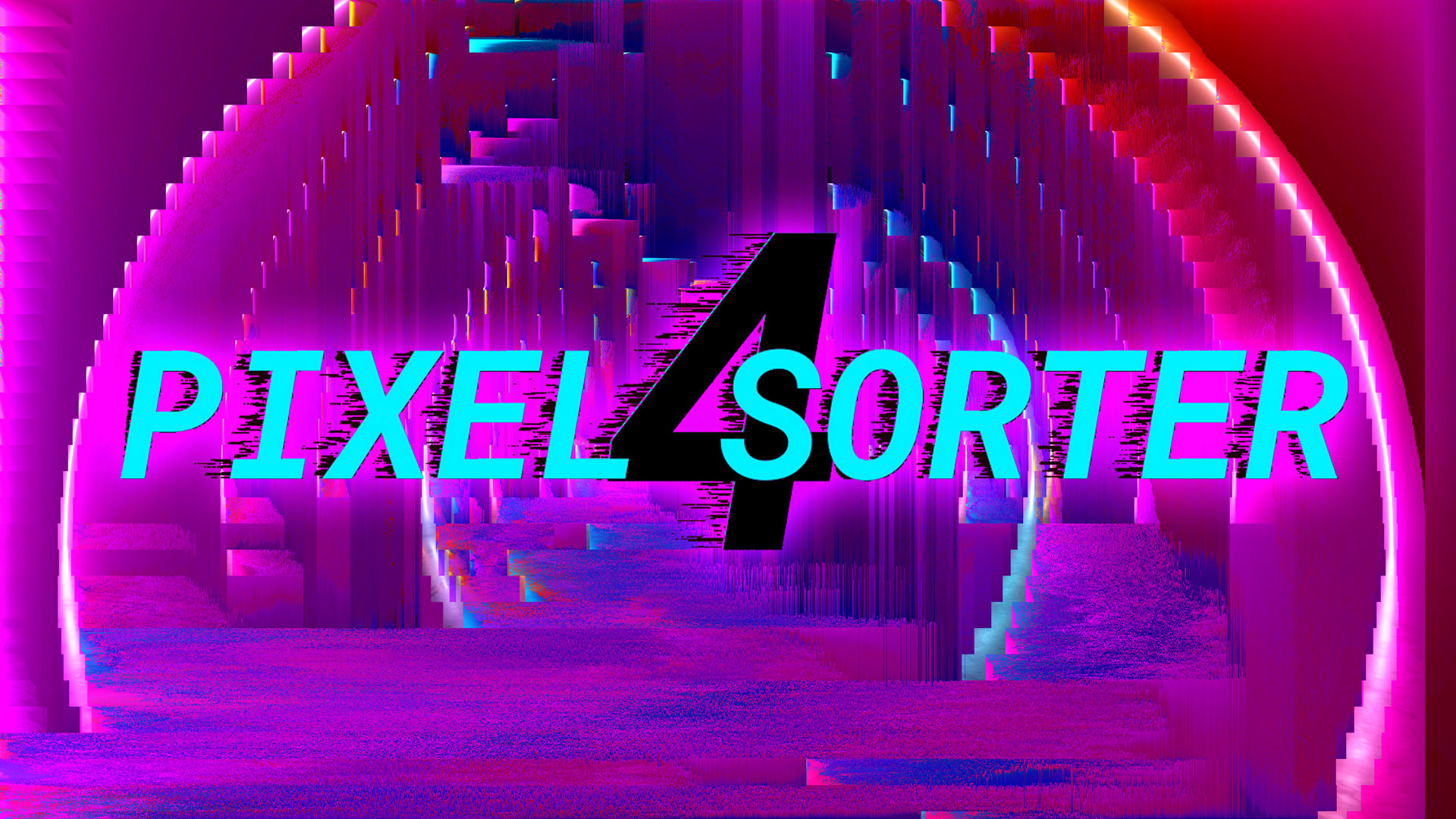
Pixel Sorter 4 is a pixel-sorting effect for After Effects, Premiere Pro and DaVinci Resolve. It finds strips of pixels based on image values, then reorders them along a chosen angle to create directional streaks. Its multithreaded processing runs on the CPU.
How it makes pixel-sorting streaks
The threshold defines which parts of the image form strips. Simple mode uses one Threshold control; Advanced mode has lower and upper thresholds. Luminosity is the default trigger; other options include a color channel, minimum, maximum, saturation and hue. Then choose how pixels are ordered within each strip. The angle sets the direction: 0° sorts horizontally, and 90° vertically.
For a first pass, adjust the threshold to select the tones you want, set the angle, then try sorting by hue or saturation to change the color pattern. Hue sorting can produce rainbow bands; sorting by saturation orders pixels by saturation within each strip.
Choose the amount of control
Simple mode keeps the interface to Threshold, Shadows / Highlights and Angle. Advanced mode adds stretch, pop, block settings, noise, animation controls and alternate outputs.
- Stretch extends strips beyond the area they came from. Block width and height settings turn the sort into a grid of tiles; lower resolution produces chunkier pixel-art strips.
- Pop boosts saturation, brightness and contrast inside the strips. Noise can break their edges into less regular shapes.
- Cycle rotates pixels along each strip. Anim Growth can reveal or shrink the strips over time.
- Output options include sorted pixels, a gradient, a matte, a map, or the first or last pixel stretched across a strip. Preserve alpha keeps the layer's original transparency.
Animate or confine the effect
Cycle, Anim Growth, offset and random seed controls can be keyframed. Feather Start and Feather End fade the edges of a strip back into the original image. In After Effects, Constraint and Use all masks limit sorting to the inside of a layer mask.
Check host requirements
The documentation covers After Effects, Premiere Pro, DaVinci Resolve, Nuke, Photoshop and Final Cut Pro, but gives version requirements only for Photoshop 2023 (24.2+) and Final Cut Pro on Apple Silicon with macOS 14 or later. Its system requirements are macOS (Intel or Apple Silicon) or 64-bit Windows. Installation steps differ by host; check the host-specific instructions before installing.
See the Pixel Sorter 4 documentation for parameters and installation steps, and the developer's store for current trial and license options.