Stash is a dockable panel for browsing and managing After Effects project items. It adds visual thumbnails, search, filters, saved views, and previews alongside the native Project panel. Stash does not change the project file, so teammates can still open the project without using the plugin.
Browse project items by thumbnail
Stash shows thumbnails for compositions, video, images, and vector assets in the panel. You can switch between a list and a zoomable grid, navigate folders, and open a larger preview with item details. For video, hover scrubbing lets you scan frames in the preview; set In and Out points with the I and O keys, then drag the trimmed range into a composition.
Find and organize assets
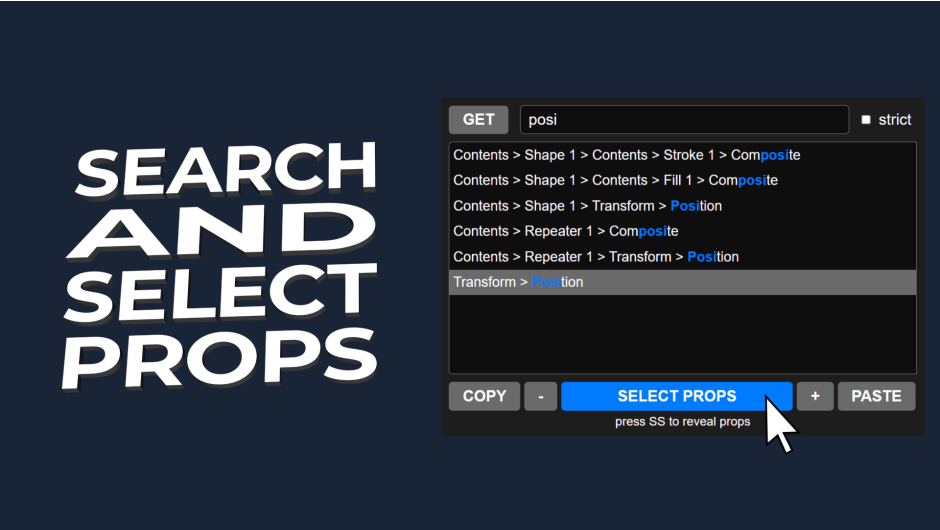
Search updates the item list as you type. Terms such as unused, missing, new, and portrait can filter a project, while customizable filter chips give quick access to common item types and missing footage. Save a search as a smart folder that updates itself, or make it a chip for frequent use. Tabs remember their own filters and layout for each project.
The In Active Comp filter narrows the list to items used by the current composition, including assets inside precomps. Usage information shows whether an item is unused or how many compositions use it. From an item, you can jump to a composition where it appears, with its layers selected in the timeline.
Preview and place footage
Stash supports keyboard navigation as well as drag and drop. Drag items into a composition for placement at the playhead, or press U to drop the selection into the active composition at the playhead, trimmed to its In and Out points. For repeated project setup, save a folder structure as a template and apply it to another project; smart folders can be part of that structure.
Handle missing footage and thumbnails
A status bar alert makes missing footage easier to find, with filtering, relinking, and replacement tools in the panel. Stash also shows whether items are in use, and its right-click menu includes project tasks such as proxy controls, interpret footage, labels, and Reveal in Finder. Thumbnails are cached on disk. In version 1.3.0, old thumbnails are tidied up automatically after 90 days. You can clear a project's thumbnails from the panel settings, and Stash rebuilds them as you browse.
Compatibility and trial
Stash runs on After Effects 2024 and newer on macOS and Windows. The product includes a 14-day trial with access to all features. See the Stash product page for current release and compatibility details.