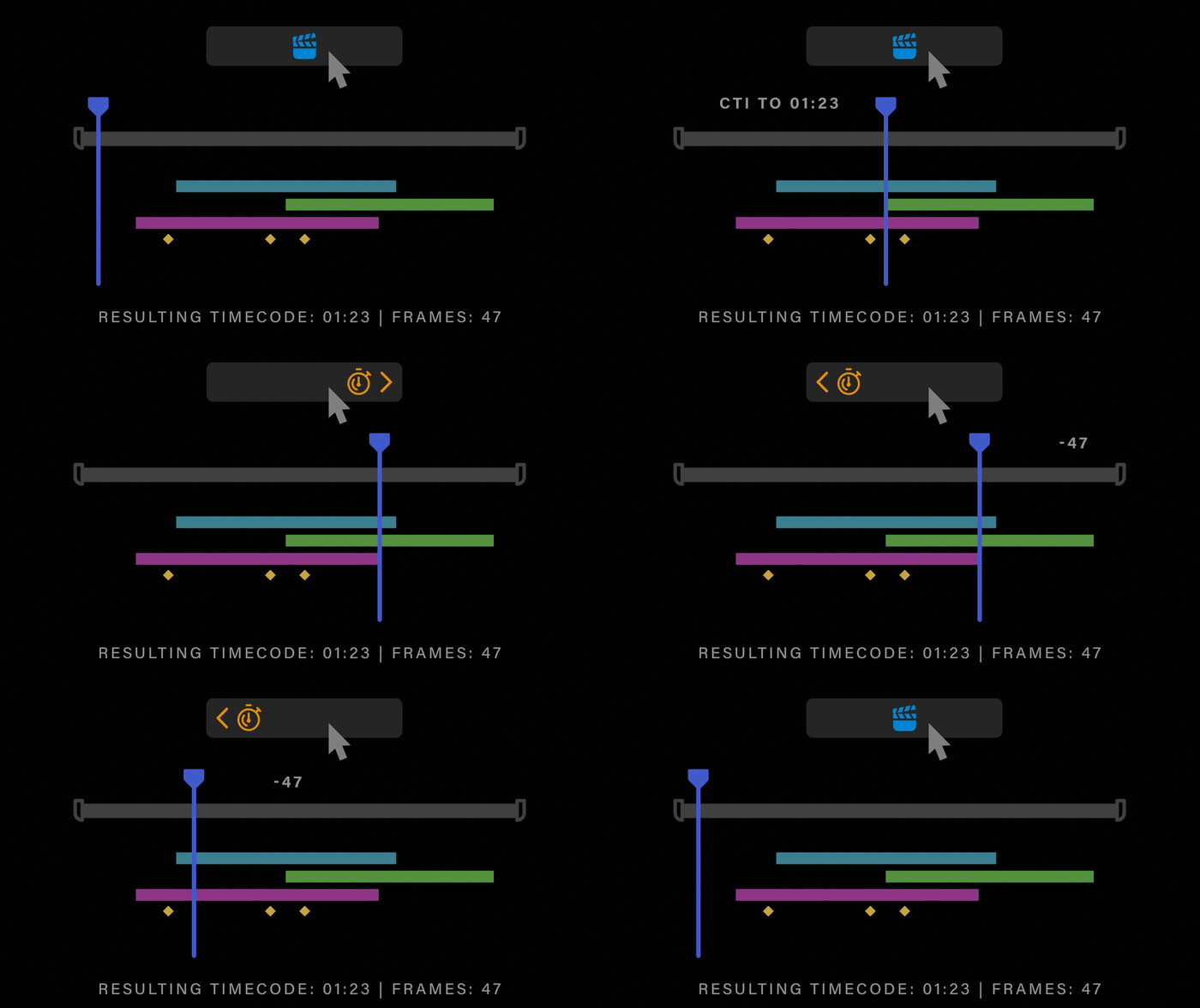
fNav+ is a native After Effects plug-in for moving the current-time indicator to a frame or timecode. Its heads-up display combines direct entry, precise digit editing, and live scrubbing; a full license also unlocks relative and standalone expression math. It suits workflows that involve frequent, exact jumps within a composition.
Enter a frame or timecode
Open a composition, then choose Window > fNav+ or summon the HUD with a global shortcut recorded in Settings; the shortcut must include a modifier. In Frames mode, type a frame number such as 50. In Timecode mode, bare digits group in pairs from the right: 1010 means 00:00:10:10. You can also enter separators directly, as in 10:10 for 10 seconds and 10 frames. Press Enter to move to the destination.
Tab switches the HUD between Frames and Timecode without changing the playhead or the project display setting. Timecode conversion uses the active composition's frame rate, including fractional rates, and honors the project drop-frame preference for 29.97/59.94 families, composition display-start timecode, and zero-based, one-based, and timecode-conversion frame numbering.
Calculate and fine-tune a destination
In licensed expression math, a leading operator makes the entry relative: from frame 100, +2*20 resolves to frame 140. A leading number starts a standalone calculation: 2+3*4 resolves to frame 14, with multiplication taking precedence.
For manual adjustments, press Left or Right to select a digit, then type to overwrite it. Up or Down changes that digit by its place value and scrubs the playhead while the HUD stays open; Enter keeps the scrubbed position, while Escape restores the session start. Modifier+Up/Down applies fixed steps even without a selected digit, defaulting to 10 frames for Shift, 100 for Alt or Option, and 1 for Command or Control.
Compatibility, setup, and trial limits
The aescripts listing names After Effects 2023 through 2026 and offers a Windows x64 build and a universal macOS build for Apple silicon and Intel. The fNav+ documentation directs readers to the storefront compatibility panel for the current supported After Effects and operating-system matrix; check it before installing. On Windows, run the included batch installer; on macOS, run the shell installer, then quit and relaunch After Effects. Navigation requires an active composition; without one, the menu command opens Settings.
The public build's seven-day trial is measured in whole vendor-SDK day buckets. It includes direct frame and timecode navigation, digit editing, default modifier steps, live scrubbing, and HUD size, position, mode, and shortcut settings. A full license unlocks expression math, custom tint, and custom modifier-step amounts.