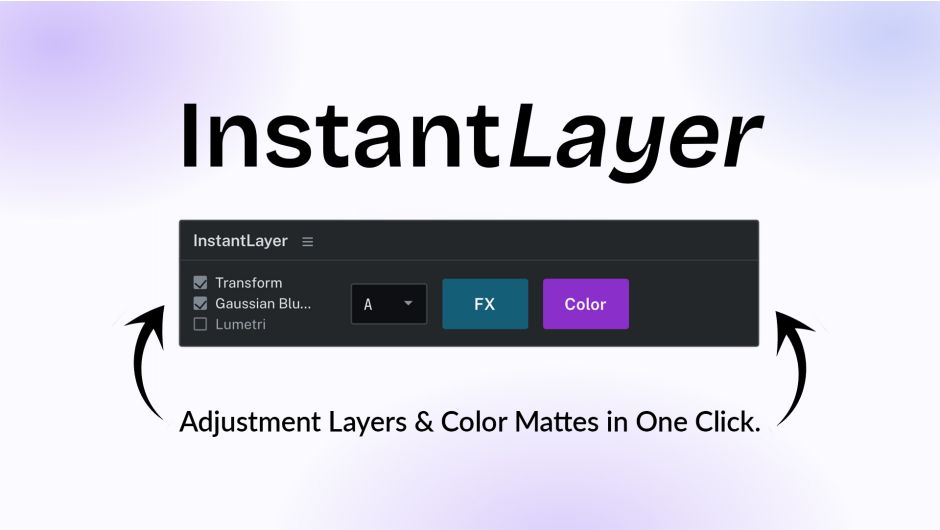
InstantLayer is a Premiere Pro plugin by Médéric Soltani for creating adjustment layers and color mattes from selected timeline clips. Choose FX or Color in the panel and the new layer appears above the selection at the same length. This saves the menu and drag-and-drop steps involved in making those layers by hand.
Create layers that match a clip selection
InstantLayer creates custom layers in the project bin rather than relying on preloaded templates. The layers are matched to the selected clips, named, and organized. For a single layer spanning the selection, use the FX or Color button. Shift-click creates a separate layer for each selected clip, while an Opt/Ctrl-click places short layers across cuts for transition work.
Choose where layers sit in the timeline
The panel lets you choose a destination track and force new layers onto it. Cascade mode places each layer on the first free track above its clip. Alignment mode places the layers together on one shared track. These options help when a sequence needs its layers distributed around clips or collected in a consistent row.
Reuse presets and add transitions at cuts
You can select presets in the panel once and have them applied automatically to layers you create. This is useful when repeated adjustment layers need the same starting effects. InstantLayer also has a transition effect workflow for cuts between clips: it splits adjustment layers at the cut and places a native Premiere transition at the junction. A 1/2 toggle controls the split arrangement.
Check requirements before installing
The product listing specifies Premiere Pro 25.6 or later, macOS 12 or later, or Windows 10 22H2 or later. Adobe Creative Cloud must also be installed. If your editing work involves frequent layer creation, per-clip effects, or transitions across cuts, these controls cover those tasks directly. For the published details, visit the InstantLayer listing on aescripts.