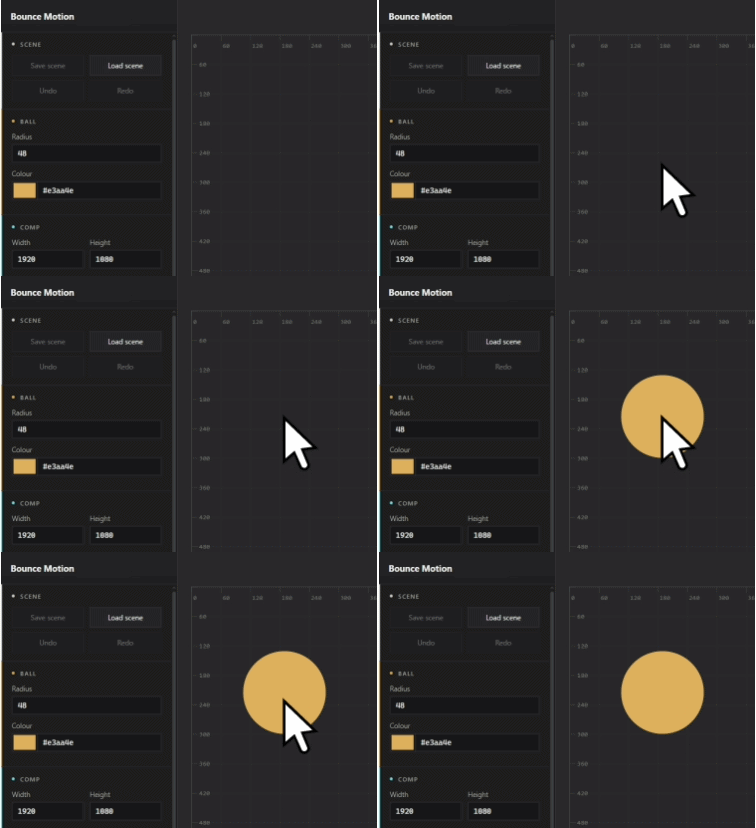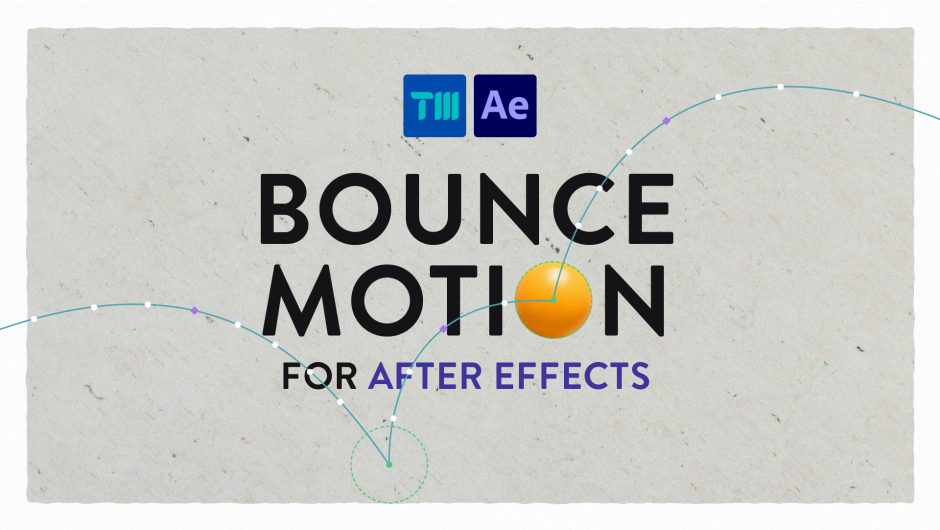
Bounce Motion creates bouncing animation for After Effects from a starting point and the landing positions you choose. It builds the motion for preview and export, with controls for shaping each bounce.
Set the bounce path
- Choose the starting point.
- Click each position where the object should land.
- Play a preview of the resulting animation.
Adjust and export
Fine-tune the arc, timing, stretch and squash, then export the result as baked keyframes or editable expressions. You can also import a background image as a guide layer to line up bounce positions with existing artwork or a layout. The resulting bounce remains editable in After Effects.
Fit and compatibility
Bounce Motion suits After Effects projects that need a bouncing object to follow chosen landing points, with control over its arc and timing. The product listing names After Effects 2021 through 2026 as compatible.
License
The EULA grants use of one copy on one computer at a time. Using the software across multiple computers or users requires an appropriate license for each copy and user.