What Rubberize It does
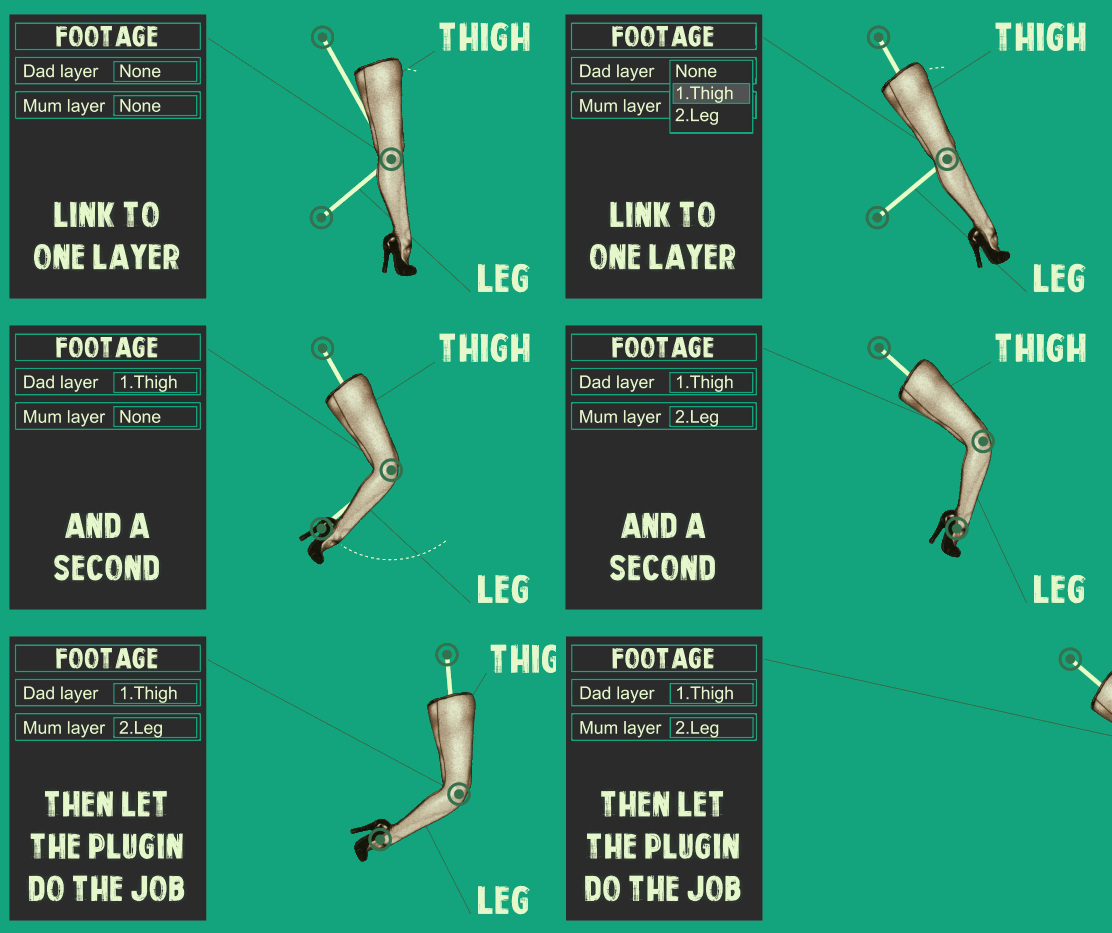
Rubberize It! adds squash-and-stretch secondary motion to After Effects layers. Place Puppet Pins on a moving layer, choose a material, then click Rubberize. The script displaces pins based on the layer’s acceleration, so changes in position, rotation or scale drive the deformation without separate pin keyframes. Motion inherited from a parent layer can drive the response too.
It works with type, still images, video, shape and vector layers, and other layers that accept Puppet Pins. It suits motion designers who want a layer to wobble, bend or follow movement without manually animating each pin.
Materials and controls
Choose from eight presets, including Rubber, Plastic, Goop and Vinyl. Sliders let you create custom materials, and the tool can combine materials. Chaos adds random variation. The two formulas produce different reactions, and you can apply different settings to selected pins. Clean removes expressions from selected pins so you can adjust them and apply the effect again. Bake can speed previews and rendering.
Timing and limitations
The product FAQ notes that linear keyframes concentrate acceleration and deceleration at the start and stop of a move. Easing gives those changes a more gradual feel. The author warns that other expressions cannot be applied to Puppet Pins used by the script. Extreme easing and complex character rigs may also produce unexpected results.
Compatibility and trial
The aescripts listing shows compatibility with After Effects 2026 through CC 2014, a $39.99 price and 25% off at checkout. Its free trial is limited to six pins and three days. Review the selected license type and checkout terms before buying.