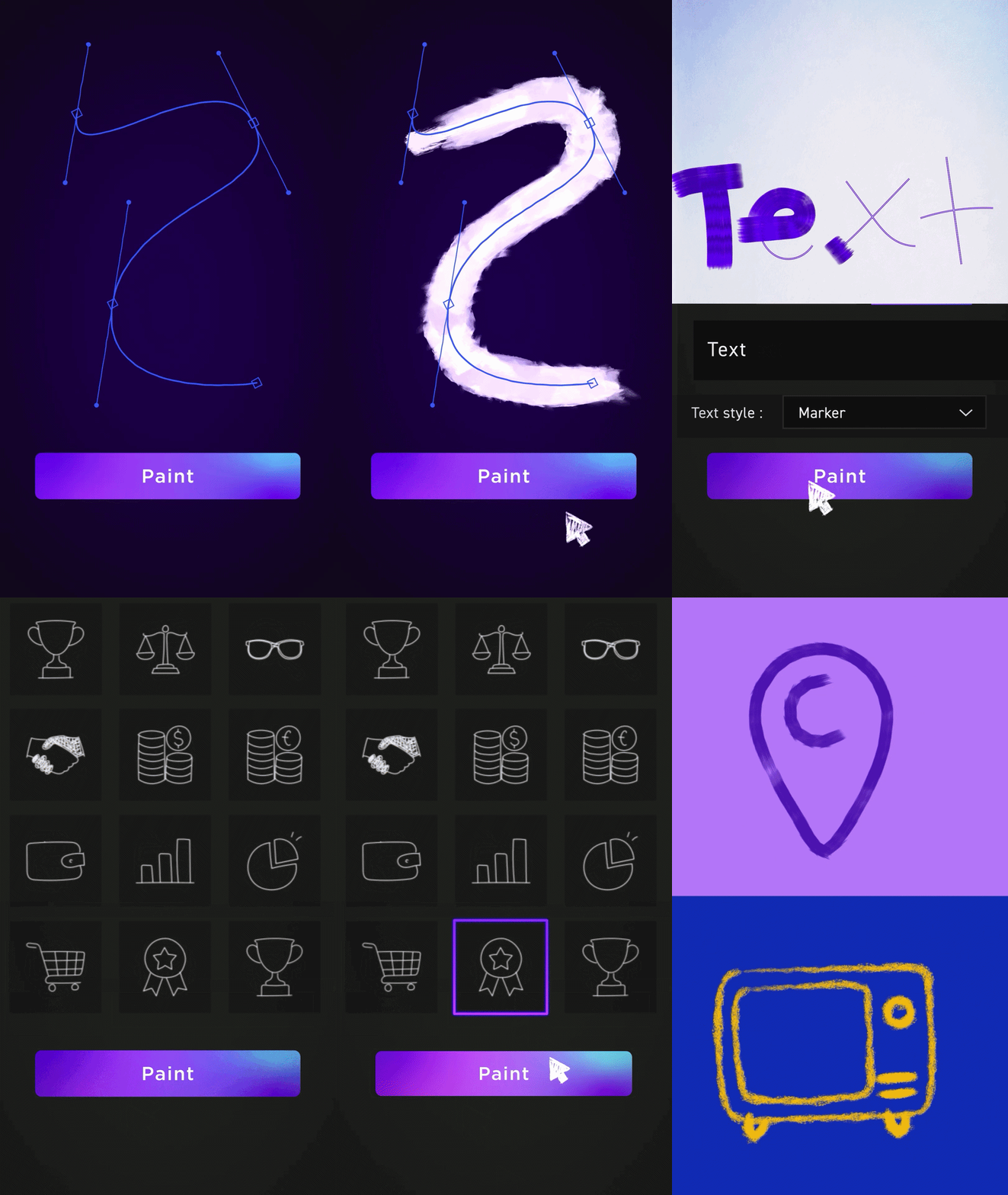
PathPainter is an After Effects plugin for turning paths, text, and built-in doodles into textured brush strokes. Choose a source, select a brush, and press Paint. The result remains an expression-driven system, so you can keep adjusting its appearance after the initial paint.
Paint paths and text
Use PathPainter to add a hand-drawn treatment to an existing path or to paint text. The brush follows the source path, so moving that path also moves the paint. This workflow suits motion graphics that need brush marks or lettering to stay editable as the composition changes.
Choose from six brush styles
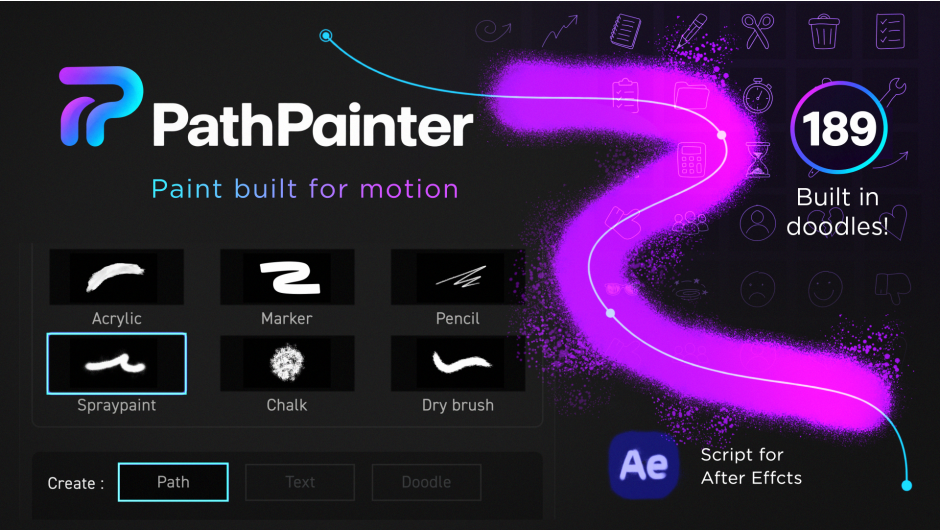
The six brushes are Acrylic, Marker, Pencil, Spraypaint, Chalk, and Dry Brush. Acrylic has a wet body and wash streaks, Spraypaint has overspray and drips, and Pencil has a graphite look with paper texture.
Refine strokes after painting
PathPainter keeps controls for texture, size, scatter, opacity, taper, pressure, color, spacing, position, grain, and timing available after painting. You can adjust the painted item itself, then copy its look and paste it onto another stroke to keep a group of marks consistent.
Animate built-in doodles
The searchable library contains 189 hand-drawn doodles across ten categories, including arrows, highlights, faces, objects, symbols, and weather. Each doodle comes with its own draw-on animation, so it is animated when painted. This can be useful for adding illustrated accents or animated marks to an After Effects sequence.
Compatibility and trial
The product listing names After Effects versions 2020 through 2027 as compatible and provides a free trial. Check the PathPainter listing for current availability and terms.