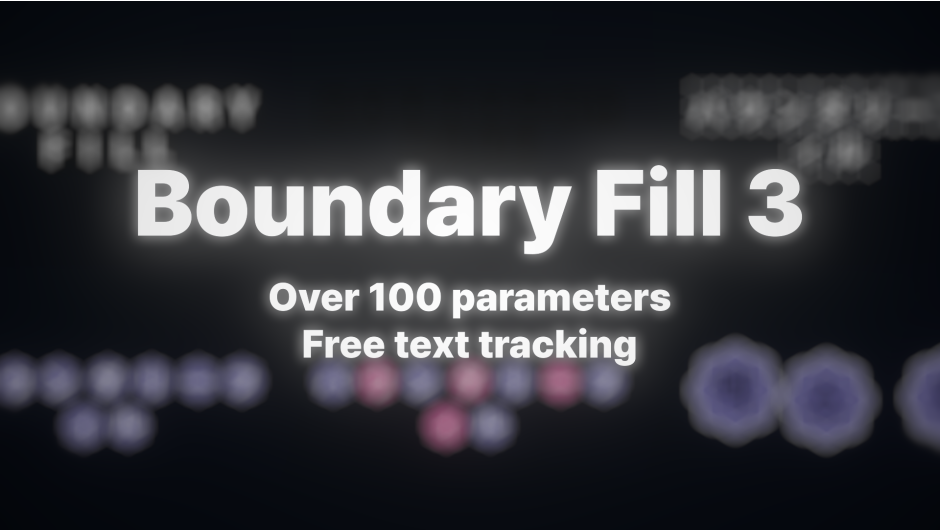
Boundary Fill 3 applies texture layers to text boundaries in After Effects. The texture can follow individual glyphs while the text remains compatible with text animators, which suits motion designers creating textured type with character-level movement.
Set up a textured text layer
Prepare a texture layer, apply Boundary Fill to the text layer, select the texture layer, then press Text Save while the text has no overlap or rotation. Adjust Merge X and Merge Y for the font and size. These controls expand the text outline and determine when nearby boundaries merge. Text Save captures a reference appearance; reset it if you change the text or font.
Control spacing, texture, and motion
X Snap and Y Snap position merged boundaries to align cleanly in a single row. Equal Spacing evens the gaps between boundaries and, with the separate Snap control, helps create a clean grid layout; Snap aligns boundaries between snap values when clean alignment is needed after animation. Boundary Fill can use multiple textures and duplicate one as a sub-texture for use with the Random option. Time Sampling controls texture timing, with Snap to Frames aligning samples to frame units.
The custom interface supports direct interaction in the Composition view, including moving, snapping, scaling, rotating, and adjusting a time delay. For 3D tracking, assign the Controller to a 3D Null and work in Boundary Fill's own 3D space. This uses a workaround because After Effects text layers do not provide full native layer-level 3D support. Version 3.2.0 uses a GPU-friendly architecture, supports 32-bit color, and includes the custom Composition view interface.
Compatibility and practical limits
The product listing supports After Effects 2023 through 2026 and offers a trial. After Effects does not expose each character's position, opacity, or rotation, so Boundary Fill infers those values. Overlapping characters can produce imperfect results; separating text into multiple layers may help.
Check the license type before purchase. The Boundary Fill listing displays a Floating License Server requirement, while aescripts' License Type FAQ, dated Nov 5, 2026, says Single User Licenses (SUL) do not require the server and Floating or Render Only licenses do. The listing does not identify which Boundary Fill license choice its notice applies to. The server is a command-line application for network license management.