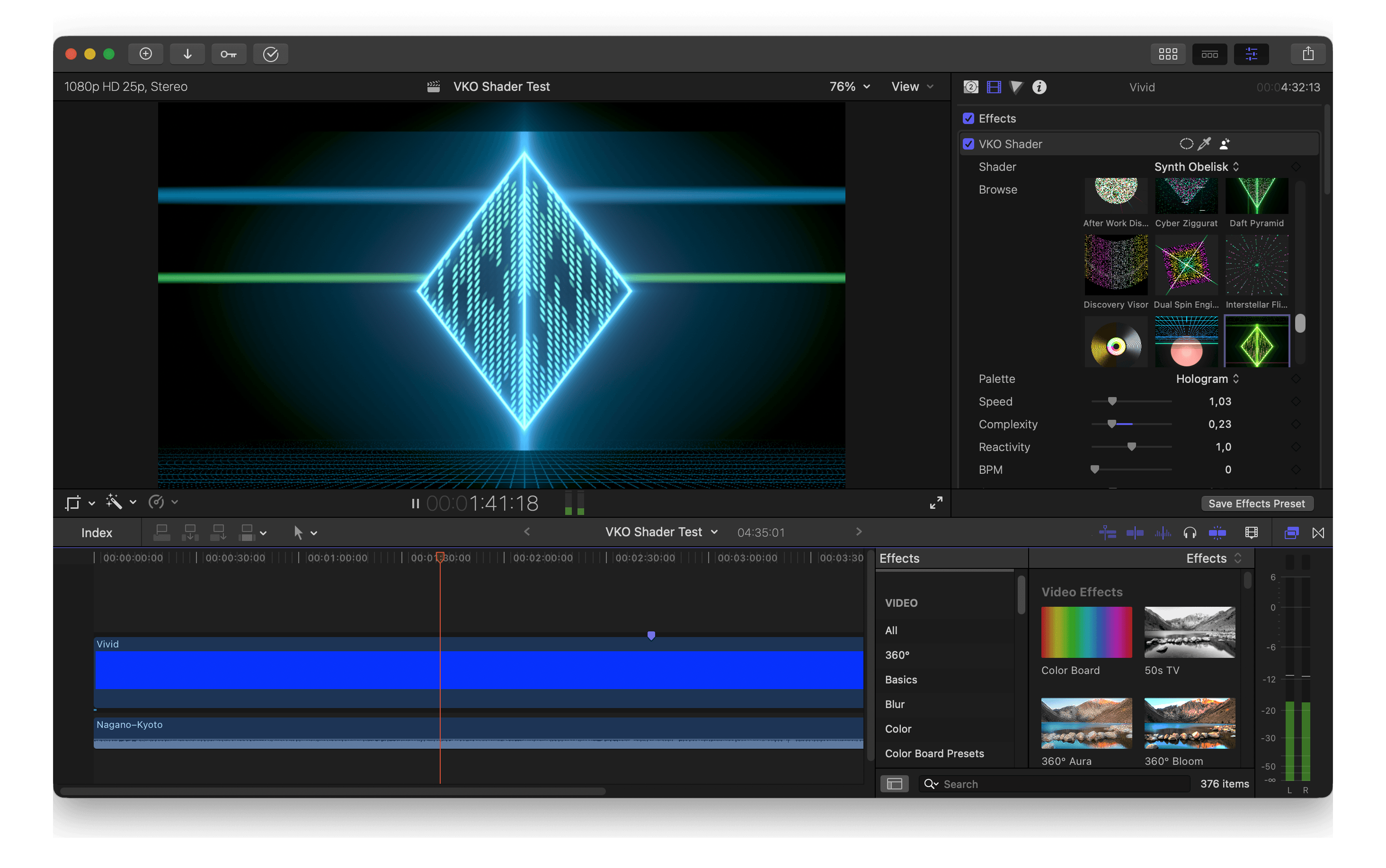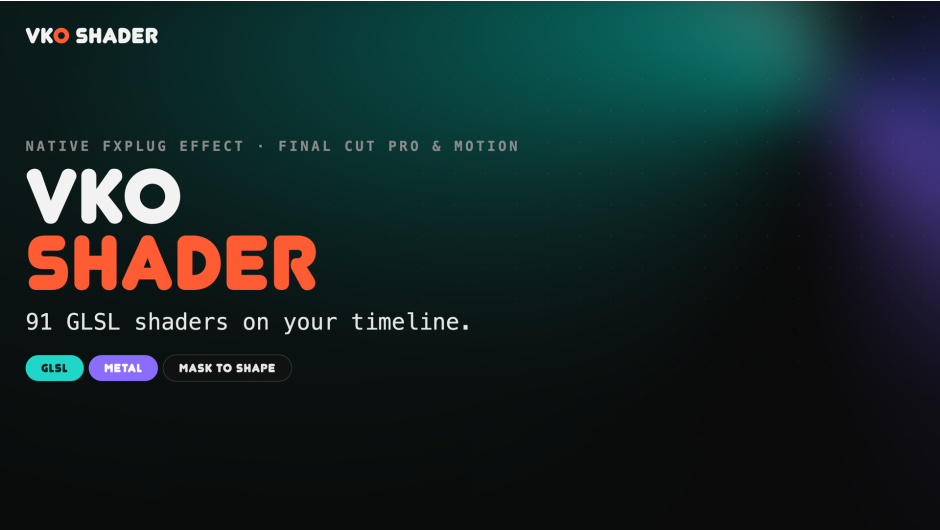
VKO Shader for Final Cut Pro is a native GPU shader effect for Final Cut Pro and Motion. It includes 91 built-in GLSL shaders in a live thumbnail browser, and it can be applied to clips, shapes, and titles. Mask to Shape keeps the effect within the item it is applied to.
The effect runs on the GPU with Metal and renders on the timeline. You can scrub, keyframe, and retime it with your edit. Its controls are standard FxPlug parameters, and every control is keyframable.
Animate with audio or a fixed tempo
For audio-reactive animation, VKO Shader analyzes the composition’s audio track with FFT spectral analysis, onset detection, and beat detection. The available responses include bass, midrange, treble, and beat. Beat Sync can also generate Palette and Shader keyframes on a musical grid.
A timeline without audio can still use beat-locked motion: enter a BPM and the shader pulses to that tempo. The beat phase follows the timeline’s absolute position, so it remains in sync across trims and cuts. Audio Amount blends manually keyed motion with the live beat response.
Import or build custom shaders
To use a custom shader, import a .glsl or .frag file, or place it in the VKO Shaders folder. The file appears in the browser without a host restart, and changes are recompiled when you save.
For visual authoring, the free browser-based VKO Graph Editor lets you build shaders with nodes and export an importable .glsl file. This route does not require writing GLSL. The plugin also includes a button to open the editor.
Compatibility and technical details
The product listing names Final Cut Pro 11 and 12 as compatible. It describes a native FxPlug 4 effect for both Final Cut Pro and Motion, built with Metal as a Universal binary. The listing does not specify Motion version requirements.
VKO Shader may suit editors who want animated shader effects directly in a timeline, with either audio-driven controls, a set BPM, or manual keyframes. See the VKO Shader product listing for current product and trial details.