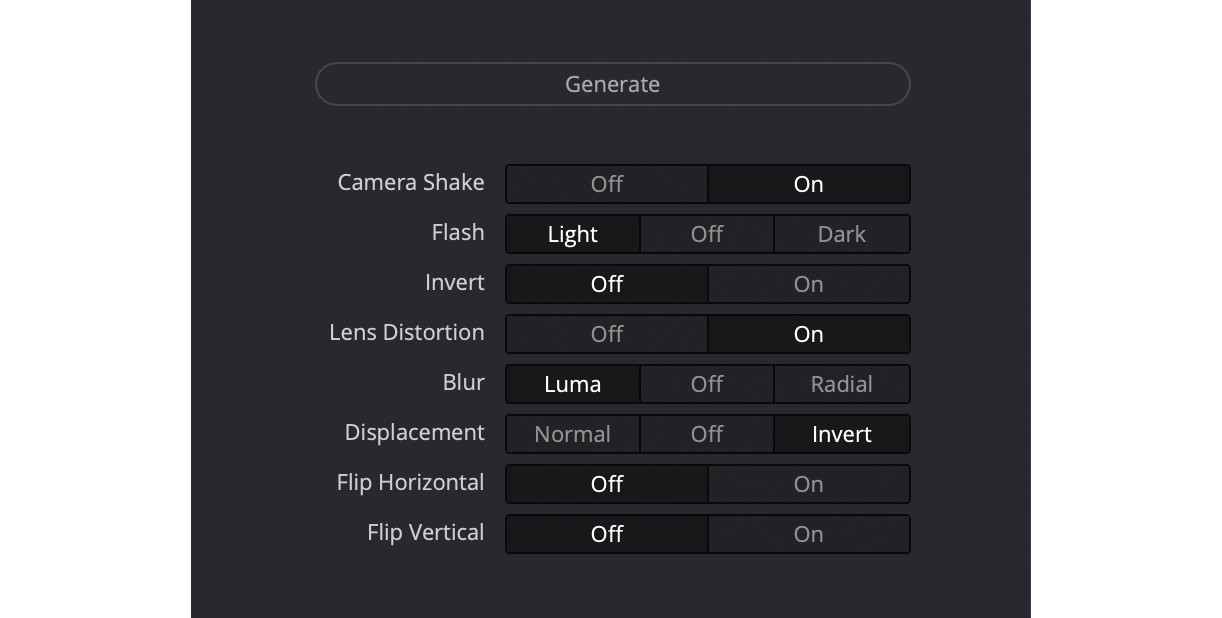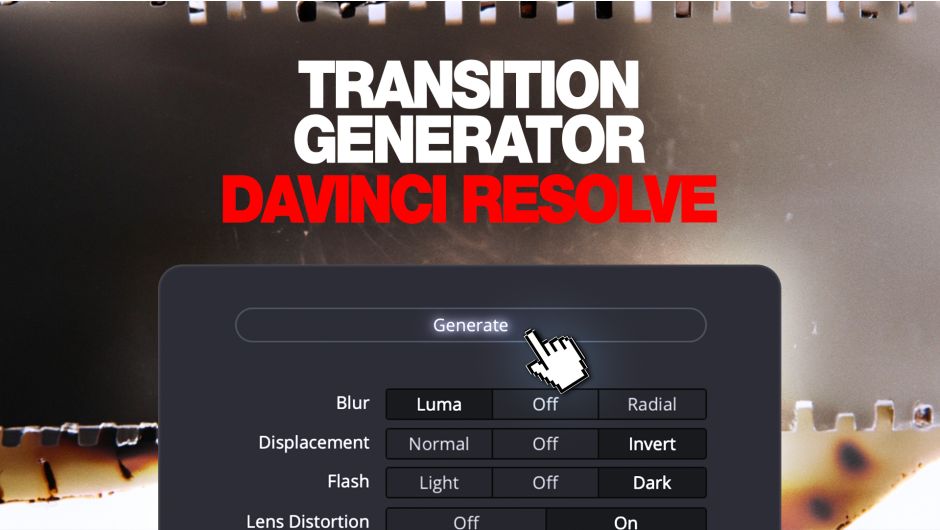
Transition Generator for DaVinci Resolve creates transitions on the timeline when you click Generate. Its settings panel includes controls for shake, distortion, blur, and lighting. The publisher says it works with both the Free and Studio editions of DaVinci Resolve.
Ten transition styles
The included styles are Lens Ghost, Aesthetic Film, Lens Flares, Punch Hole, Scrapbook, Horror, Slide Projector, VHS Static Damage, Film Flash, and Optical Glare. They cover looks ranging from film effects and damaged footage to lens flares and other optical effects.
Generate and adjust transitions
Apply the effect to the timeline and press Generate to add a transition. Then adjust its built-in settings, which the publisher describes as toggles for shake, distortion, blur, and lighting that do not require manual keyframing.
Compatibility and package
The publisher's product listing lists DaVinci Resolve versions 19, 20, and 21 as compatible. It describes the product as a single .drfx file for DaVinci Resolve Free and Studio.