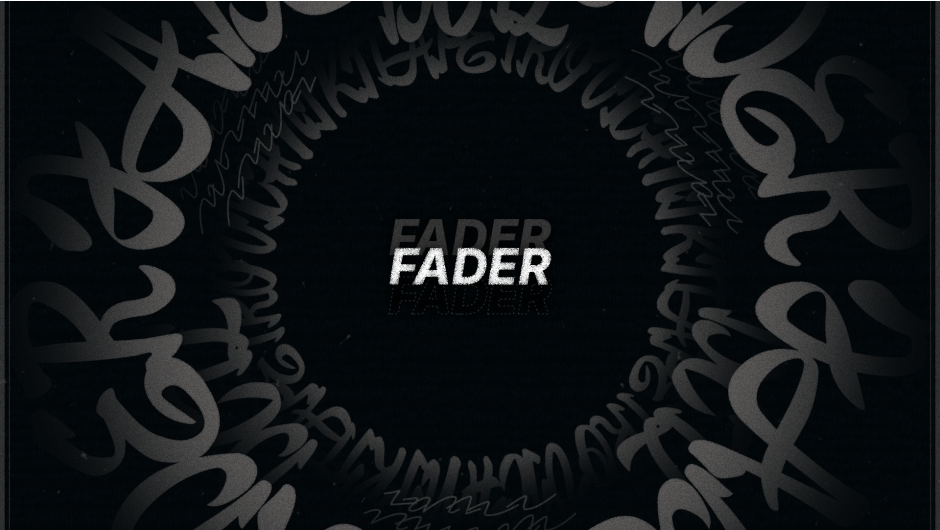
Fader DCTL by Nikita Petrovich is a film-style fade effect for DaVinci Resolve. Its main animation uses one slider, with additional timing and compositing controls for adjusting the fade on footage or titles.
Control the fade
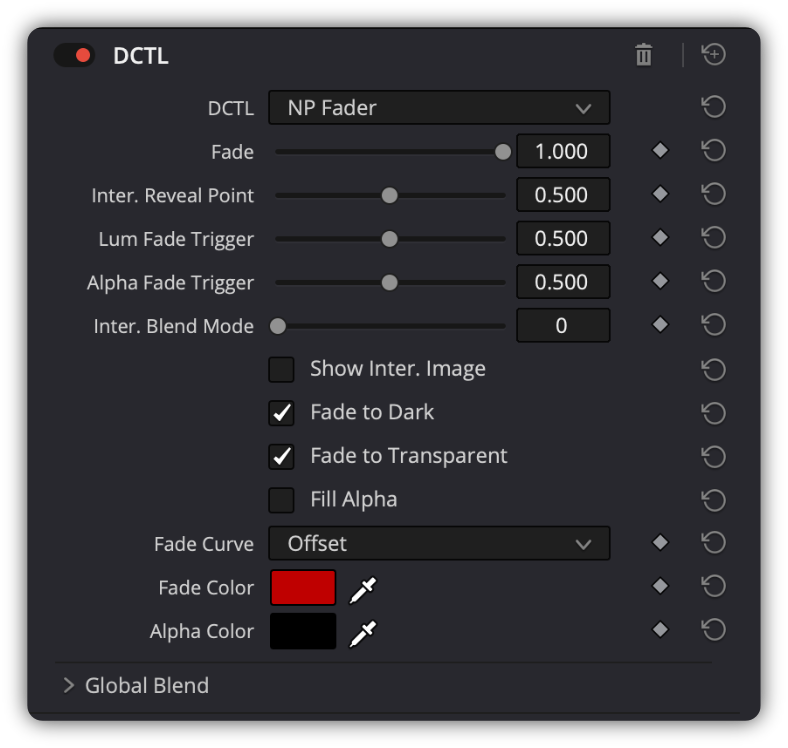
Set the Reveal Point, Fade Trigger and Alpha Trigger for precise timing. You can adjust the fade color and luminance curve, disable alpha fade, and use the Blend Mode slider to mix the effect with graphics or footage. The Fill Alpha option preserves mask shapes. Hover over a parameter name to see its UI tooltip.
Use it with Fusion titles
Fader DCTL works with Text+, MultiText and other Fusion titles. The controls let you adjust the timing, color and blending of the fade while working with a title.
Check Resolve and GPU requirements
The compatibility listing names DaVinci Resolve 21, 20 and 19. The system requirements specify DaVinci Resolve Studio 19.1 or newer and an NVIDIA or Apple Silicon GPU. For Resolve 19, the stated 19.1 minimum is the more specific requirement.
Price and release
The listed version is 0.1.0, the initial release. The publisher listing shows a suggested price of $14.99. Individual users can pay any amount; businesses and teams must pay the suggested price to receive a valid license. Check the listing for current price and licensing details.