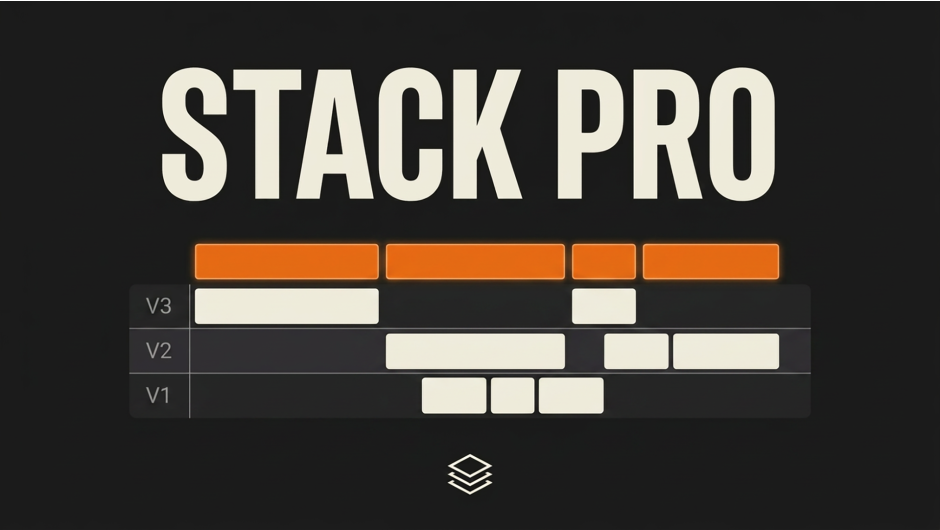
Stack Pro is a LetsMotion CEP panel for Premiere Pro that places adjustment layers and color mattes across clips or cuts. Its four placement modes handle selected clips, every clip, cuts between selected clips, or every cut on the timeline. You can also save a finished look and reuse it in another project.
Choose where layers go
Pick a placement mode based on the part of the timeline you want to affect:
- Selected: Places a layer on selected clips, matched to their length, or uses one layer across the selection.
- Every Clip: Places a layer across the clips on the timeline for a sequence-wide look.
- Selected Cut: Centers short layers on cuts between selected clips. This can suit brief effects such as flashes or blur hits.
- Every Cut: Applies the same cut-centered placement across the timeline.
For cut-based placement, set the layer length to 1, 2, 3, 5, or 10 frames, or enter a custom length.
Save a look for another edit
Save Current stores a finished adjustment layer with its effects, Lumetri values, and keyframes as a reusable look. Stack Pro can then apply that saved treatment in one action. The product listing’s tutorial also covers importing and exporting looks.
Settings and compatibility
Settings let you choose an effect from your library as the default instead of an adjustment layer. You can set a label color for layers Stack Pro creates, or enable compact mode to reduce the panel to a slim strip.
The listing describes Mac and Windows support, but its Premiere Pro version details conflict: the summary says 2025+, while the compatibility table lists 2023 through 2027. Version history lists 1.1.0, dated September 9, 2026, and says the panel works with Premiere Pro in any language, including non-English Windows. The Stack Pro product listing does not reconcile the conflicting ranges; ask LetsMotion to confirm support for your version. The listing also describes a free trial and a one-time purchase.