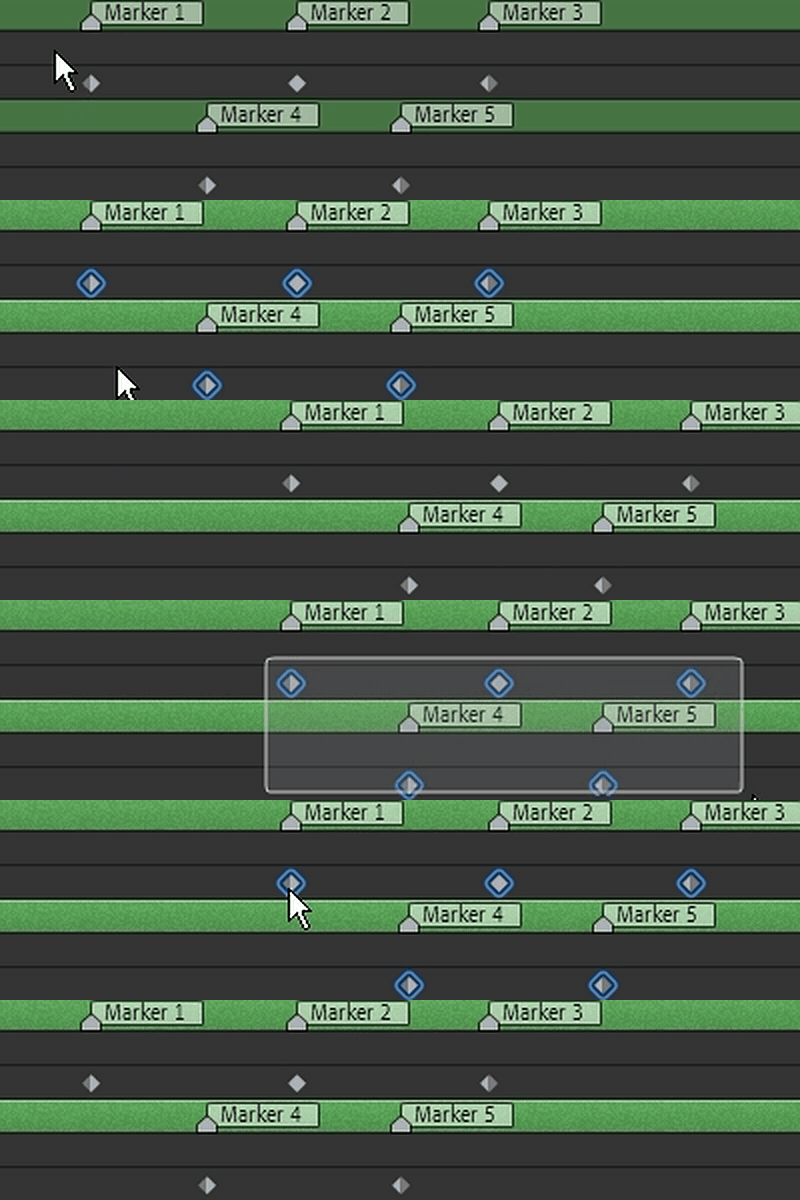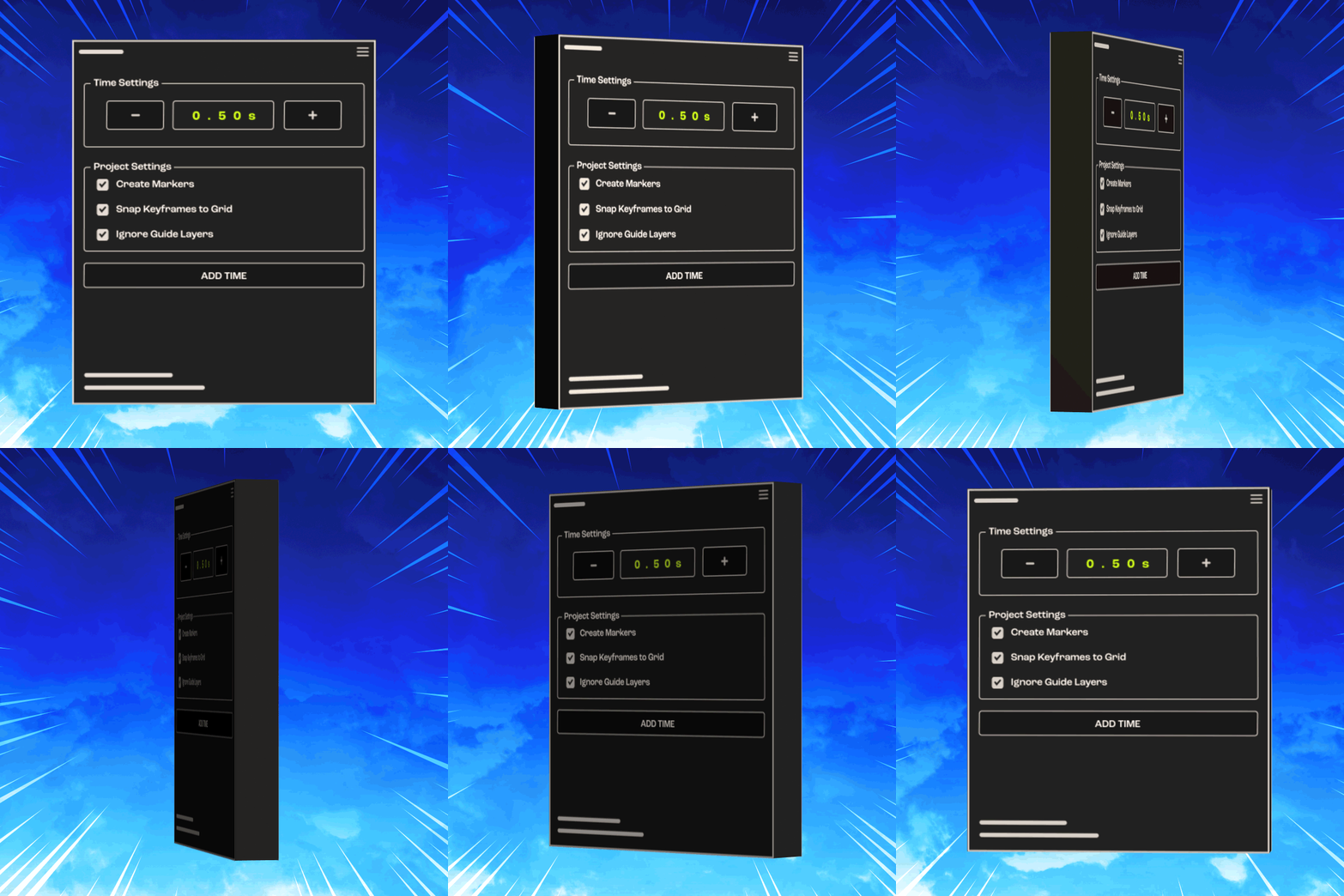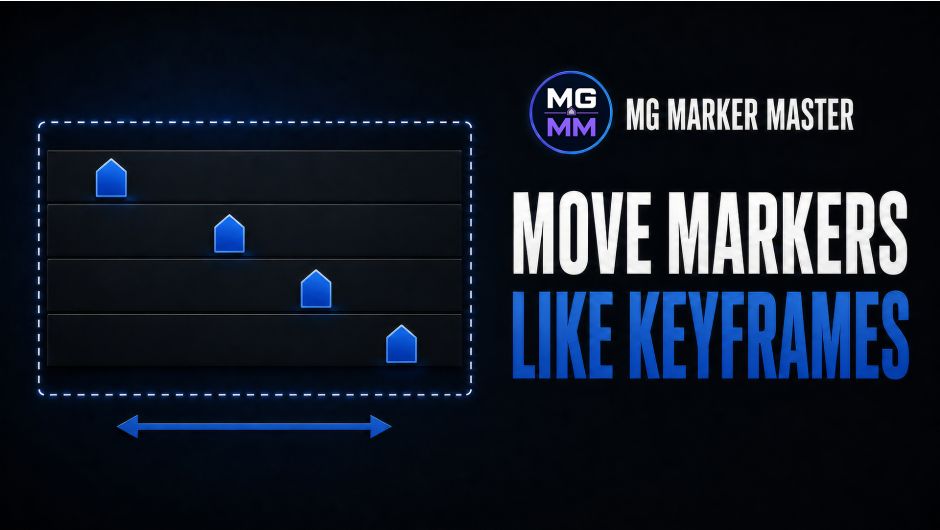
Marker Master is an After Effects panel that links layer markers to control keyframes for group editing; the markers remain regular After Effects layer markers. Enable it in the active composition, then use After Effects timeline commands to move, copy, paste, overwrite, or delete the linked keyframes. The markers follow, including when you copy them between layers, compositions, or projects.
How marker control works
Enabling Marker Master adds an MG Marker Control effect and control keyframes to managed layers. Dragging those keyframes moves multiple markers together. Copying and pasting them transfers markers; matching keyframes can also overwrite markers, and deleting the keyframes removes the corresponding markers. Use Reveal to locate the controls in the active composition. You can undo the last Marker Master operation with its Undo action or After Effects' Ctrl+Z command.
When you Disable Marker Master, it removes its control keyframes from the active composition while leaving the markers in place. Reset removes the plugin controls from the project. Custom keyboard shortcuts are available for Enable, Disable, Reveal, Undo, and Reset.
Scope and compatibility
Marker Master works with layer markers, not composition markers. The listing specifies compatibility with After Effects 2024 through 2027 and provides Windows and Apple silicon macOS builds.
The listing describes aescripts licensing with a 7-day automatic trial. Its EULA permits one copy for use on one computer at a time; additional users or copies require appropriate licensing.