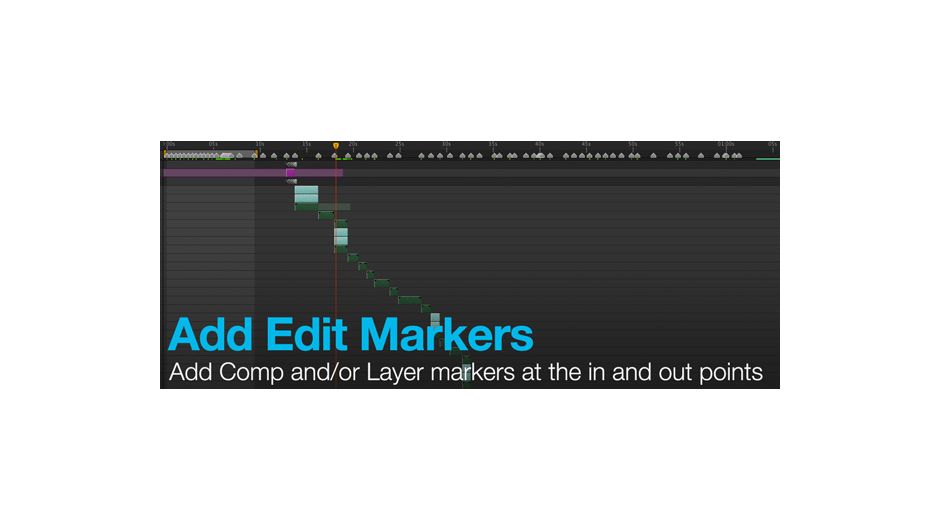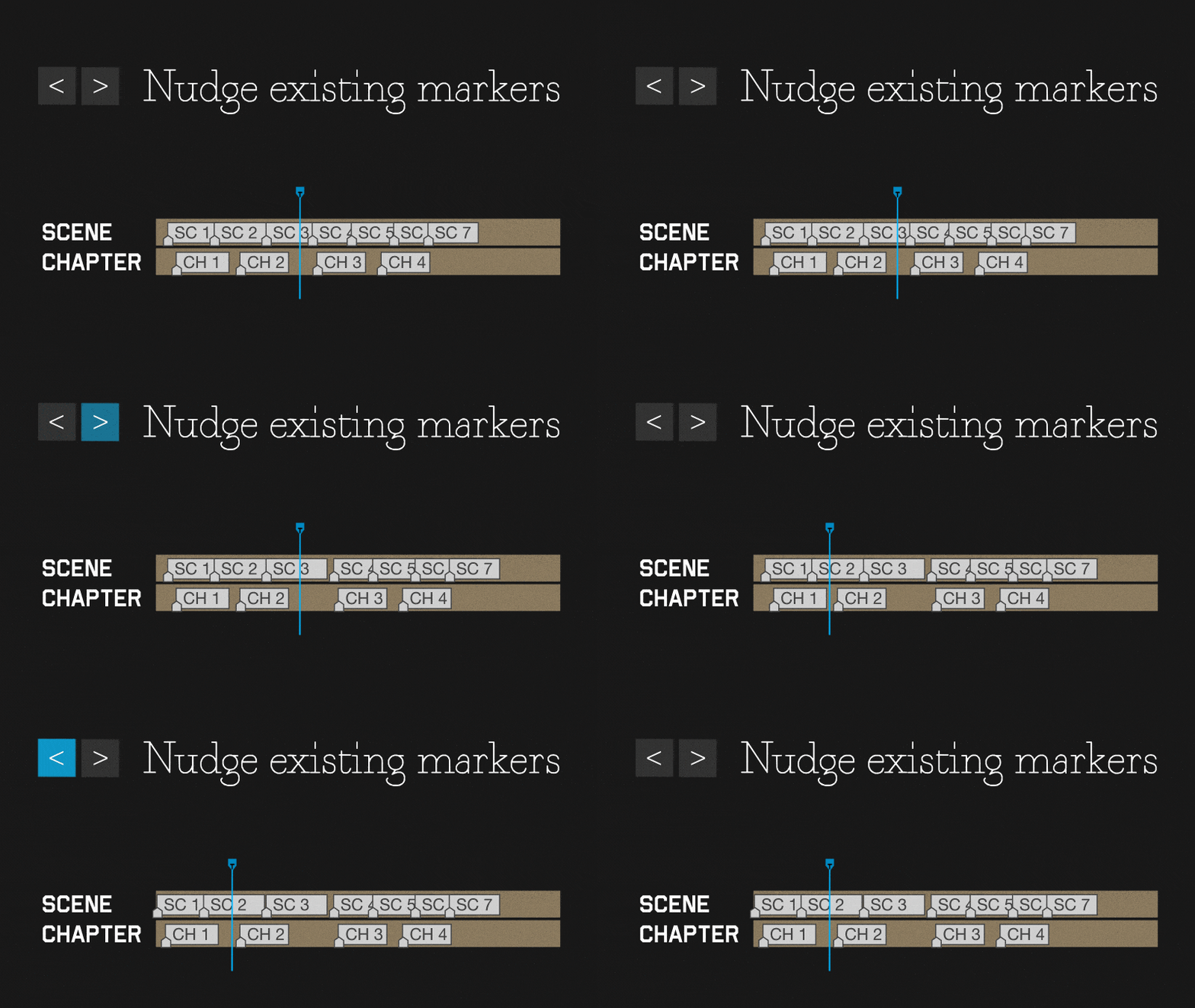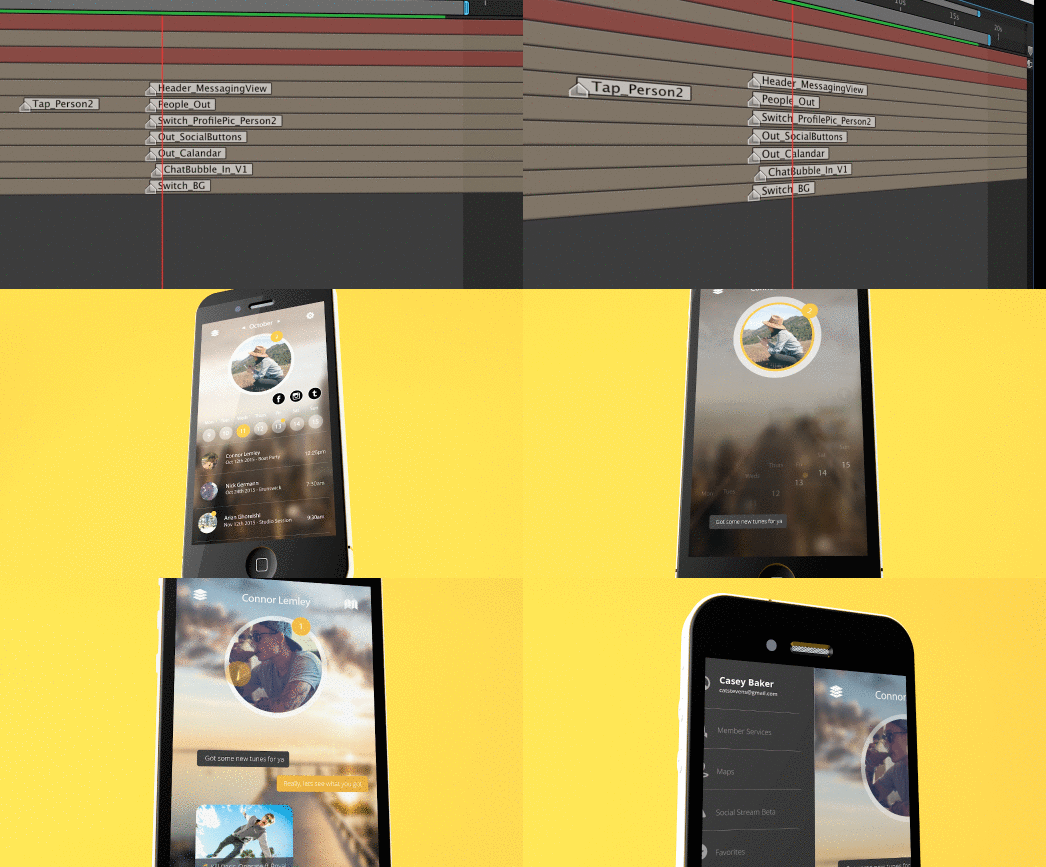
Copy Paste Markers 2 helps reuse markers on another layer in After Effects. It suits projects where timing or cue markers need to move between layers, since After Effects does not provide marker copy and paste in its interface.
Marker copying options
- Copy the marker at the current time.
- Copy all markers across the composition length.
- Copy all markers in the work area.
- Copy all markers before or after the current time.
The work-area and before-or-after-current-time options are unavailable in the demo.
Compatibility and license
The aescripts listing names After Effects CC 2019, CC 2018, CC 2017, CC 2015.3, CC 2015, CC 2014, CC and CS6. It does not establish compatibility with later releases.
The EULA allows one installed and used copy on one computer at a time, plus one archival copy stored on a medium other than a hard drive and used only for reinstallation. The EULA permits multiple-copy use or installation only under an appropriate licensing agreement for each user and each copy.