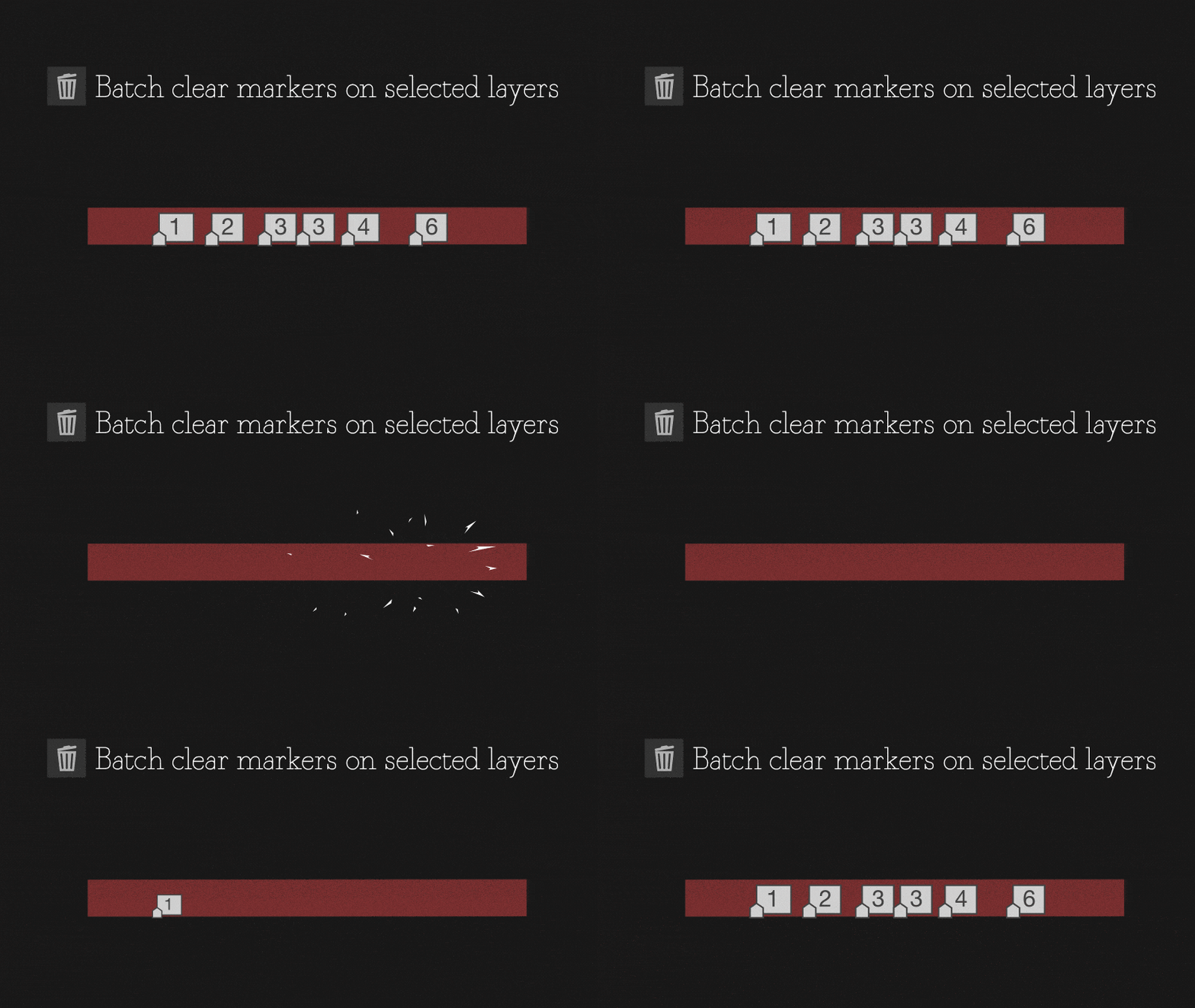
Marker Typer turns typed text into a batch of markers on selected After Effects layers. Choose to split the input at each letter, each word, or commas, then set the frame interval between markers. It can help when words or letters cue marker-triggered animation or when you organize a timeline with named markers.
Build and adjust marker sequences
Select one or more layers, enter the text, choose a split mode, set frame spacing, and create the markers. For text that is awkward to type directly, the settings panel lets you define shorthand for the marker text. In word or comma mode, SKIP omits a marker at that point, leaving a pause for marker-based animation.
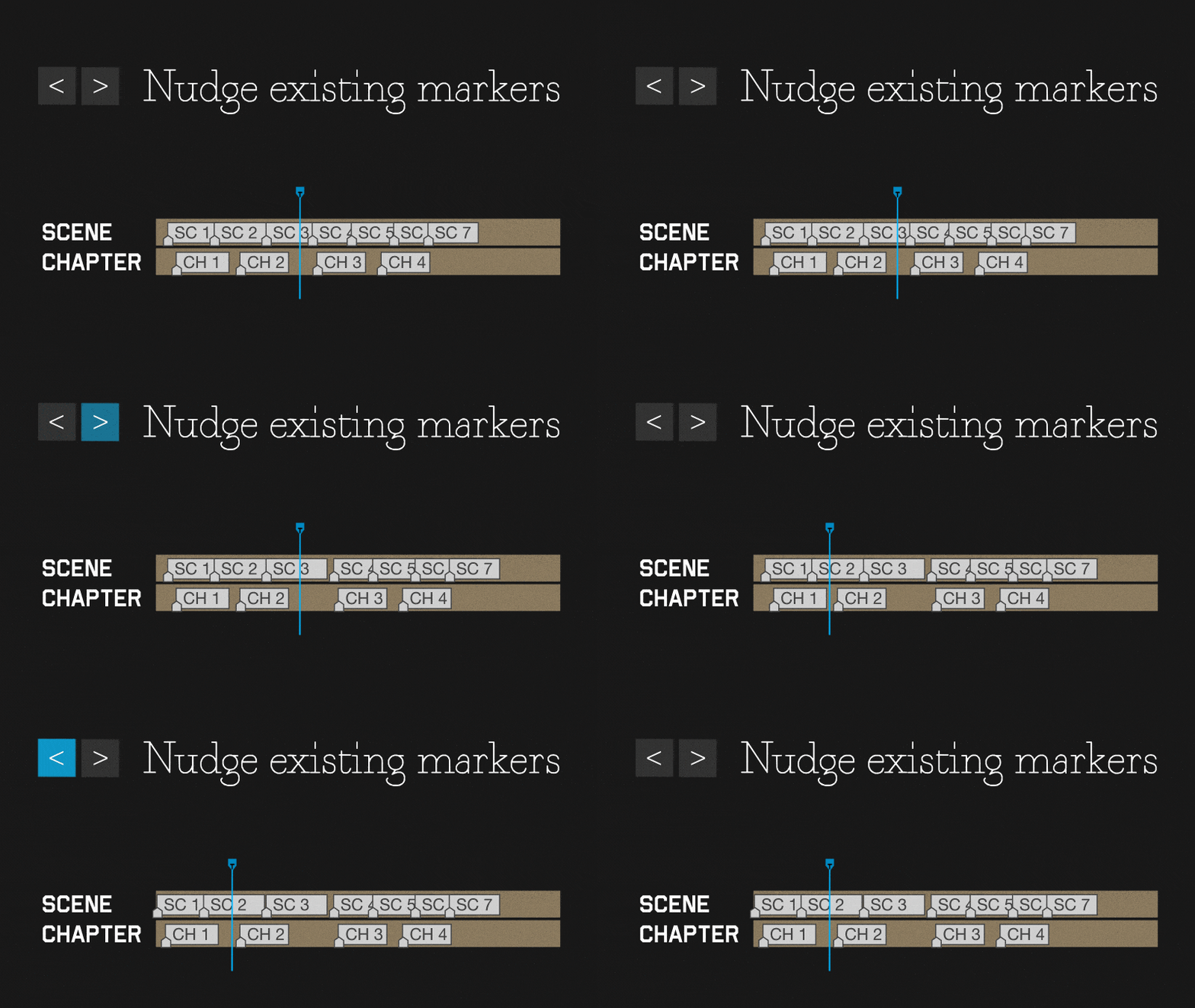
To adjust spacing after creation, place the playhead between markers and use Nudge Left or Right. Each click moves markers by the frame count set in the interface. Delete Markers removes markers without clearing them one at a time.
After Effects support and licensing
With After Effects CC 2017 or later, if no layer is selected, Marker Typer offers its create, nudge, and delete functions for composition markers. The compatibility list names versions from CC 2014 through After Effects 2024. Later releases are not listed, so confirm support before relying on it in a newer version.
The product listing currently shows a suggested price of $4.99. Individual buyers can choose another amount; businesses and teams must pay the suggested price for a valid license. The EULA grants use of one copy on one computer at a time. Multiple users or copies need appropriate licenses.