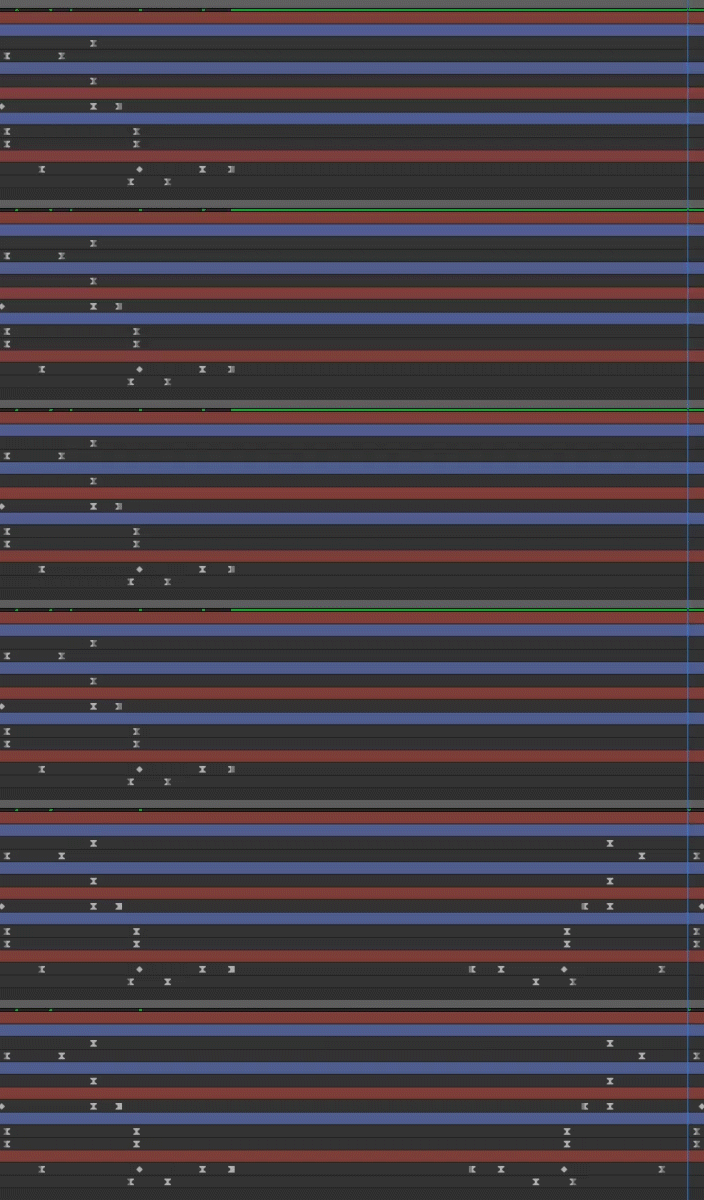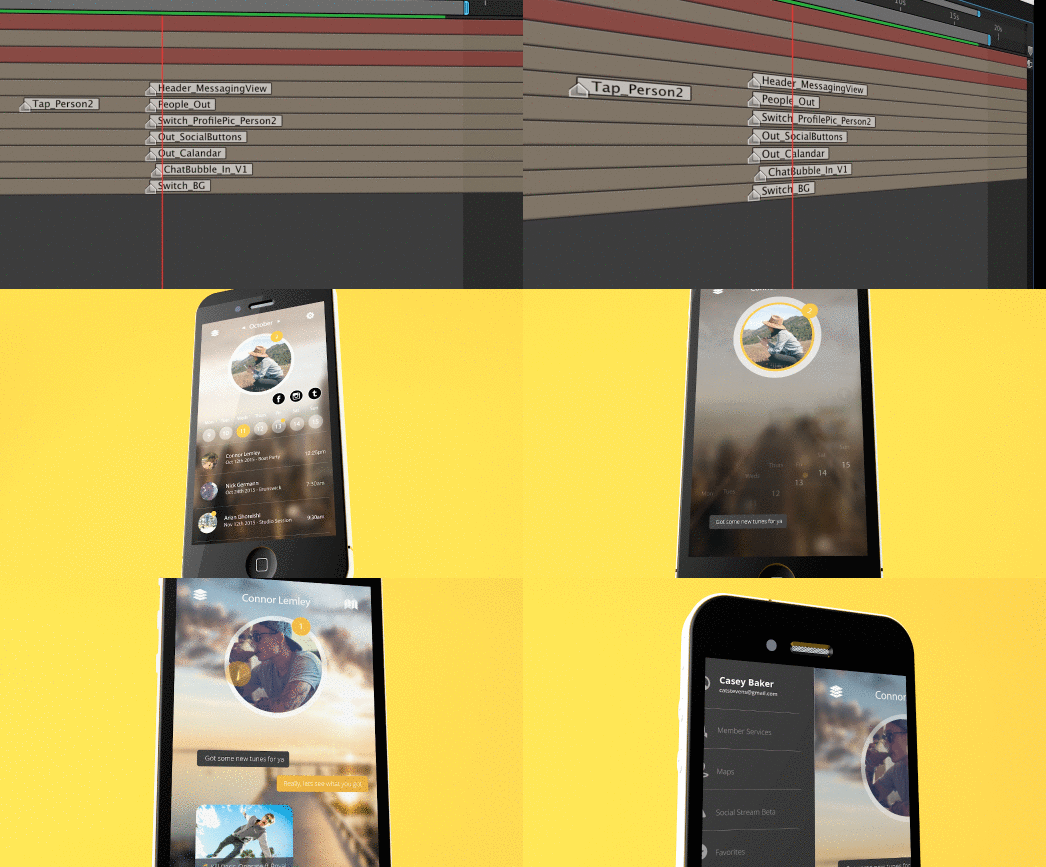
Trigger is an After Effects script for starting and retiming animations inside nested compositions. It links layer markers on a precomp layer in a parent composition to matching markers on a Trigger null inside the precomp. This lets you move an animation event in the global composition without rebuilding the animation inside the nested comp.
Set up marker-based retiming
Select a composition nested inside another composition and choose Retime. Trigger adds a null named Trigger inside the selected composition. Open that precomp, select the null, give the marker a unique name in the Trigger panel, and choose Add Trigger. Place the marker where the animation should begin.
Return to the parent composition and add a layer marker with the same name to the precomp layer. When the playhead reaches that marker, Trigger starts the matching animation. Move the parent marker to change when it begins. You can repeat this setup to sequence several animation events from the global composition.
The Generate Triggers on Comp Layers option can place matching markers on the parent precomp layer when you add a trigger from inside the Trigger comp. This reduces the need to add each corresponding marker separately.
Ways to add trigger points
Add a marker at the current time, or select one or more layers to place markers at their in points; Trigger names those markers to match the layers. Trigger can also place markers at selected keyframes. The developer's documentation lists position, scale, rotation, and opacity keyframes for this method.
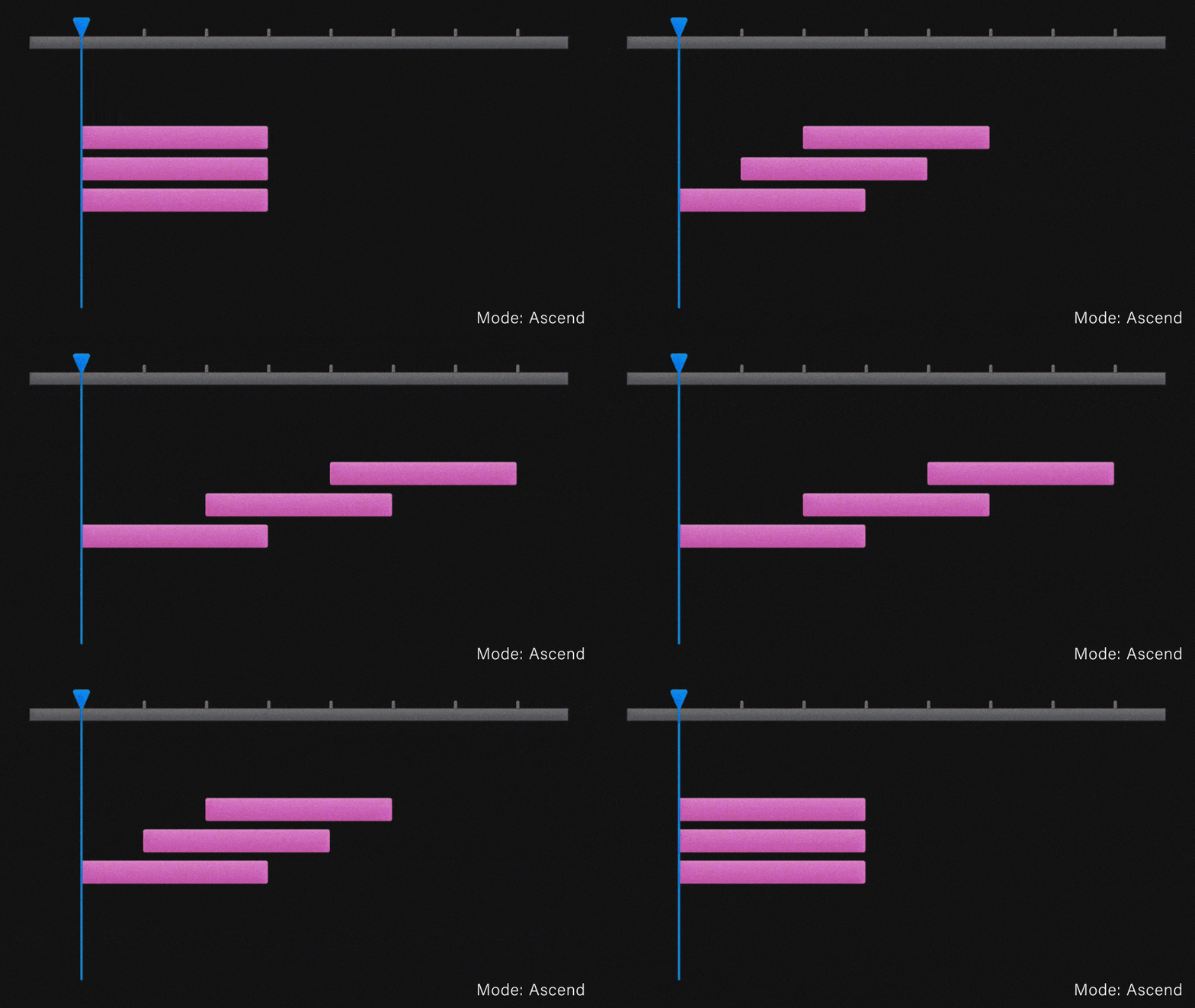
For a defined animation segment, use two differently named markers to mark its beginning and end. Trigger continues playing the animation until it reaches the next layer marker; without another marker, playback continues to the end of the composition.
Version and compatibility
The developer lists Trigger version 1.3, dated June 12, 2026, and compatibility with After Effects versions from CS3 through 2026. Version 1.3 updates the licensing framework. Existing licenses continue to work, and activation, deactivation, and trial mode are managed through the help panel opened with the question mark button.
See the Trigger product page and documentation for current product details, trial access, and licensing information.