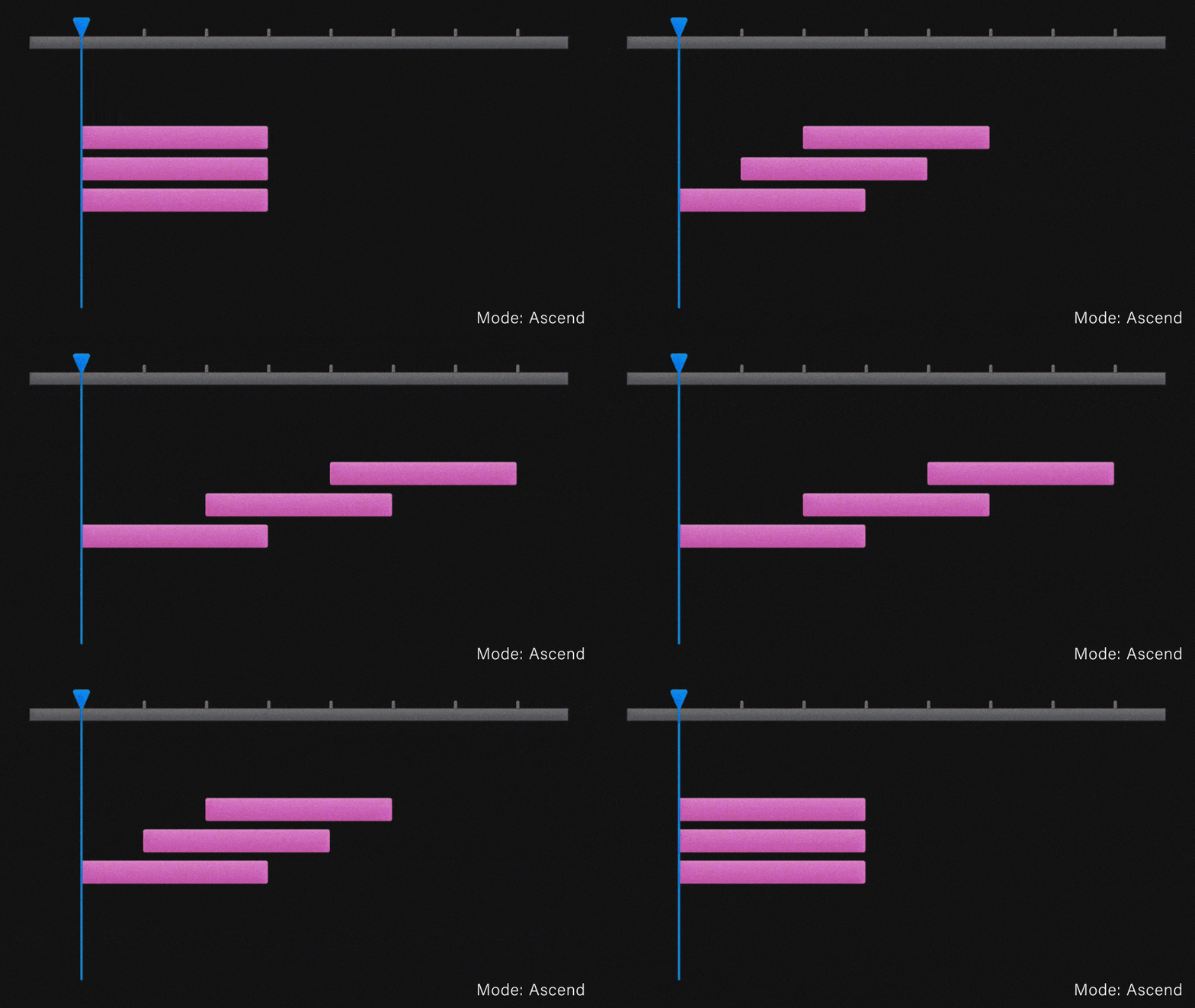
Stratify by Freshmograph is an After Effects panel for offsetting, staggering, sequencing, and sorting selected layers. Its offset controls work through layer order or composition position, while a toggle opens Sortify to organize a layer stack by its properties or type. The aescripts listing identifies version 1.4.1 and compatibility with After Effects 2020 through 2026.
Offset layers by order or selection
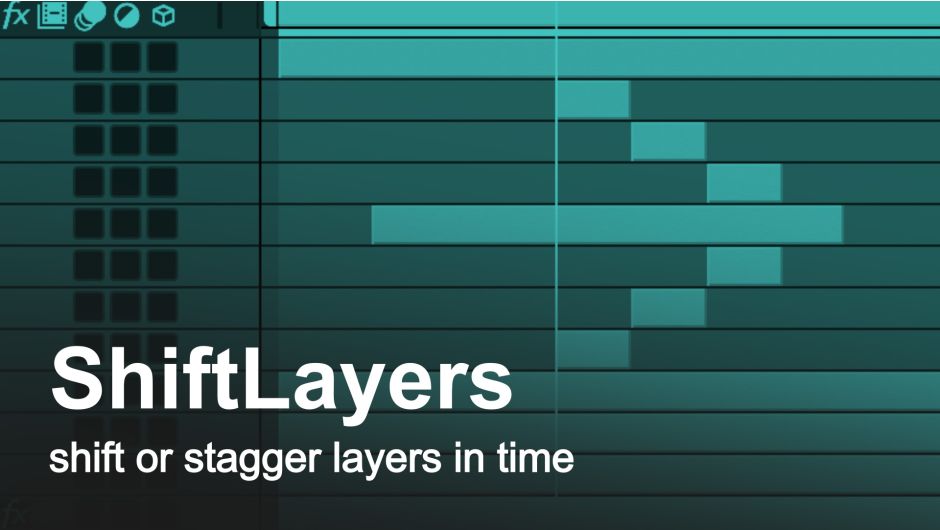
Ascend and Descend apply a one-frame offset per click in opposite directions through the selected layer stack. Ascend moves from the bottom layer toward the topmost selected layer; Descend starts at the top and works toward the bottom. Random offsets an entire layer or only its in-point or out-point, using user-set minimum and maximum frame offsets. Sequence follows selection order.
Modifier keys adjust these operations. Ctrl or Cmd reverses direction in Ascend, Descend, and pattern modes. Shift changes the offset increment to ten frames in Ascend, Descend, and pattern modes; with Sequence, it starts from the last selected layer. In Ascend, Descend, Random, and Sequence modes, ALT offers grouping options for label color, parent chains, in-point, in-point plus label color, Reflect, selection order, and a user-specified group size. In the in-point modes, Ascend and Descend follow in-point order instead of layer order. Reflect staggers from the center of the layer stack in Ascend mode and from the outer edges toward the center in Descend mode. Color groups require contiguous layers with the same label color; In-Color mode keeps them together and treats them as one layer. Parent-chain offsets consider only parents and children in the selection.
Stagger layers by composition position
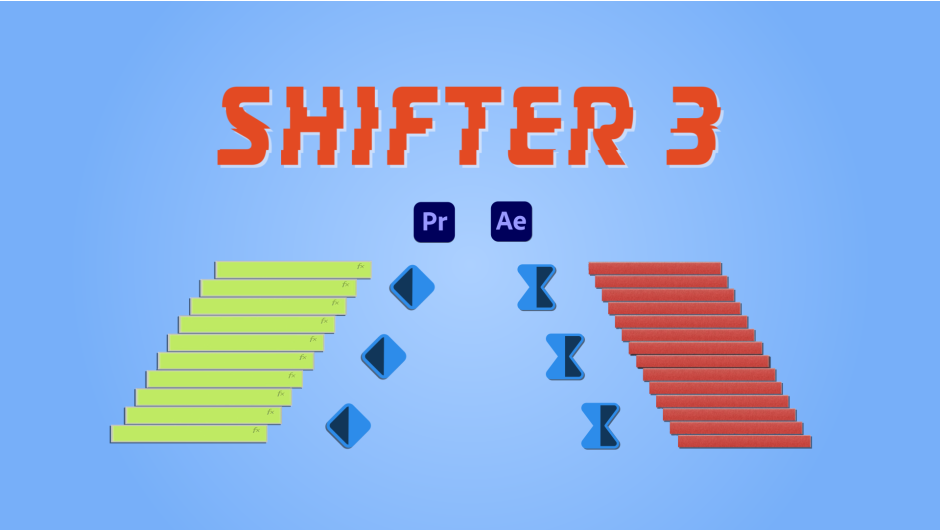
Stratify includes fourteen patterns, such as directional, inward or outward, diagonal, and radial arrangements. These patterns set offsets according to each layer’s position in the composition. Layers with the same relative position share an in-point; ALT can give each layer a unique in-point. You can also copy a stagger from one group to another. ALT + Copy inverts the stagger of the selected layers; ALT + Paste inverts the copied stagger order.
Sort a layer stack with Sortify
Sortify sorts selected layers in Ascend or Descend order using a chosen property: Anchor Point, Position, Scale, Rotation, Opacity, in-point, out-point, selection order, label color, or layer name. For properties with multiple dimensions, the menu can select X, Y, or Z. Random shuffles the layer order, while Sequence reverses it.
Layer Type sorting supports cameras, lights, adjustment layers, nulls, shape layers, text, solids, track mattes, guide layers, and audio. Types not in the Active Layer Types panel are placed in the Primary Group, where they can be moved within the composition. Version 1.4.1 adds Proximity sorting, which orders layers by relative distance. When a null and other selected layers share a position, Proximity treats them as a group and places the null at the top.
Version and compatibility
The version history lists Stratify 1.4.1, released January 15, 2026. The compatibility list covers After Effects 2020, 2021, 2022, 2023, 2024, 2025, and 2026. Check the official product page for current details and the free trial.