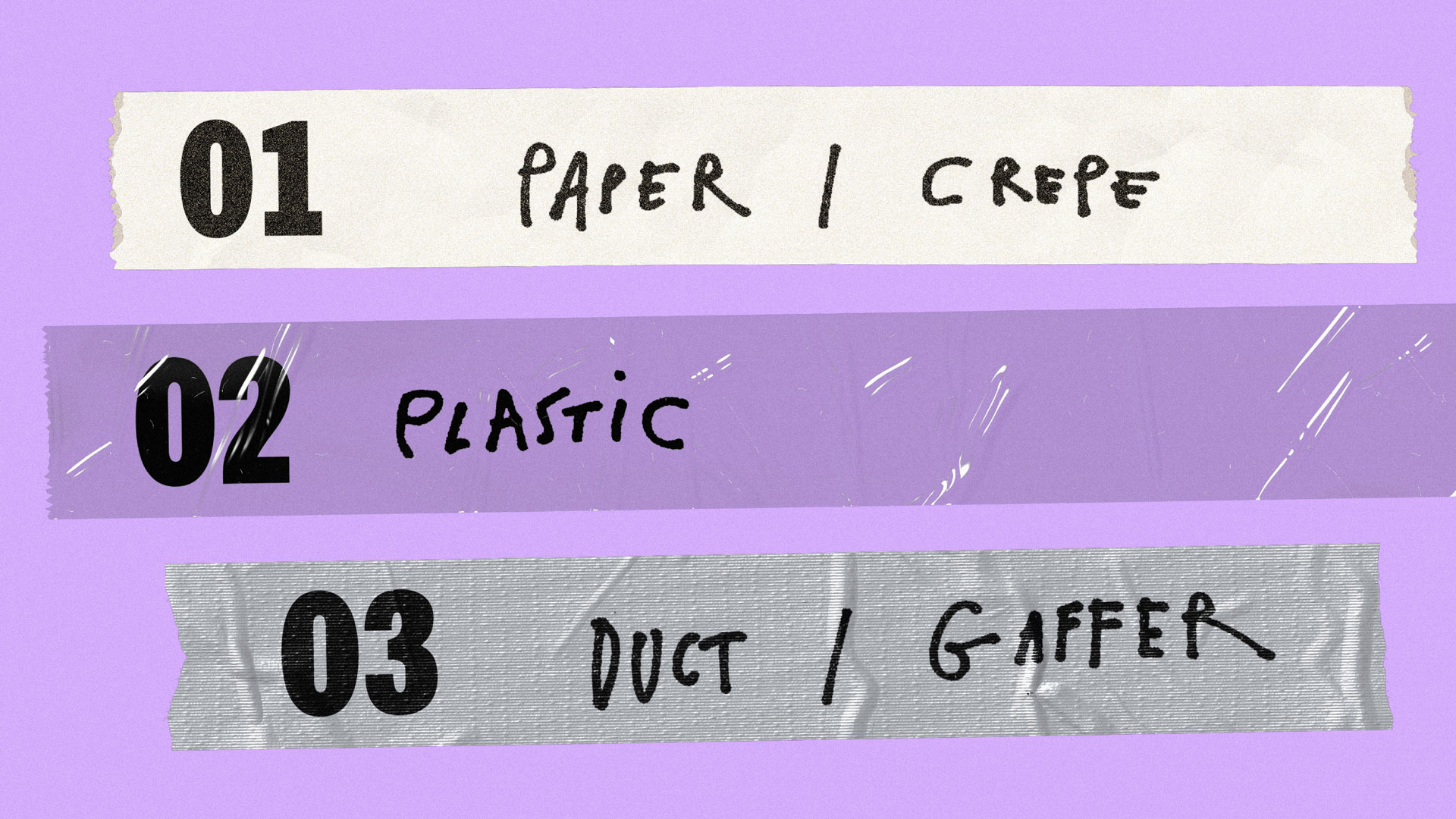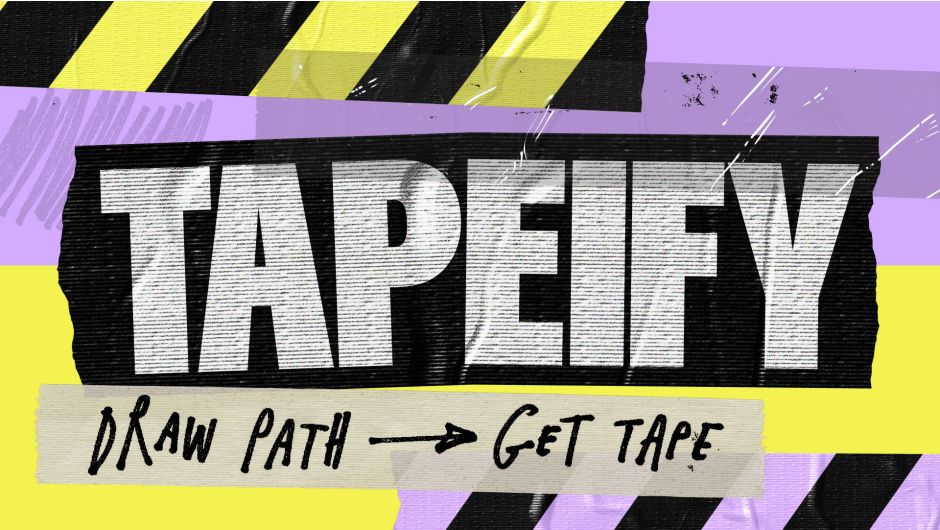
Tapeify is an After Effects effect that turns a Pen tool path into torn tape. Its paper, plastic, and gaffer presets, plus controls for surface and edge detail, suit collage, analog or handmade graphics, titles, and lower thirds.
Start with a path and material
Draw a path with After Effects' Pen tool and apply Tapeify. The path sets the tape's shape before you refine its finish. Choose from paper, plastic, and gaffer presets, each with its own look, behavior, and texture characteristics.
Refine the surface and edges
Tapeify provides controls for edge roughness, sheen, wrinkles, translucency, fibers, and grunge. These can be adjusted independently, letting you tune the strip's outline and surface details while working from the same path. The product walkthrough covers settings for surface, edges, fibers, folds, and texture, followed by pieces, artwork, and animation.
Trim, split, and print artwork
You can trim the tape from either end, and the cut retains its torn edge. Tapeify can also split the tape into separate strips and give each strip its own color.
For printed details, Tapeify supports custom artwork on the tape and automatically builds an artwork composition at the required size and scale.
Use it in motion graphics
A drawn path provides the tape's route, while the material and surface controls determine its appearance.
Compatibility, trial, and version history
The compatibility list names After Effects 2024, 2025, and 2026; the feature list describes support for After Effects CC 2024 and later. A free trial with a watermark is available for testing Tapeify on your own hardware before purchase.
The product listing's version history records version 1.0.1 on September 22, 2026. That update made the tape follow its layer when moved, rotated, or scaled, fixed an error when the layer is outside the composition, and placed Tapeify under Effect > Loophouse.
For current product details and the trial, see the Tapeify listing. To reach the author for support, open a ticket through the product listing.