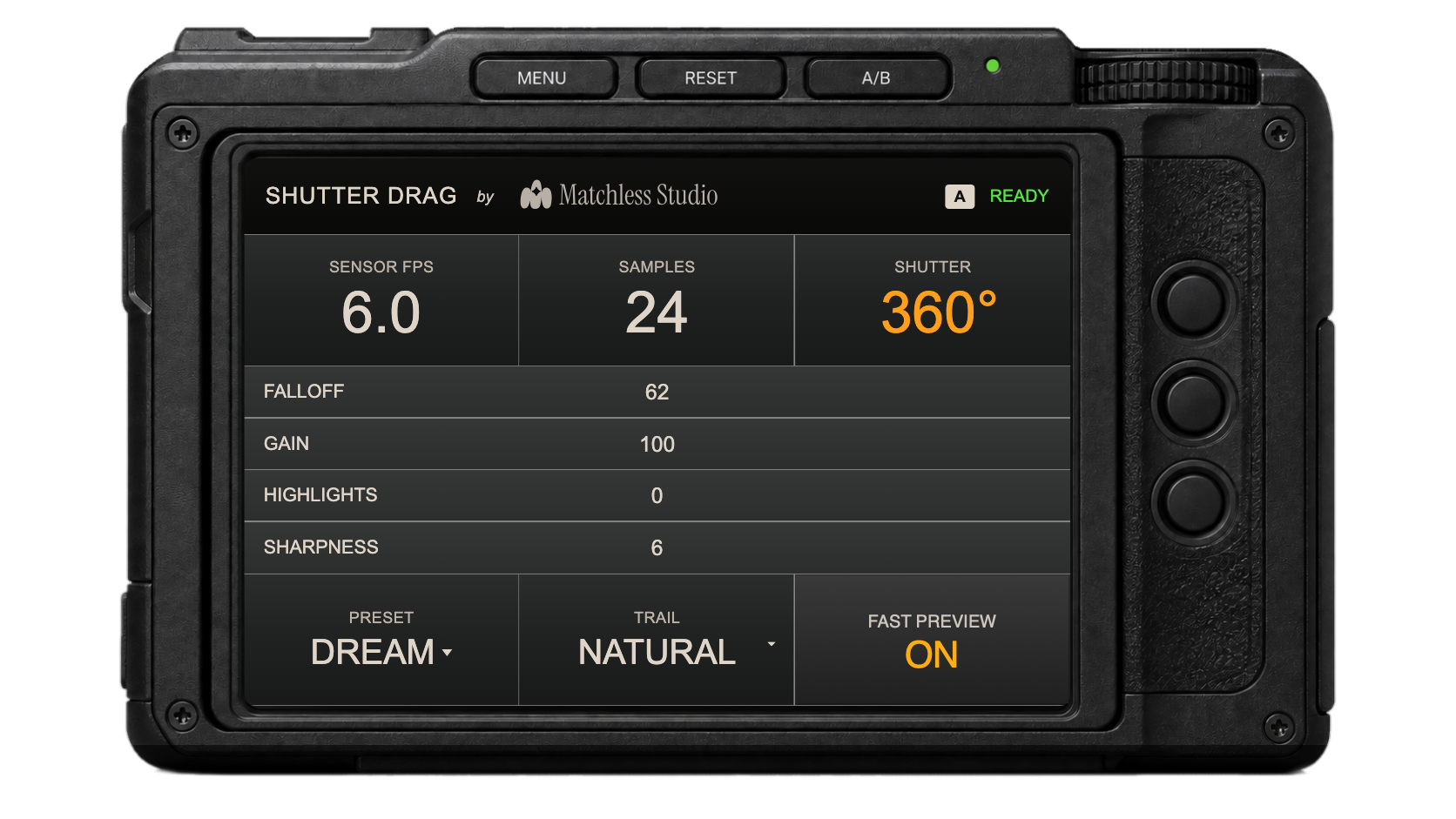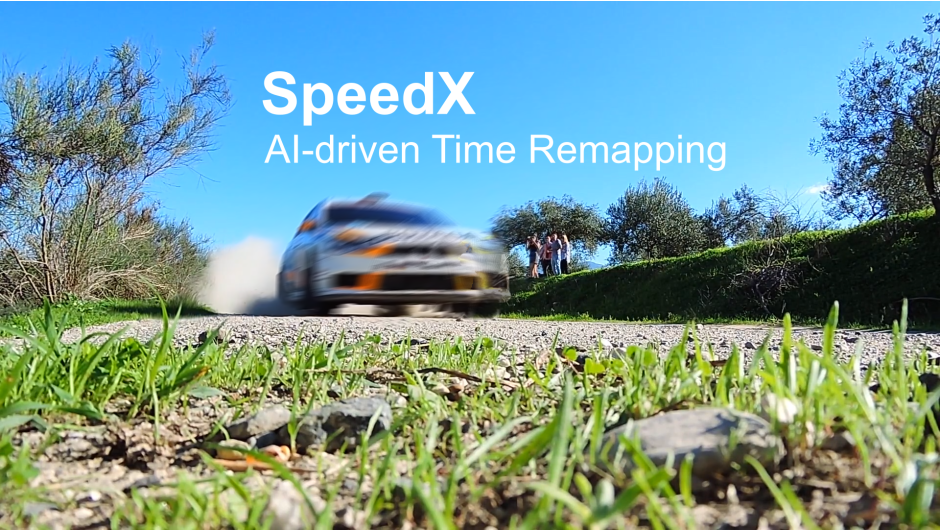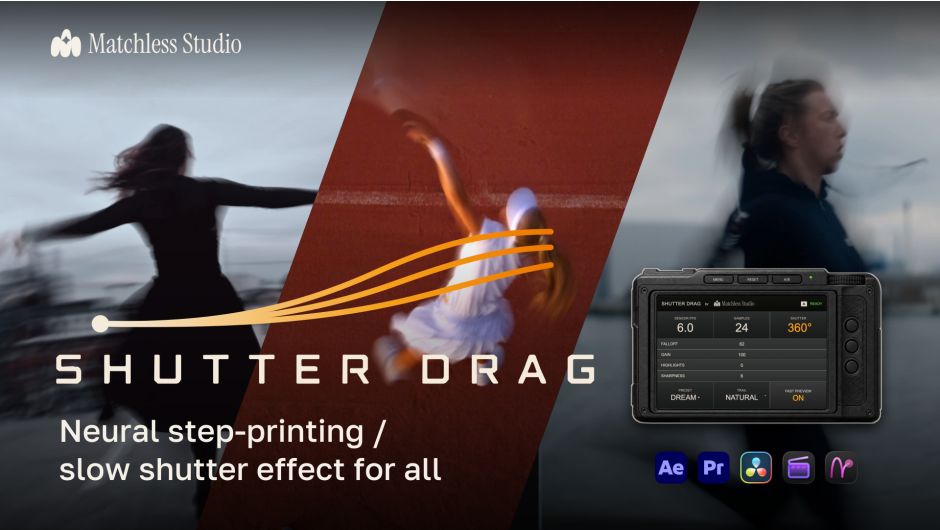
Shutter Drag turns footage you have already shot into slow-shutter trails or a stepped, step-print rhythm. It uses neural motion interpolation to estimate movement between source frames, then combines those moments into exposures. Sensor FPS and Shutter Angle let you shape how often a new exposure is captured and how much movement it gathers.
Choose a motion rhythm
The three built-in presets offer different starting points for a shot. Dream uses 6 Sensor FPS and a 360° shutter for long, soft trails with a pronounced held cadence. Step Print uses 8 Sensor FPS and 270° for a distinct frame rhythm with a more defined endpoint. Clean uses 12 Sensor FPS and 180° for shorter exposures and a faster cadence, with more of the held frame mixed back in.
Adjust the effect
Shape the trail with Falloff, Gain, Highlights, and Sharpness. The blend options are Natural, Lighten, Screen, and Add, giving you different ways to combine the trails with the image. A/B stores two independent looks on each effect instance, so you can switch between them while refining the result.
The Samples control sets how many moments are combined into an exposure. Higher values can create a smoother motion path, with more rendering work.
Host applications and compatibility
Shutter Drag is available in five editing applications, with a different effect format in some hosts: it is an Adobe effect for After Effects and Premiere Pro, an OpenFX effect for DaVinci Resolve, a Motion effect template for Final Cut Pro, and an FxPlug effect for Apple Motion.
- After Effects: versions 2025 and 2026
- Premiere Pro: versions 2025 and 2026
- DaVinci Resolve: versions 20 and 21
- Final Cut Pro: version 12
- Apple Motion: version 6.3
The product listing separates downloads by application and platform. Check your exact setup there, and see its trial, version history, and support information.