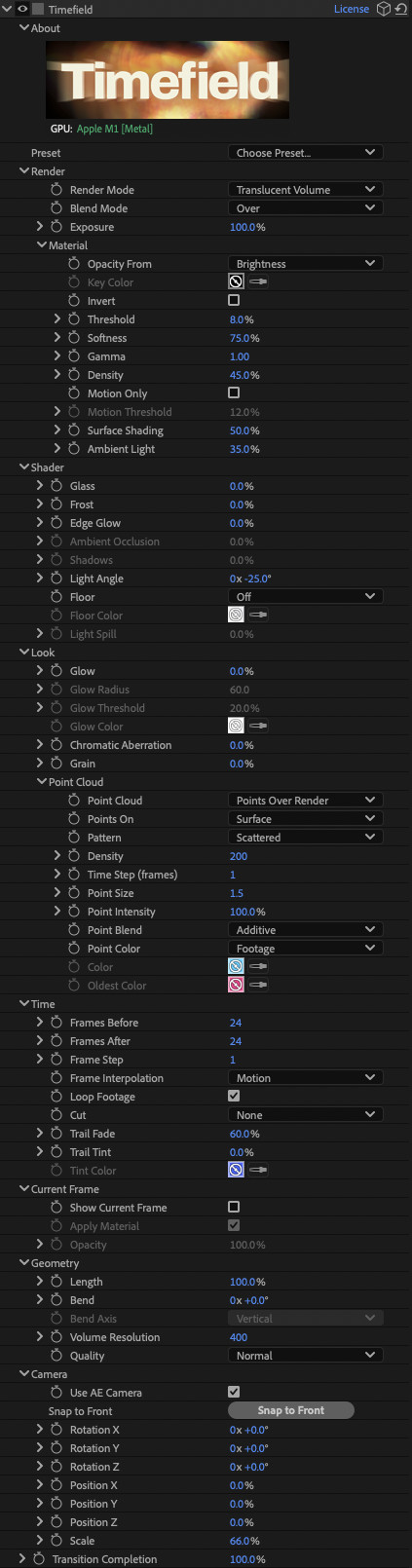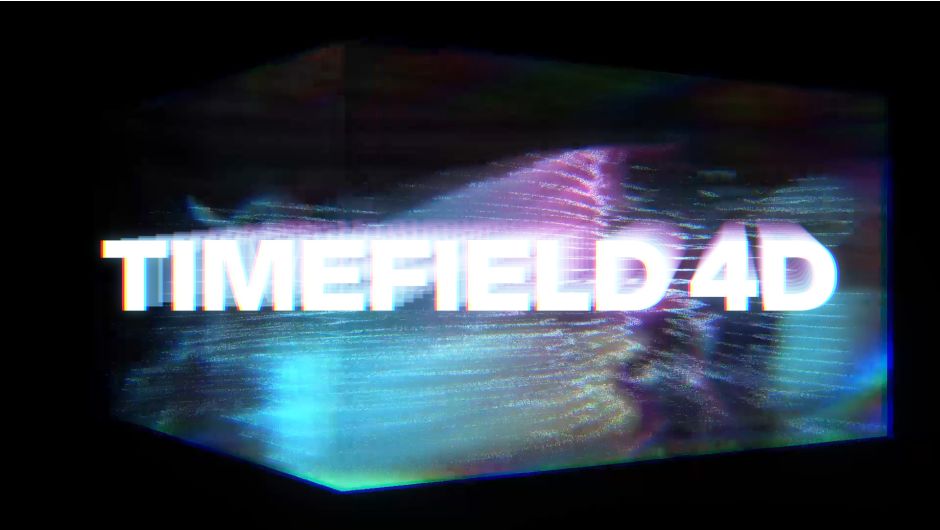
Timefield 4D, by Pixel Sorter Studio, arranges a clip’s frames as a volume in 3D space. Orbit around the stack, spread frames apart, or slice through it to show how a shot changes over time. It is made for visual effects and motion graphics that use several moments from a clip in one composition.
Four ways to render the frame stack
- Solid turns the clip into a sculpted block with slit-scan views along its sides.
- Translucent Volume renders the stack like glowing smoke.
- Separated Slices spreads frames out like cards.
- Cross Section cuts through the volume so one image can show several moments from the clip.
Isolate motion and shape the stack
Motion Only automatically works out the static background and removes it, leaving a trail from moving parts of the shot. Opacity can respond to brightness, luminance, saturation, a key color, or the source alpha. You can curve the stack into an arc or close it into a ring, and adjust trail fading and loop footage.
In After Effects, use the composition camera or Timefield’s built-in position and rotation controls. Drag handles in the composition window to resize or stretch the volume. Every setting can be keyframed, including dropdowns. For OFX, the Timefield 4D listing's version 1.0.2 entry, dated October 21, 2026, says keyframed parameters now evaluate correctly at each rendered frame. Snap to Front aligns the stack with the original footage; Transition Completion moves the volume back into the shot and dissolves to it.
Add materials and finishing effects
Material options include glass with reflections and glowing edges, frosted panes, ambient occlusion, and shadows. A studio floor can catch colored light from the frames. You can also render shadows on transparency for compositing over another background. Point Cloud mode turns the footage into data points, with scan lines across surfaces or dust through the volume, colored by the footage or by age. Glow, chromatic aberration, grain, and optical-flow frame interpolation are built in.
Presets and supported hosts
Seventeen presets provide starting points such as Ghost Trail, Time Ring, Slit Scan, Lidar Scan, and Glass Block. The product listing describes GPU acceleration and real-time interactivity. It lists compatibility with these host versions:
- After Effects, Premiere Pro, and Media Encoder: 2021 through 2027
- DaVinci Resolve: 16 through 21
- Nuke/NukeX: 13.0, 13.1, 13.2, 14.0, 15.0, 16.0, and 17.0
Check the Timefield 4D product listing for compatibility details. The official documentation covers installation, presets, and parameters.