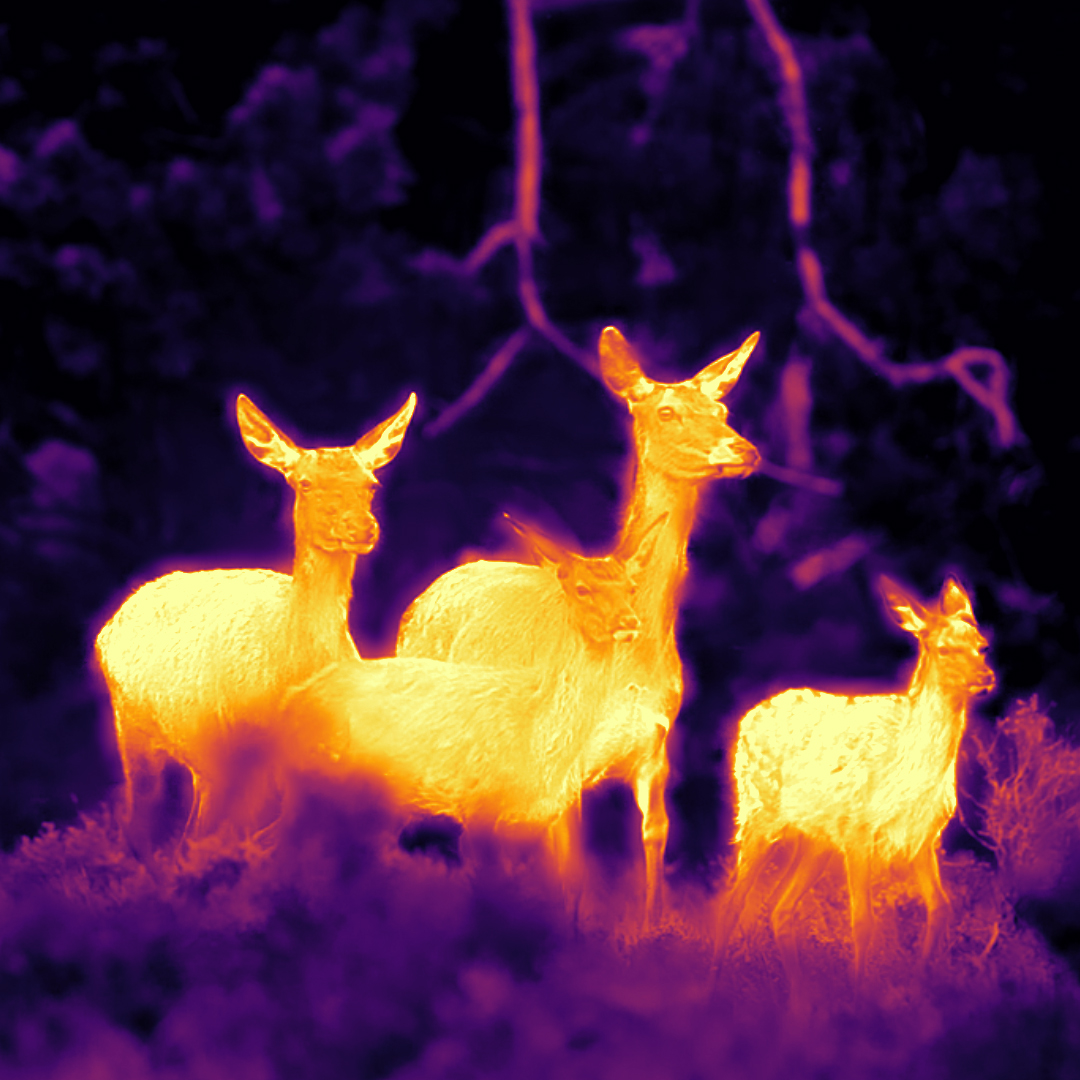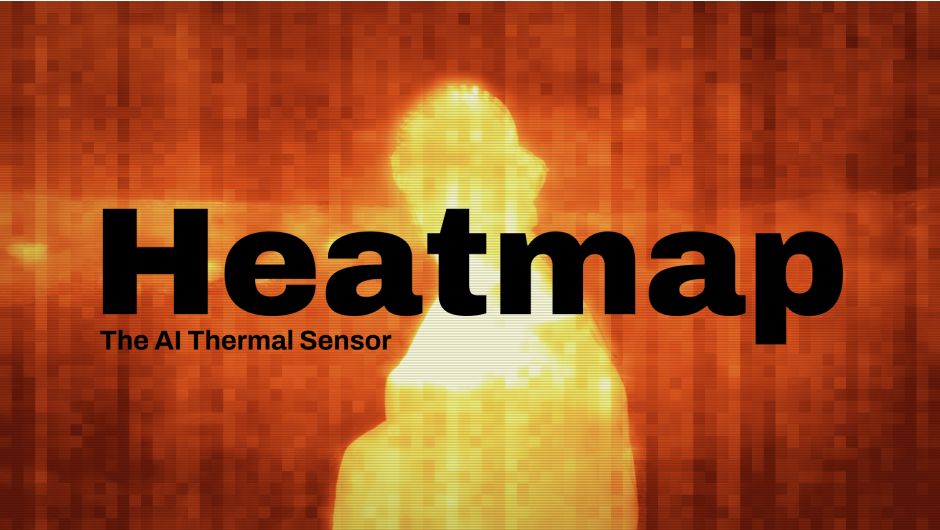
Heatmap is a layer effect that turns ordinary footage into a thermal-camera look. A neural network estimates a heat field for each frame and separates the subject from the background. The effect does not require masks or rotoscoping. Its output is a visual interpretation of footage, not a measurement from a physical thermal sensor.
Choose where the heat appears
Heatmap has three heat-source modes. Auto Subject lets the model find the subject. Pick Point spreads heat from a point you place, with a Spread control for its reach. Structure follows the shapes across the image. These options let you shift the effect between a subject-focused look and heat that follows the broader scene.
Sensor Resolution ranges from 128 to 2048. Higher settings resolve smaller details but take longer to process, and an optional AI 2x upscale adds detail at a further speed cost. Temporal Stability carries estimates across frames, with Off, Balanced, and High settings to control flicker on moving shots. Remove Positional Bias can stop the center of the frame from reading warmer than its edges.
Build the thermal-camera look
Choose among twelve palettes, including Inferno, Ironbow, White Hot, Black Hot, Green Phosphor, and Infrared. Detail offers Blocky for a low-resolution camera look, Smooth, and Edge Aware, which snaps heat to image edges. Edge Snap adjusts how tightly the effect follows those edges. Relief, Texture, and Material Response further shape the image; Material Response can make skin read hotter than fabric.
Sensor Simulation adds thermal noise, fixed pattern, blooming, scan lines, and vignette. Levels controls include Auto Levels, black and white points, gamma, highlight roll-off, and output range. Blend with Source mixes the original image back in. The effect's parameters are animatable, so the look can change across a shot.
Compatibility and setup
The product page lists After Effects 2021-2027, Premiere Pro 2021-2027, DaVinci Resolve 17-21, Media Encoder 2021-2027, and Nuke/NukeX 13.0, 13.1, 13.2, 14.0, 15.0, 16.0, and 17.0. The documentation names After Effects, Premiere Pro, Resolve, and Nuke. The Heatmap product page's version history says version 1.5.15 added universal support for Apple silicon and Intel Macs on September 1, 2026; the manual still lists Apple silicon M1 or later. The manual says Windows 64-bit uses CUDA with an NVIDIA GPU when available and otherwise falls back to the CPU; the product page lists Windows 10 and 11.
Install Heatmap with its installer, which downloads the AI model, about 150 MB, and GPU libraries. Close host apps before installation and restart the host afterward. Processing runs locally, with no upload or account required. A free trial is available, but it marks the render with a red X. The product page lists Single User, Floating Server, and Render-Only licenses. Check the applicable terms for shared systems or render nodes; the included EULA describes a one-copy, one-computer grant and requires suitable licensing for additional users or copies.