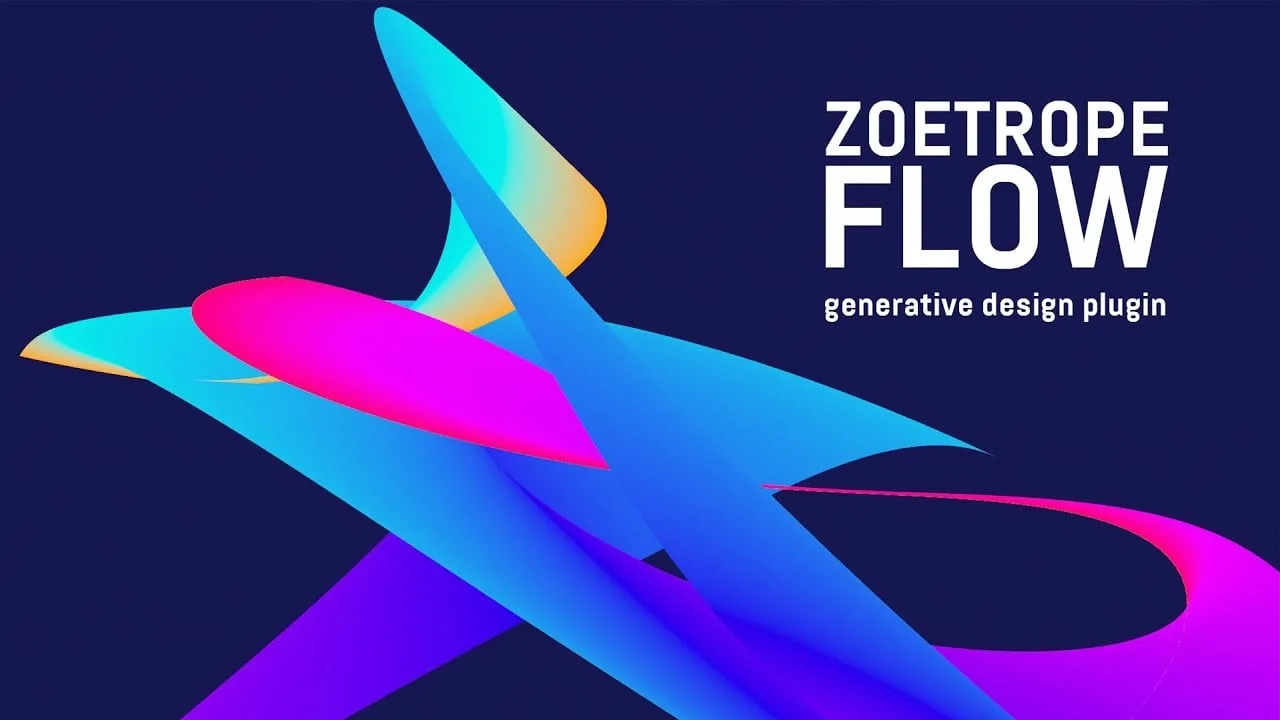
Zoetrope FLOW is a generative design video plugin that uses a timeline video source to create curving, flowing forms in 3D space. Zoetrope describes it as an evolution of FOLD and recommends it for graphic design, visual arts, live performance and motion design.
Shape and animate forms
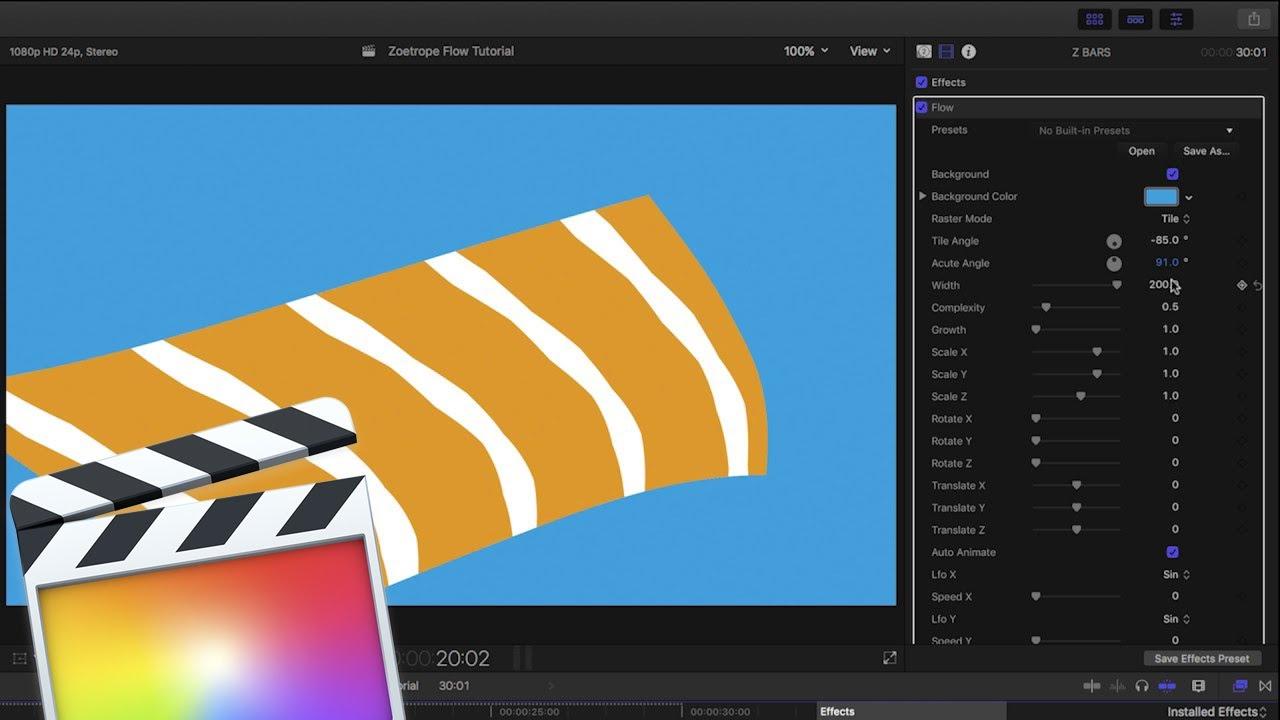
Adjust resolution, growth, complexity and scale to change how each form curves and distorts. These shape settings interact with the animation controls, so you can develop a form and its movement together.
Animation can run automatically or use manual controls. Auto mode lets you choose an LFO type and speed through built-in behaviors. Manual mode provides a seamless loop slider from 0.0 to 1.0 for each axis. Parameters can be keyframed or controlled by behaviors.
Choose a raster mode
FLOW has three ways to render the source video on the form:
- Direct maps the source video onto the shape.
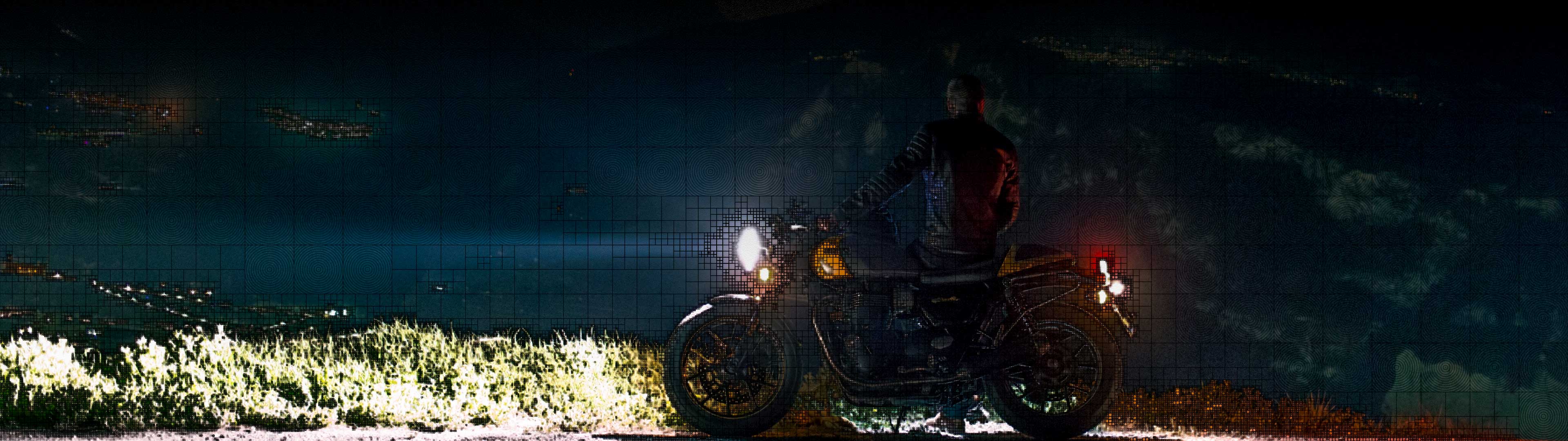
- Tiled applies a tile effect.
- Streaked uses a motion blur algorithm with alpha transparency to blend forms.
3D placement and host support
Move and rotate the result in 3D space with X, Y and Z controls. FLOW works in After Effects, Premiere Pro, DaVinci Resolve, Final Cut Pro and Motion through FxFactory. FxFactory must be installed for FLOW to run, and the product is for macOS. Check Zoetrope's FLOW page and the FxFactory FLOW page for current host support and installation details before installing.