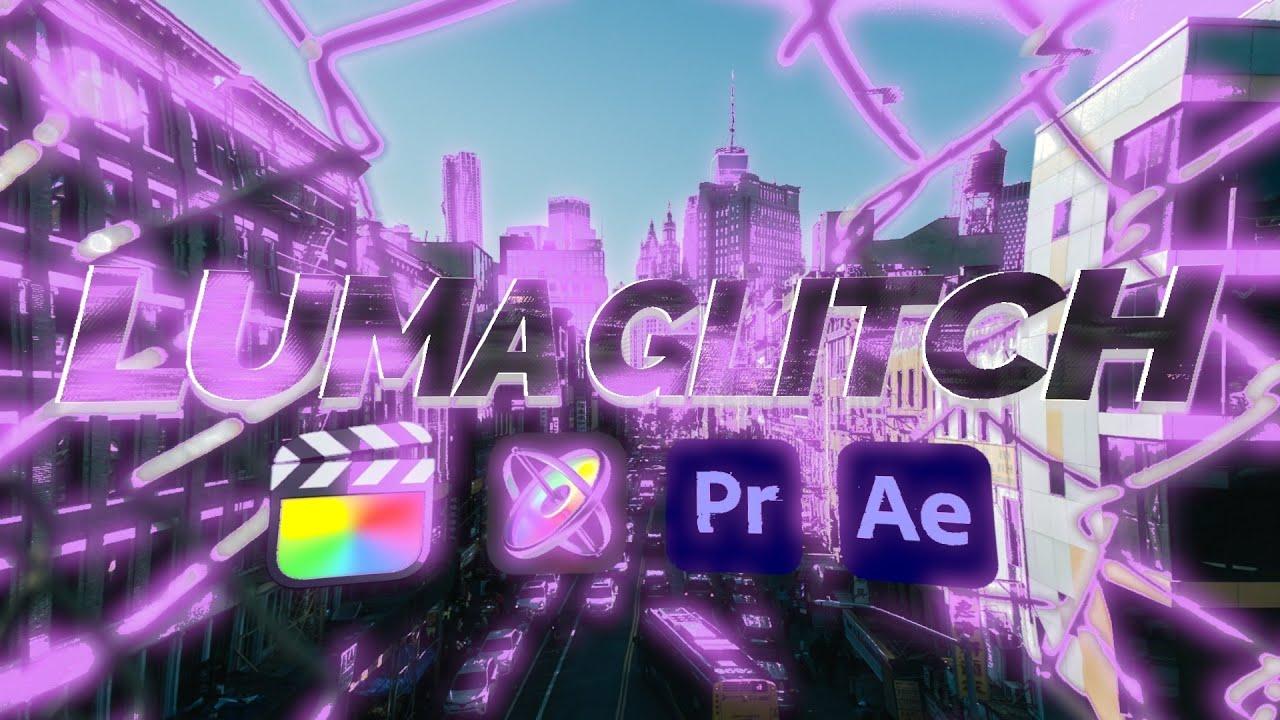
omotion Luma Glitch is a collection of transitions that uses the luminance maps of your footage to generate glitches and warps. The effects respond to the scene, adding distortion and vibrant lighting to cuts instead of relying on pre-made glitch overlays.
How Luma Glitch works
The plugin reads luminance from the footage and generates frame-specific glitches and warps from it. The result is tied to the scene in the shot, so the transition can take on a different look as the source image changes. The collection combines those distortions with lighting effects for edits that call for a visible glitch treatment.
Luma Glitch’s footage-driven transitions suit music videos, trailers, commercials, and experimental edits.
Supported editing apps and FxFactory
omotion Luma Glitch runs through Noise Industries FxFactory and is listed for After Effects, Premiere Pro, DaVinci Resolve, Final Cut Pro, and Motion. The listing identifies macOS as its platform and says it supports both Apple Silicon and Intel processors.
The required FxFactory host is available as a free download. FxFactory Pro is a separate paid version. FxFactory lists Luma Glitch for $49. FxFactory 9.0.7 lists macOS 13.5 Ventura, 14.7 Sonoma, 15.6 Sequoia, 26 Tahoe, and 27 Golden Gate, with app minimums of Final Cut Pro 10.6 or later, Motion 5.6 or later, Premiere 22 or later, After Effects 22 or later, and DaVinci Resolve 20 or later.
Before downloading
For FxFactory 9.0.7, compare your Mac and editing app with the requirements above before installing. Luma Glitch 1.0.1 is the first release to support DaVinci Resolve 20 and later.