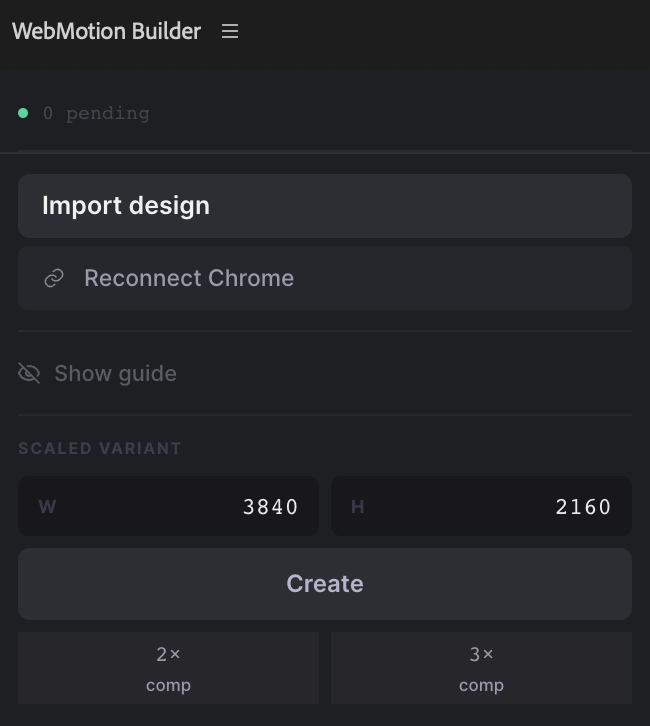
WebMotion is an After Effects extension from Simotion that turns Chrome webpage captures into After Effects compositions; its Image to Layers feature turns UI screenshots into editable layers and runs locally on your computer. Capture a page in Chrome, send the capture to WebMotion in After Effects, then animate the resulting composition's named, ordered layers. The WebMotion product listing describes editable text, shapes and strokes, alongside images and other assets.
Capture a page and build the composition
WebMotion connects a Chrome capture extension with an extension inside After Effects. Its basic workflow is:
- Open the website in Chrome and capture it with the WebMotion Capture extension.
- Send the capture to WebMotion in After Effects.
- Animate the resulting composition with keyframes.
If you already have a saved capture, the WebMotion panel also has an Import design option for manual import.
Choose a capture mode
Phone Mode captures a responsive mobile version of a website. 16:9 Mode creates a presentation-ready widescreen version. Area Capture lets you select part of a website to bring into After Effects.
WebMotion can also work from a UI screenshot. Its Image to Layers feature creates After Effects layers for screenshot text, shapes and strokes, and runs locally on your computer. This gives designers a route into animation when their starting point is an image rather than a webpage open in Chrome.
Requirements and version notes
The listed requirements are Adobe After Effects 2022 or later, Google Chrome and the WebMotion Capture Chrome extension. The compatibility list names After Effects versions 2022 through 2026.
The version history lists 1.2.0 on October 24, 2026. That release added Image to Layers and Area Capture, and included changes to import accuracy, text positioning and composition cleanup.
Who might use WebMotion
WebMotion is suited to motion designers working from an existing web interface, a mobile page layout or a UI screenshot. It brings those visual elements into an After Effects composition as layers, giving the animator material to arrange and keyframe without building each interface element from scratch.
A free trial is listed on the product page. Check the listing for current availability and setup details before starting.