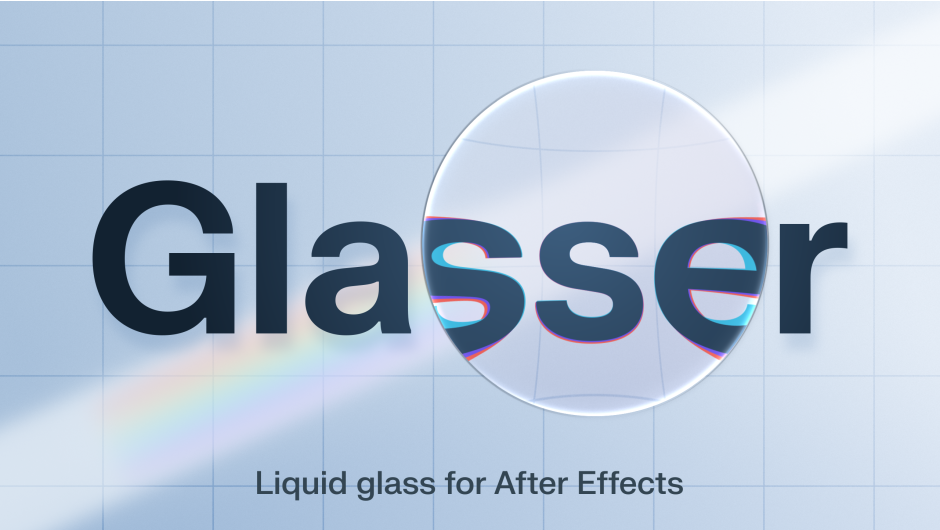
Glasser is a dockable ScriptUI panel for After Effects that turns a layer into an editable glass treatment. It suits motion designers building glass UI elements or other compositions from shapes, text, footage or precomps, and who want to animate and revise the result in After Effects.
Apply glass to layers
Choose a built-in look and apply it to one or more visual layers. Glasser creates a separate glass setup for each selected layer, processing a multi-selection one layer at a time. Each result has independent material controls, so changing one does not alter the others.
Refine and animate the material
Adjust the material in Essential Properties. Depending on the selected look, controls include refraction to bend the background, blur to soften detail and light to define the edge. For animated interface elements, the generated Control Null keeps the glass aligned as it moves, scales or rotates. Simple Glass creates a setup without the Control Null for static layouts.
You can also select an existing glass result, choose another built-in look and apply it. Its animation and Control Null stay in place.
Revise the source artwork
Glasser keeps the source artwork inside the generated precomp. Open Edit Me to update that artwork after applying glass. The source may no longer sit in its original parent timeline, so check the composition structure if that matters to your project. The setup uses precomps, native After Effects effects and controls; the built-in looks are bundled with the panel.
Compatibility
Glasser requires After Effects 23 or newer, with the product page listing releases 2023 through 2026. The dockable ScriptUI panel supports macOS and Windows.