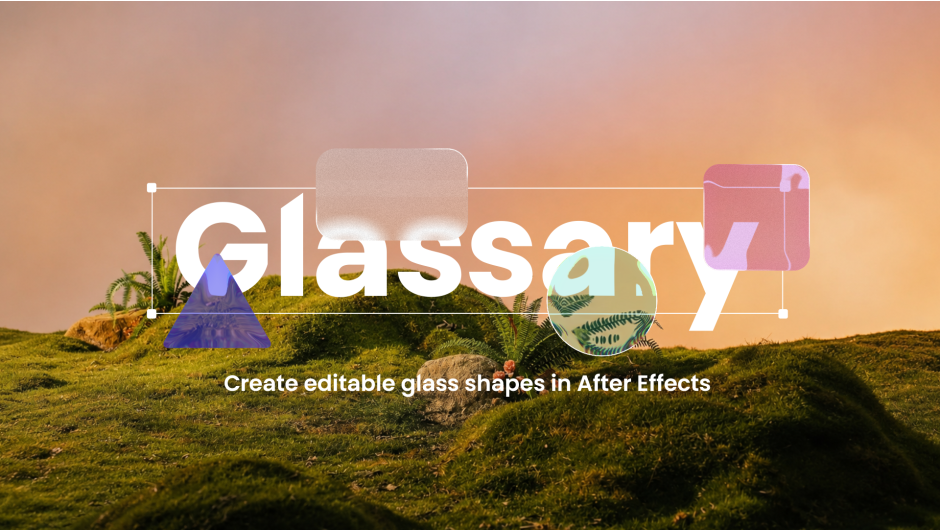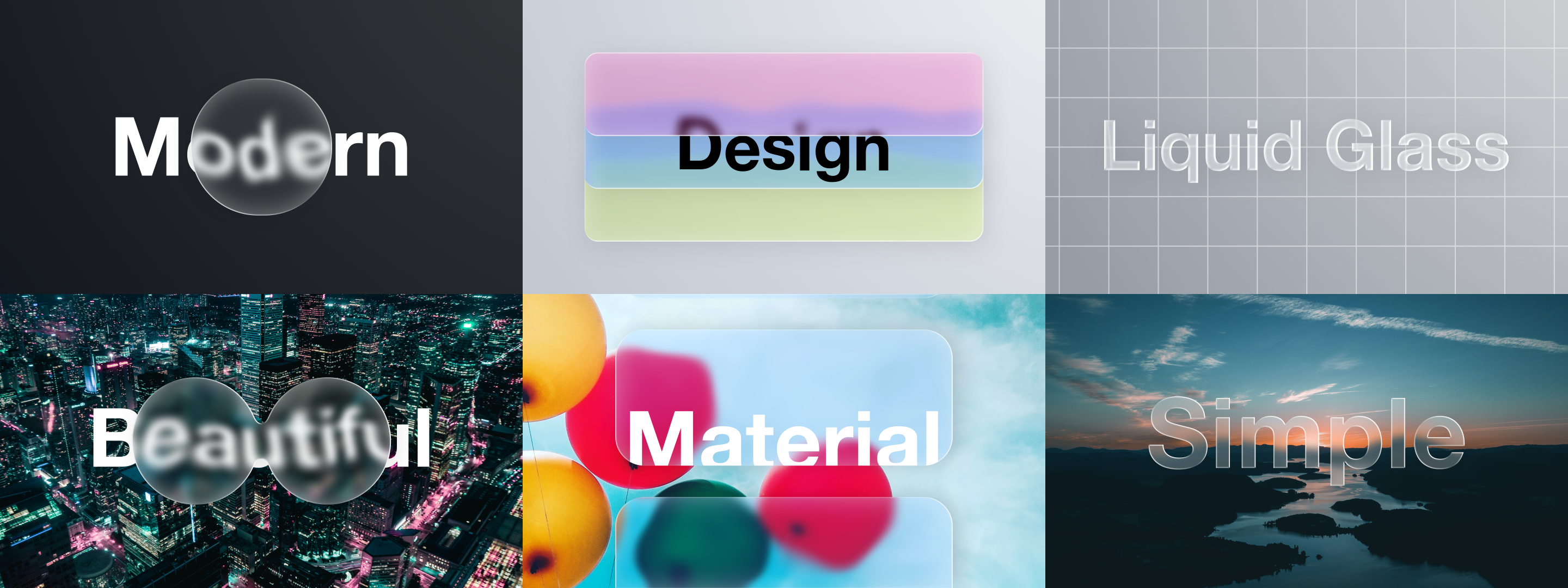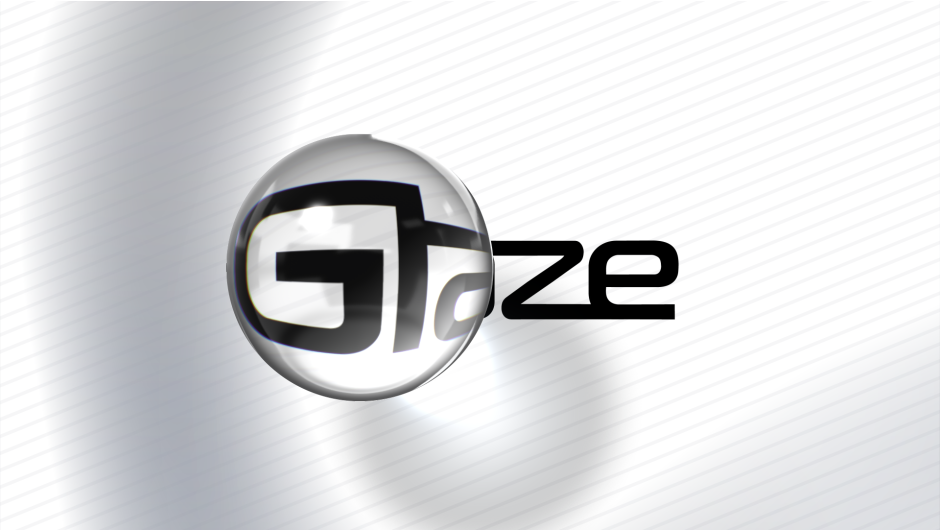
Glaze is an After Effects plug-in that creates thick refractive glass from a layer's alpha. It bends a selected background, or Glaze Adjustment can refract every layer below the glass shape. Use it for glass text and logos, alpha footage, glassmorphism cards, or distortion across a shot.
Shape glass from a layer
Glaze uses the layer's alpha as the glass outline. Broad regions swell while thin strokes stay fine. Fine Detail controls how strongly narrow areas refract, which parts count as fine, and how much they swell. A layer that fills the frame has no outline to follow, so add transparency before applying the effect. Glaze recalculates when you move, scale, rotate, or retype the layer. Effects such as Turbulent Displace, Roughen Edges, or Wave Warp placed above Glaze can reshape the glass.
Choose a distortion and finish
Each of the five distortion modes loads its own starting values:
- Solid creates evenly rounded glass with controlled refraction.
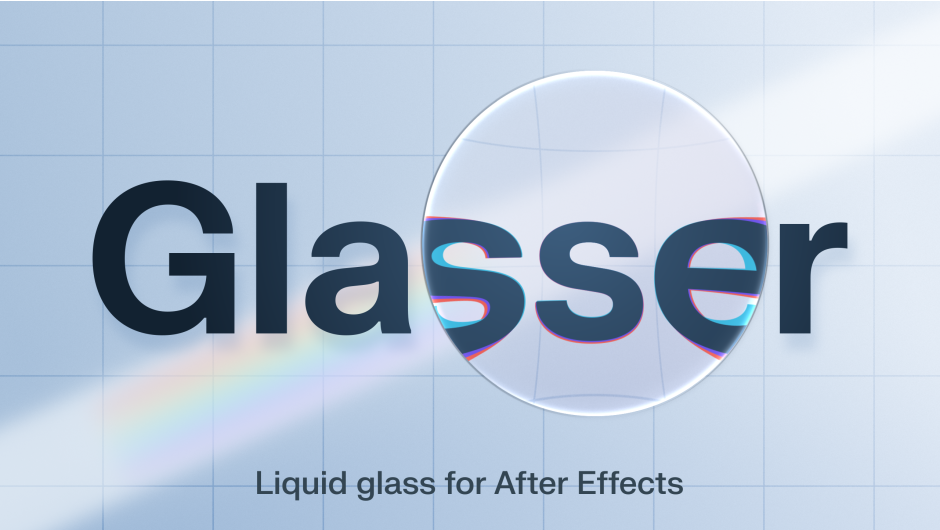
- Liquid Glass gives the distortion rounded forms and soft edges.
- Chaos creates uneven, organic distortion.
- Crystal makes faceted cuts, with controls for facet size, randomness, and seed.
- Real Glass magnifies the center and wraps the image around the rim.
Material presets provide editable starting values. Roughness etches the surface, strongest at the rim; Glass Blur evenly blurs what is behind the glass for UI cards. Prism and Dispersion add chromatic edge effects. Bump Map can use Fractal Noise animated with two keyframes on Bump Evolution, or footage such as running water. Reflections can use the built-in studio or an HDRI, photo, or footage as an environment map. Glaze also has drop and inner shadows, caustics, and a crisp outline edge. Lower refraction and raise reflection to make polished chrome without an HDRI.
Refract one layer or a whole stack
The regular Glaze effect refracts the Background Layer you choose. To show that layer's effects and masks through the glass, select Effects & Masks in the menu beside its name.
Glaze Adjustment refracts every layer beneath the glass shape. For a shape layer, text, pre-comp, or footage with alpha, it can use the source as the adjustment layer without adding another timeline layer. If the source has effects or masks, uses Merge Paths or a wiggle modifier, or sits in a 3D parent chain, Glaze adds a helper layer above it so those effects can shape the glass. Splitting into two layers always works. Merging into one works when Glaze can read the source layer by itself, and the plug-in explains when it cannot.
Compatibility and rendering
The listing marks Glaze compatible with After Effects 2025, 2026, and 2027. It supports 8, 16, and 32 bpc. On Windows, it supports Windows 10 and 11 on x64, with GPU rendering through CUDA and DirectX 12; the listing says it was tested on NVIDIA GPUs. DirectX builds its shaders on the first frame of a session, which can take 20 to 40 seconds. On macOS 11 or later, Glaze uses Metal on Apple Silicon. Intel Macs are not tested.
For the quality workflow, use Draft while blocking out, Normal while working, and High for a final render. Anti-aliasing has Off, Better, and Best settings; the listing recommends leaving it Off during work and using Better or Best for the final render. Multi-Frame Rendering uses the GPU, and Glaze falls back to the CPU when GPU acceleration is unavailable. The listing's comparison reports about four times as long per frame on Mercury Software Only as with CUDA on the same frame.
Trial and license
A free trial is listed. The EULA displayed on the product page allows one copy on one computer at a time; additional users or computers require appropriate licensing for each user and copy.