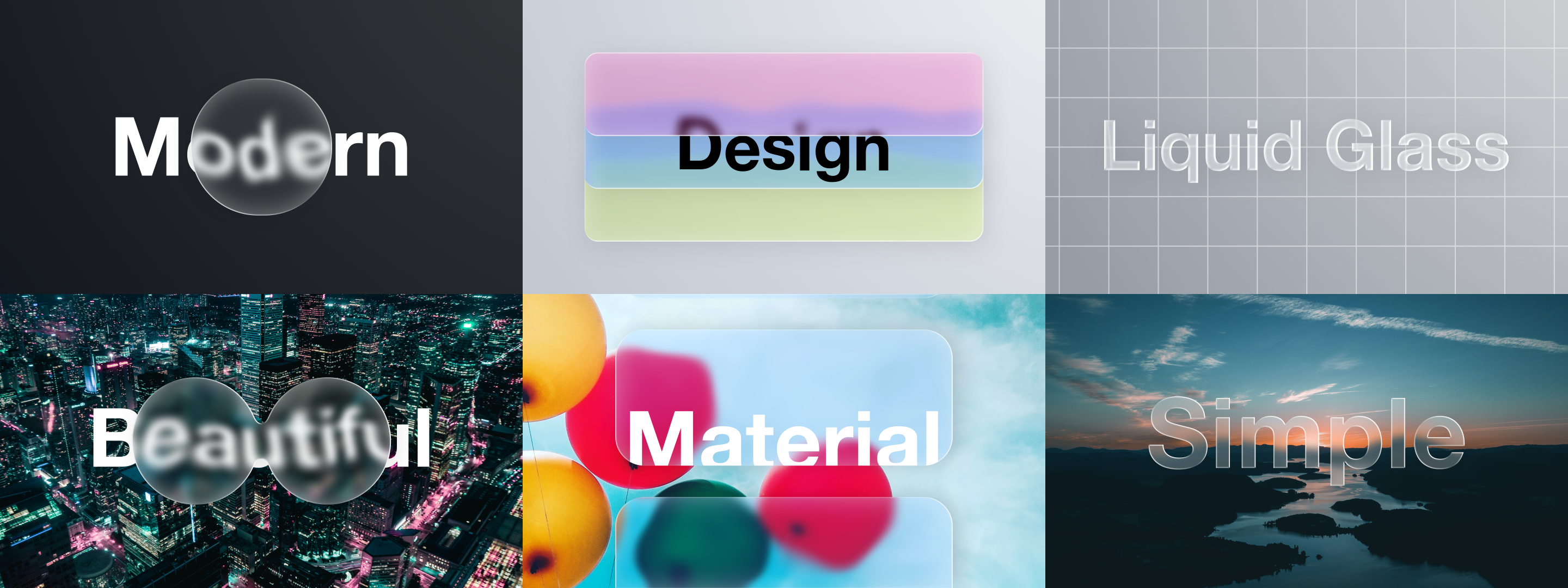
Liquid Glass by grape design creates adjustable liquid-glass shapes in After Effects. It suits motion designers who need a rectangle or circle they can refine and animate within a composition.
Generate and refine a shape
Choose a rectangle or circle and its size, then create the shape with one click. Adjust its corner radius, fill, and effects. You can add blur and distortion to transparent areas; liquid-glass effects can also be colorful.
Animate or customize the result
Liquid Glass exposes adjustable parameters in Effect Controls, where they can be animated. The shape composition can also be customized directly. Applying the Choke effect can create a more liquid-like look.
Compatibility and licensing
The product listing names After Effects 2023, 2024, 2025, and 2026. Its EULA grants one copy for one user on one computer at a time. Shared-use systems and additional users or copies require appropriate licensing.