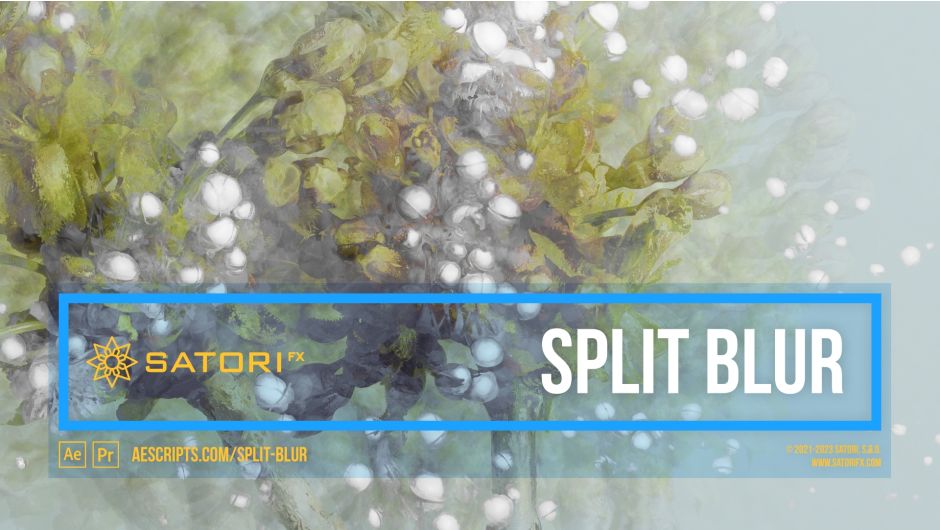
Split Blur is a Satori plugin for After Effects and Premiere Pro that builds a blur from blended copies of an image. It places the copies around the original, with their split distance calculated from pixel luminosity. At low Blur Level settings, the effect resembles a Gaussian blur; as the distances grow, the image breaks into kaleidoscopic forms. Use it when you want blur to respond to image brightness or a guide layer.
How the controls shape the effect
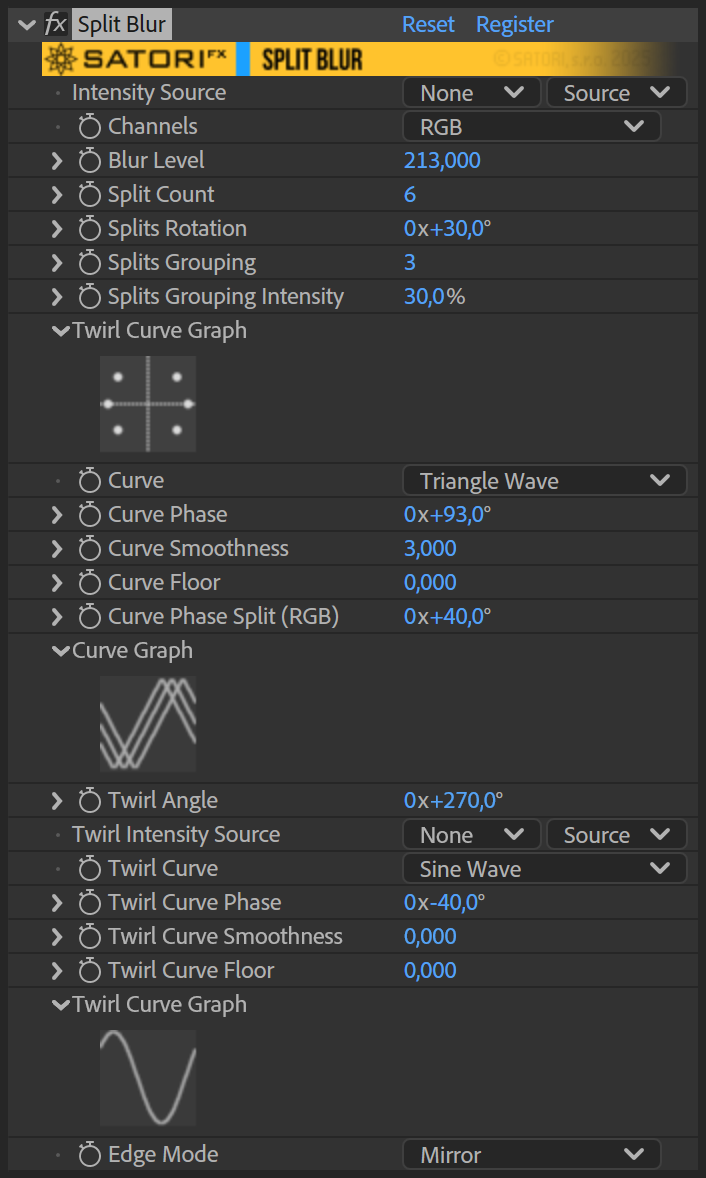
The Channels setting lets you process overall luminance (Luma), each RGB component separately, or a single Red, Green, Blue, or Alpha channel. Split Count sets the number of copies, and Splits Rotation changes their angle. Splits Grouping brings directions into fewer groups, while its intensity controls how closely they converge. A Splits Graph displays the arrangement.
Curve controls map pixel luminosity to split distance. Phase offsets the mapping, Smoothness softens discontinuities, and Floor sets a minimum split distance. When filtering RGB, Curve Phase Split adds a separate phase shift for red and blue. Blur Level's slider reaches 512, while the numeric value field accepts values up to 2048.
Version 1.5.0 introduced Twirl Angle, which adds adaptive rotation based on pixel luminosity. Twirl Curve shapes the luminosity-to-angle mapping, and Twirl Intensity Source can take its input from a different layer than the blur. Animate Curve Phase for a repeating variation: Satori suggests Sine Wave or Triangle Wave curves for an easily loopable effect. Curve Smoothness can help remove discontinuities when animating phase with other curves.
Use another layer as the intensity source
Split Blur can calculate its effect from a separate layer instead of the image itself. If the source has different dimensions from the footage, the plugin stretches it to match. A depth map from a 3D render or footage can guide split distance. Satori's usage notes also suggest feeding the effect a hidden copy of the footage with Gaussian Blur applied; in After Effects, select Effects & Masks for that source.
Satori suggests placing an unfiltered duplicate above the Split Blur layer and choosing a blend mode. This keeps original detail over the added painterly look. Edge Mode fills pixels missing at the frame borders with Wrap, Mirror, Repeat Last, or Transparent behavior.
Compatibility
The aescripts product listing reports Windows and macOS support, including Intel and Apple Silicon, and compatibility with After Effects and Premiere Pro from CS6 through 2026. It lists no limit on rendering resolution. The listing offers a free trial and has the current purchase and compatibility details.