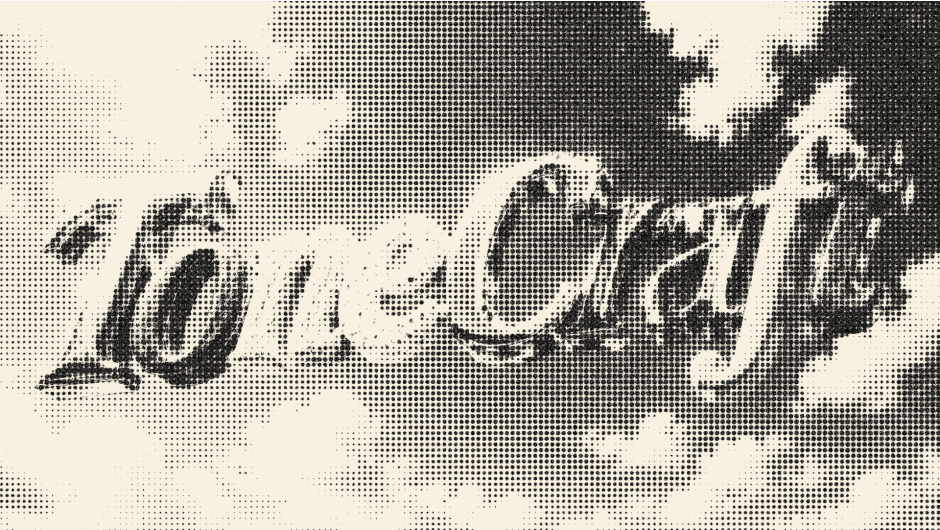
ToneCraft is a halftone generator for Adobe After Effects and Premiere Pro. It turns footage and still images into shape-based patterns, with controls for cell size, dot scale, contrast, rotation, offset, and mix inside your Adobe timeline.
Choose and combine pattern shapes
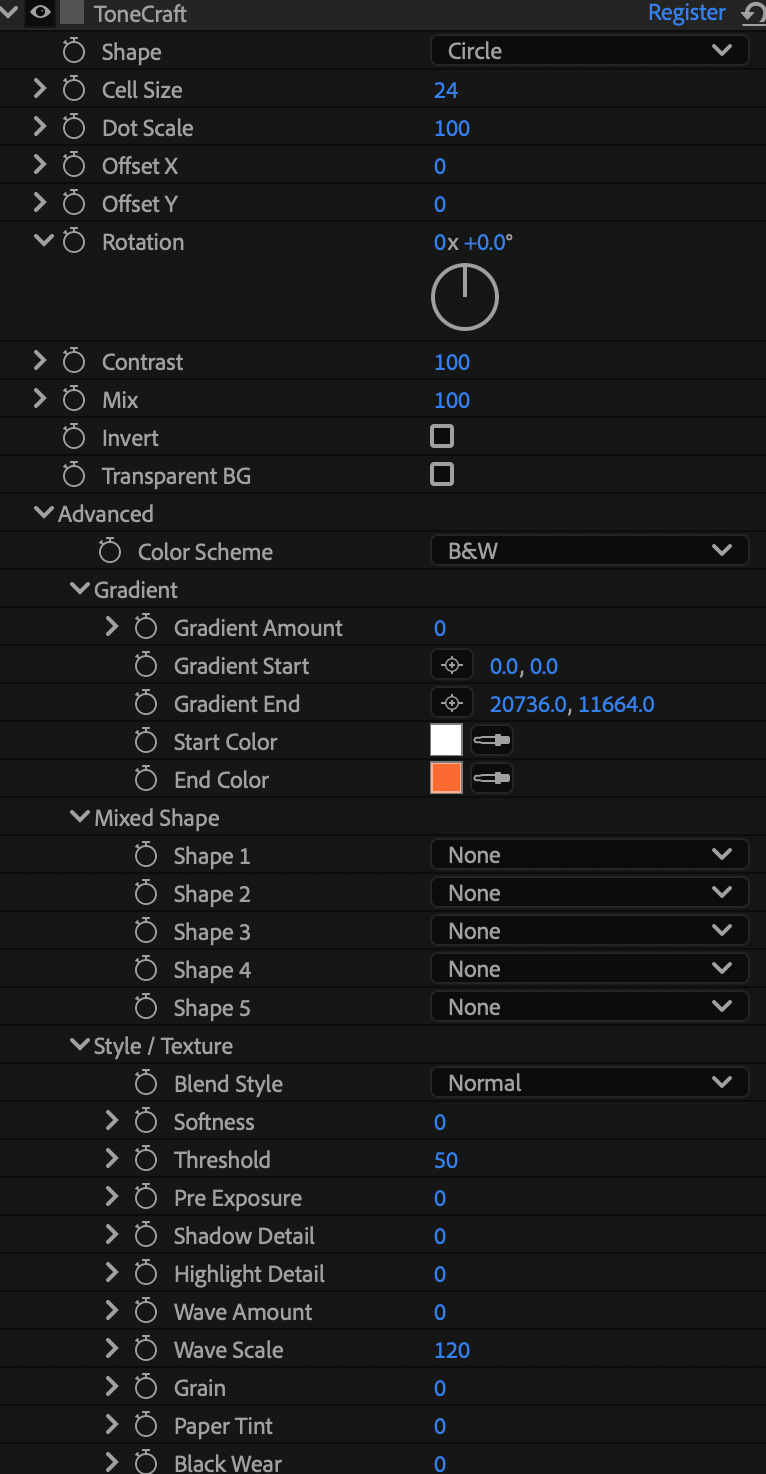
For a classic dot pattern, adjust the cell size and dot scale, then tune the contrast and other pattern controls. ToneCraft also includes ten shape options: Circle, Square, Line, Star, Star 2, Hexagon, Flower, Number, Triangle, and Heart. You can combine up to five shapes in one pattern.
A single shape gives the halftone a regular look; combining several creates a more varied graphic pattern.
Set the color and print texture
ToneCraft can render in black and white or vivid RGB. For a two-color treatment, use a custom gradient and adjust its direction and intensity. The style controls include Wave, Grain, Paper Tint, Black Wear, Hard Mix, Softness, and Threshold. These options can keep detail in shadows and highlights or push the image toward a rougher print look.
The pattern, gradient, and texture controls are part of the same ToneCraft effect, so you can adjust the halftone and its surface treatment together.
Animate the effect in your edit
ToneCraft's controls can be animated, and the product listing describes using them to build seamless transitions. It is aimed at work such as title sequences, music videos, poster animation, and social content. You can art-direct the pattern over time as well as set its appearance on a single frame.
Supported Adobe applications
The product listing identifies compatibility with After Effects 2024, 2025, and 2026, and Premiere Pro 2024, 2025, and 2026. It also offers a free trial. Check the ToneCraft listing for current product details and trial access.