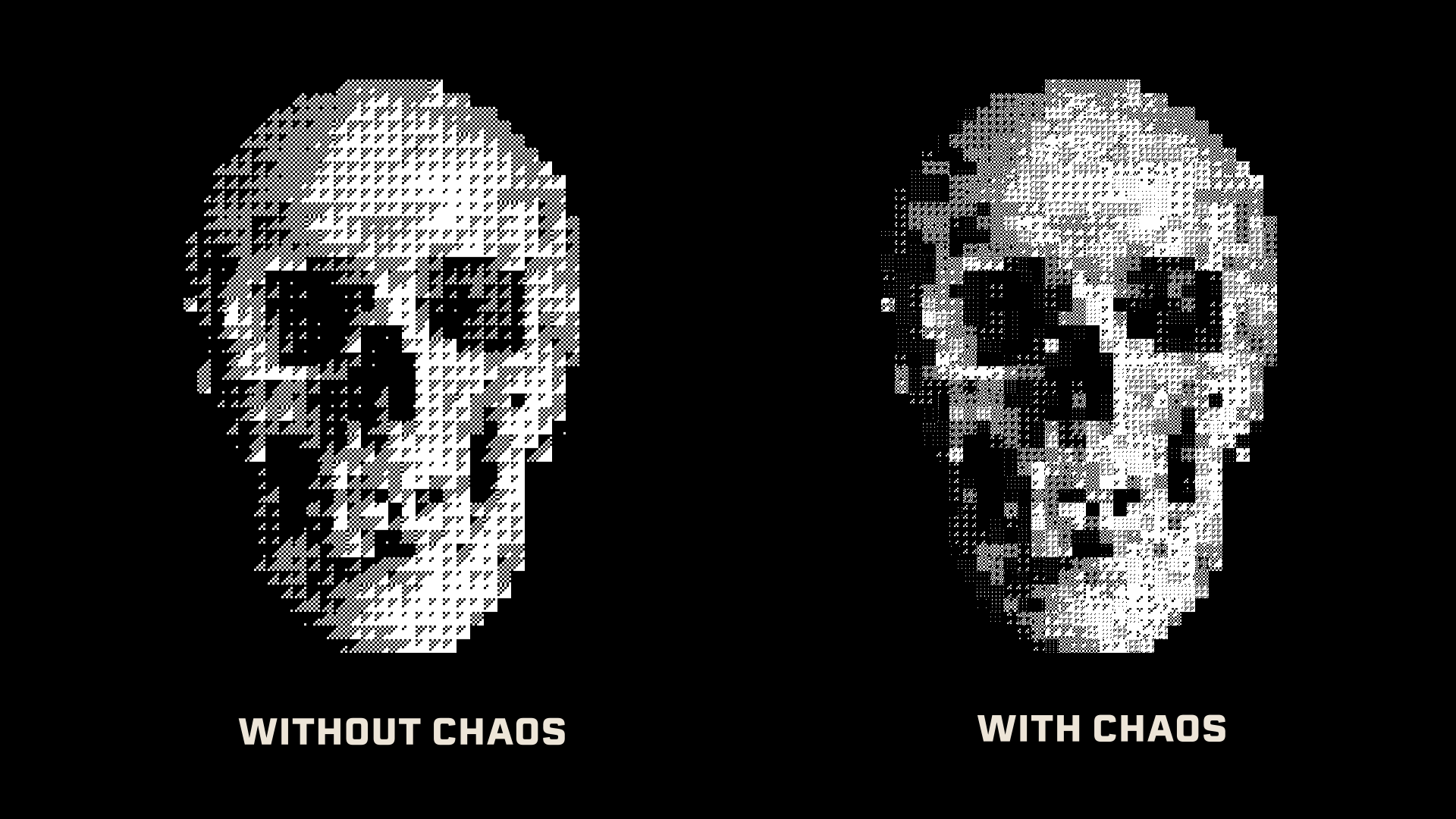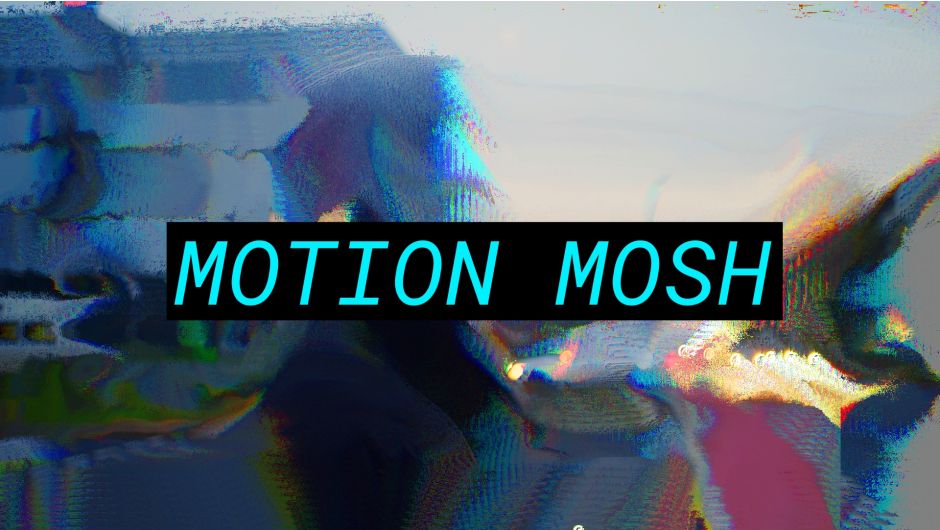
Motion Mosh is a GPU-accelerated effect for creating datamosh-style glitches while you edit. It updates interactively in compatible hosts, so you can adjust the look without a separate export and import step. Its parameters are keyframeable, letting the effect change over a shot.
Shape the effect in context
The developer’s example stacks a native Mosaic effect before Motion Mosh to increase pixelation over time. Motion Mosh also works with text layers and can be used with roto looks.
The product includes sample projects and animation presets to help you explore the effect. The listing also presents Motion Mosh for transition work and includes transitions, assets and loops.
Supported hosts and versions
The product listing specifies compatibility for After Effects, Premiere Pro, Media Encoder, DaVinci Resolve and Nuke/NukeX. An OFX version is available for Resolve, Nuke and similar hosts. Supported versions are listed in the FAQ below; check the product listing before installing, especially if your editing application has recently changed.
Check your system requirements
Motion Mosh is GPU-accelerated. The requirements list Windows and Mac support, with Mac systems requiring macOS 12.0 or later on Intel or Apple Silicon. Computers without OpenCL/OpenGL support are incompatible, so check your graphics hardware and host setup before relying on it for a project.
For current pricing, trial availability and compatibility details, see the Motion Mosh product listing. The developer’s Motion Mosh documentation covers installation, presets and parameters.