Pixel Encoder is an effect plugin for Adobe After Effects and Premiere Pro that turns footage into grungy pixel animations. It maps the brightness of the source image to a grid of pattern tiles, creating looks that range from mosaic graphics to a hacked surveillance feed. Ten modular patterns and controls for color, tone, and distortion let you shape the result around a clip.
Choose a pixel pattern
The presets change how the image is rendered. Options include detailed tiles, text characters, lines, dots, rings, solid shapes, and diagonal patterns.
- High Detail
- Numbers & Letters
- Horizontal Lines
- Dots
- Vertical Lines
- Extra Grunge
- Rings
- Solid
- Diagonal (left)
- Diagonal (right)
Scale, brightness, and contrast controls help tune the pattern against the source. Since the presets are modular, you can adjust the image treatment without changing the clip itself.
Adjust color and transparency
Set foreground and background colors to choose a palette, or enable Use Original Color to sample color from the source footage. The Transparent Background option lets the pixel treatment sit over other layers, which is useful for compositing the pattern with footage or graphic elements.
Shape tone and distortion
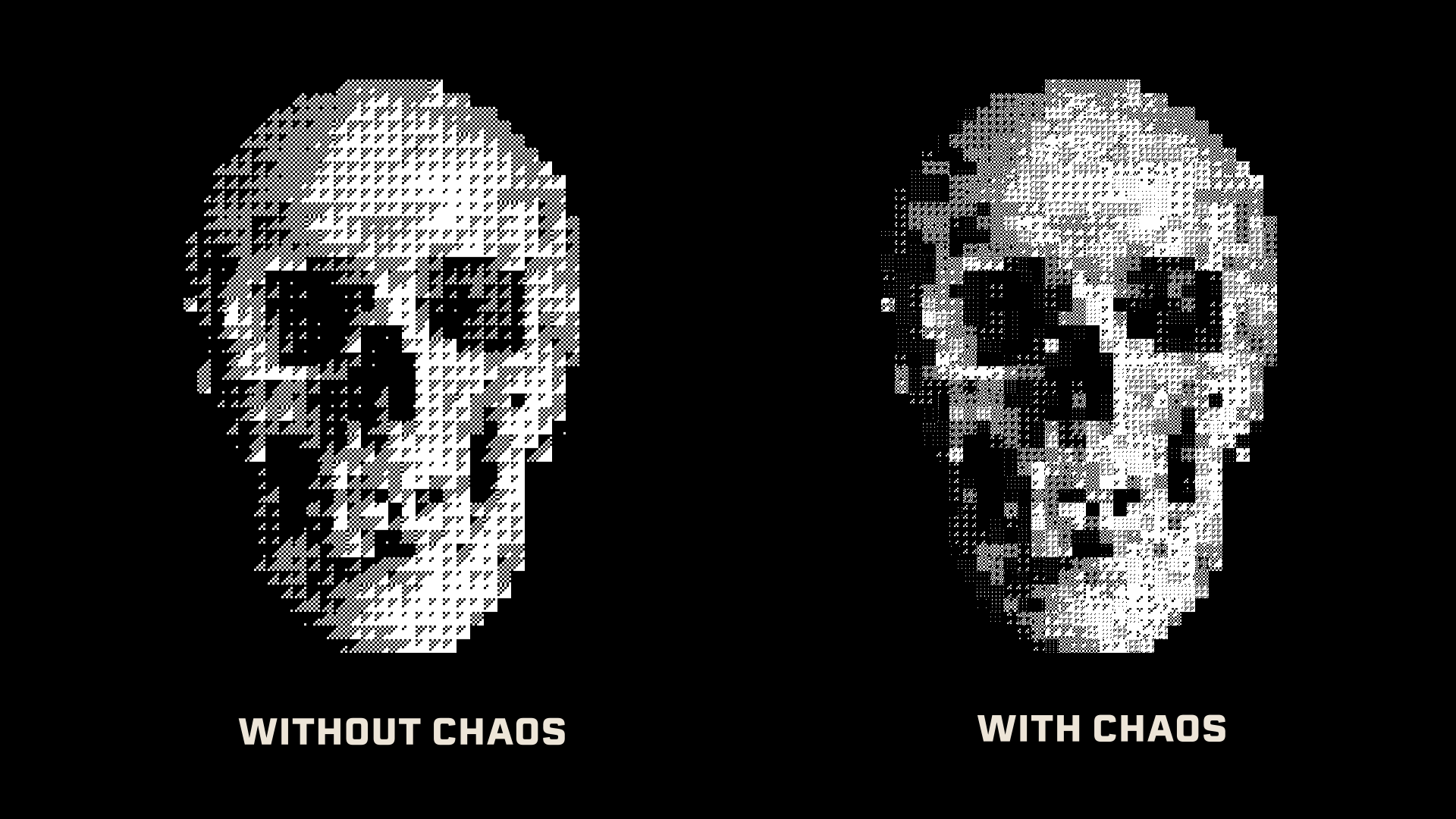
Tone Detection changes how Pixel Encoder reads the source image. Switching its mode can produce a different interpretation of the same footage while keeping the overall pattern treatment. The built-in Chaos controls add variation by flipping pixel values and scrambling tile assignments. You can adjust chaos intensity, behavior, animation speed, and related settings.
For more precise adjustments, the Advanced controls include Pattern Offset X and Y, a Shading Detail slider from 0 to 100%, an Invert Pattern toggle, and Randomize Pattern. Version 1.7.0 introduced these controls alongside the five Tone Detection modes and updates to the interface, stability, and rendering.
Check host compatibility
Pixel Encoder is listed for both After Effects and Premiere Pro. The developer’s compatibility list spans After Effects releases from CS6 through 2026 and Premiere Pro releases from CS5 through 2026, including the listed CC versions. Version 1.7.1 updated the install instructions; on Windows, the plugin file is PixelEncoder_AEP.aex. If After Effects shows Pixel_Encoder twice, delete the older PixelEncoder.aex from the Plug-ins folder. Check the aescripts Pixel Encoder listing for the exact host-version list and release details before installing.