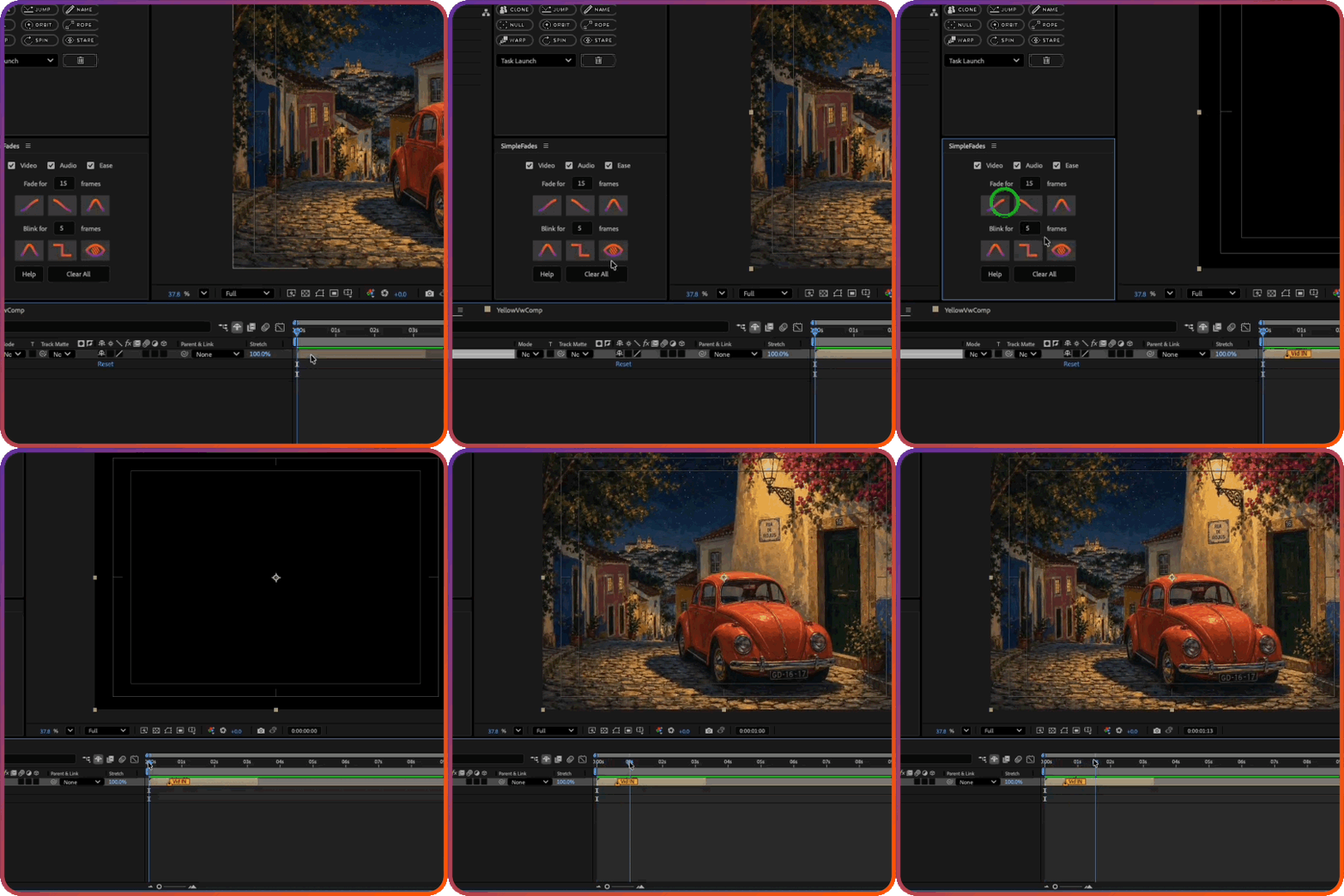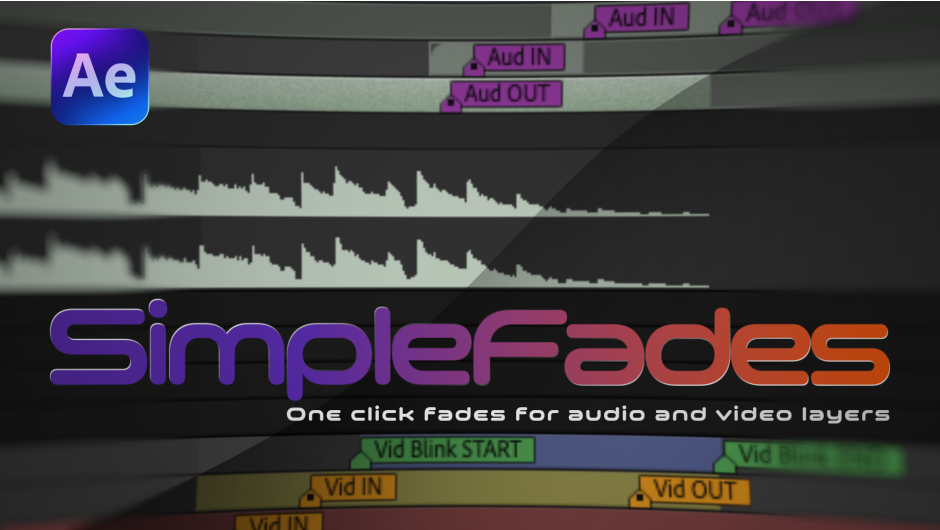
SimpleFades by RojusScripts is a script panel for adding fades and blink effects to audio and video layers in Adobe After Effects. It uses markers and expressions to apply fades, then lets you adjust their duration by moving the markers.
Apply fades to audio and video
Add a fade with one click, adjust its duration by dragging the markers, or remove it when you want to change the edit. The product listing’s version 1.1 notes, dated November 20, 2026, describe a fix for cases where moving markers did not update fade duration dynamically.
Customize blinks and flickers
SimpleFades adds blinks with one button, with linear, faded, and random styles available. Its tutorial covers adjusting start and end points, setting an opacity threshold, and using asymmetric, inverted, Tic Tac, and flickery blink styles. Slider controls let you customize the effect.
Compatibility and licensing
The listing shows compatibility with After Effects versions 2020 through 2027. Individual users can pay any amount under SimpleFades’ Name Your Own Price terms; businesses and teams must pay the displayed suggested price for a valid license. Check the SimpleFades listing for current compatibility, licensing terms, and the tutorial.