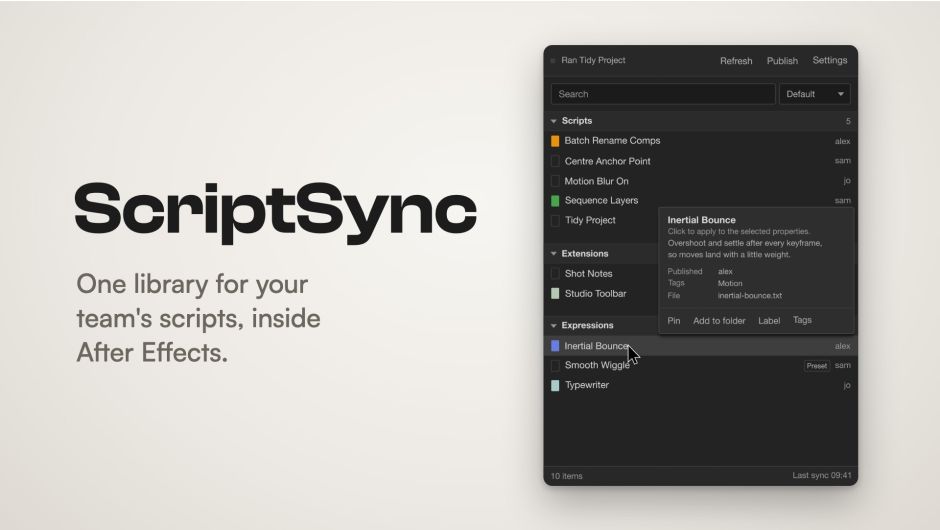
Script Sync is an After Effects panel by Composition for sharing a team library of scripts, expressions, animation presets, and CEP panels. Team members can run or apply items in After Effects, publish additions from the panel, and see new or changed items after they refresh the library.
Run scripts, expressions, and presets
Click a script to run it. Click an expression to add it to selected properties, or an animation preset to apply it to selected layers. Script Sync installs CEP extensions from the library; a newly installed CEP panel needs one After Effects restart, and the panel tells you when. Hover over an item to see what it does, who published it, and its tags.
Publish from the panel
Publish a script file or pasted script, an expression, a preset, a folder, or a zip without leaving After Effects. Add a name, a short summary, and tags. Teammates see new and changed items the next time they press Refresh. If someone changes the same item while you are working on it, Script Sync asks you to refresh and try again.
Choose where the shared library lives
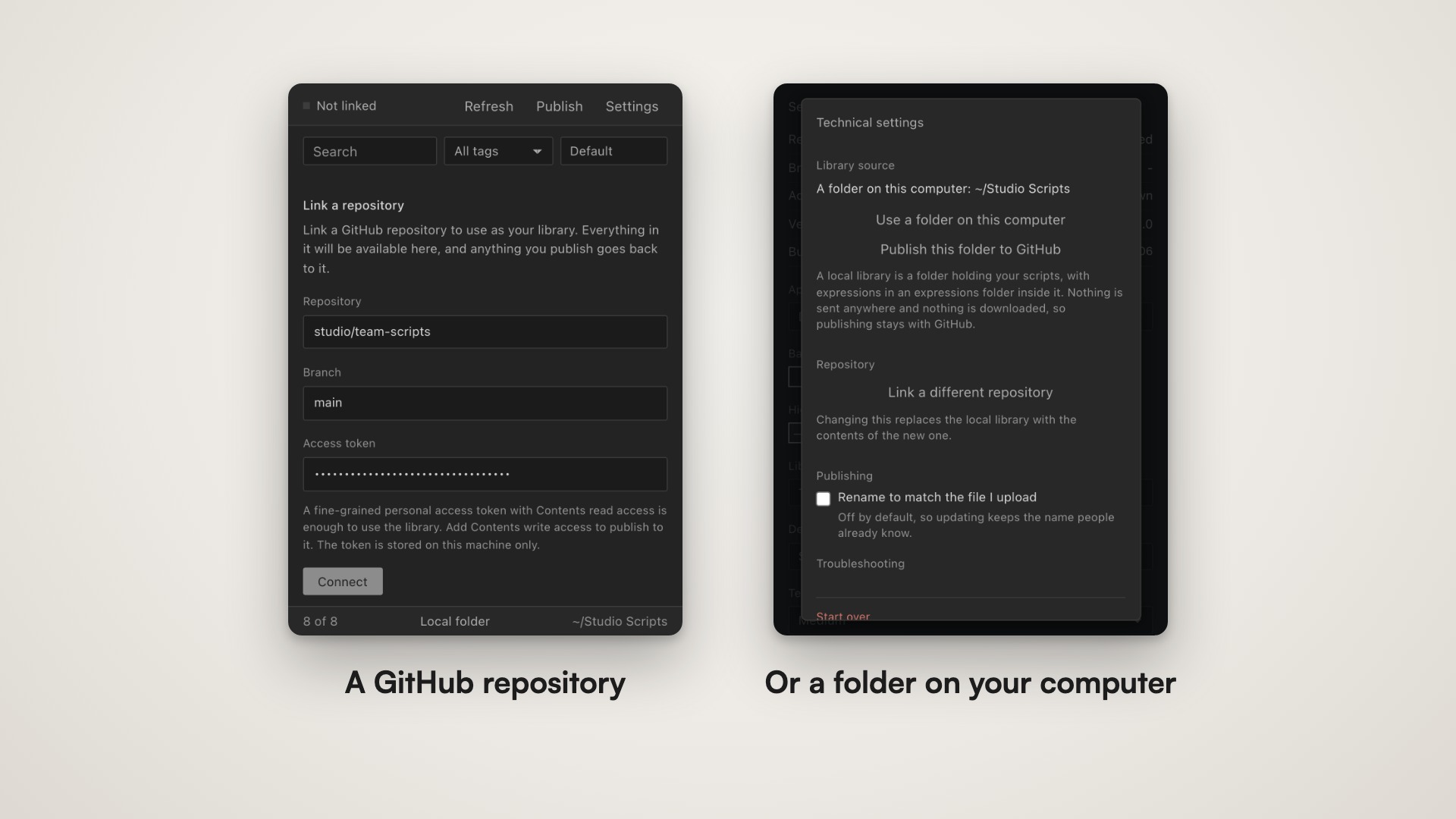
Store the library in a GitHub repository or a folder on your computer or shared drive. A folder library needs no GitHub account and does not upload files. A GitHub library can be private, with GitHub managing who can use or publish to it. You can move a folder library to GitHub later.
Keep personal organization on your computer
Pin frequently used items, arrange them in personal folders, apply After Effects label colors, and add your own tags. These choices stay on your computer and do not reorganize anyone else's library. Search items, filter by tag, or sort by name or newest first. The panel also has dark and light themes, adjustable colors and text sizes, and list or tabbed views.
Requirements and trial
Script Sync requires After Effects 2025 (version 25.0) or later and runs on macOS and Windows. Install it through the aescripts + aeplugins manager or the ZXP/UXP Installer. A demo library with 14 scripts and 9 expressions is included. The free trial is available through the manager under Account > Add Trial. The product page also has a four-minute tutorial covering installation, licensing, library setup, publishing, and refreshing. See the Script Sync product page for those details.