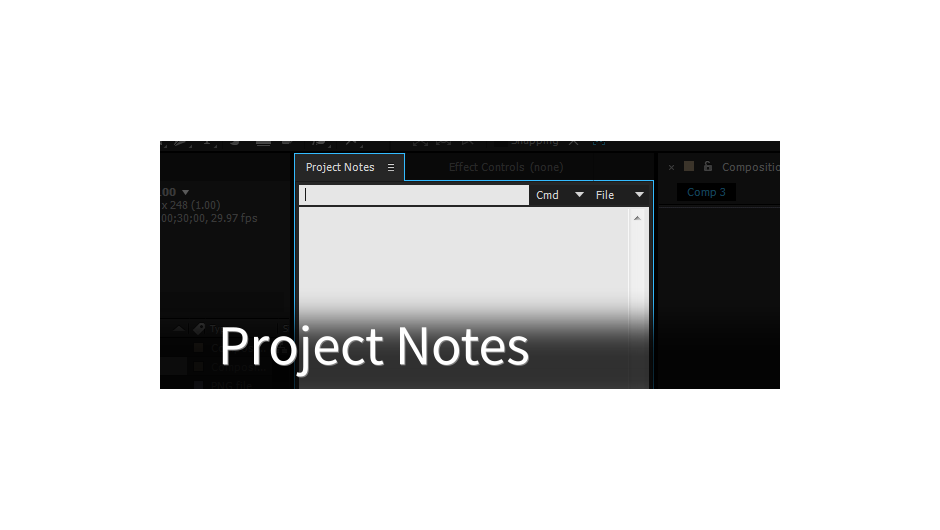
Project Notes by SUNRISE MOON keeps text notes and small code snippets within an After Effects workspace. It saves notes to an external XML file that can be shared, or lets you save notes in the After Effects project file using XMP metadata. It can also run code snippets as After Effects scripts or command-line commands on OS X or Windows, and add expressions to selected timeline properties.
Choose between external XML and project XMP
The external XML file stays separate from the After Effects project and can be shared. You can store it in Dropbox, OneDrive, Google Drive, or another cloud drive to sync notes across devices.
For notes that should travel inside an After Effects project, Project Notes can read and write XMP metadata and save notes directly in the .aep file. Use XML when you want a separate, shareable notes file; use XMP when you want notes in the project file.
Work with scripts and expressions
The advanced Cmd menu can run code snippets as After Effects scripts or as command-line commands on OS X or Windows. Project Notes can also add expressions to selected properties in the timeline.
Because scripts and command-line snippets can execute code, run only commands you understand and trust.
Check compatibility details
The listing's compatibility section names After Effects 2020, CC 2019, CC 2018, CC 2017, CC 2015.3, CC 2015, and CC 2014. Its version history separately lists version 3.4.0, dated June 15, 2026, with a note about support for the latest macOS. Check the product listing for support for your specific After Effects and macOS versions.