Parental Controls by AE Screens is an After Effects tool for attaching a child layer to the actual path, shape, or text of its parent layer. Choose horizontal and/or vertical constraints, and the child layer's position adjusts as the parent content changes or is keyframed.
How it works
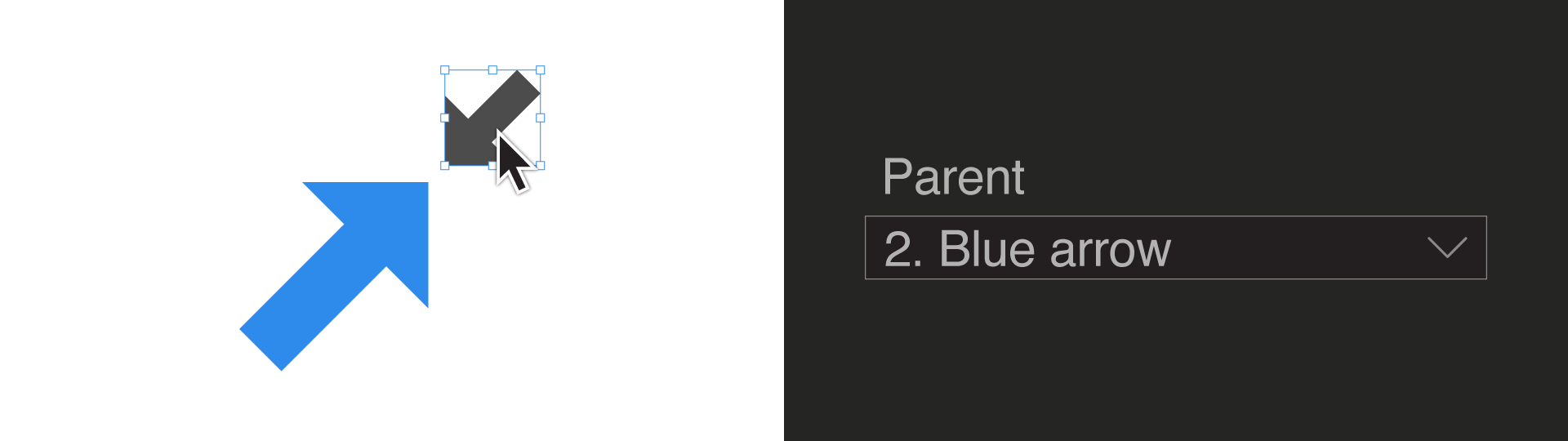
- Select a child layer that already has a parent.
- Add a horizontal constraint, a vertical constraint, or both.
- Change or keyframe the parent's path, shape, or text. Parental Controls adjusts the child layer's position automatically.
Examples with paths, shapes, and text
- Path animation: Keyframe the actual Bézier path of a shape layer and attach a child layer to it.
- Shape resizing: Change the size of a rectangle, ellipse, polygon, or another shape while the child layer follows the parent content.
- Text animation: Keyframe the source text or animate it with Typewriter+. The child layer can follow as the text changes.
Version and compatibility
Version 2.0, dated November 2, 2022, added a responsive UI, retina icons, support for separate dimensions, batch processing, and a remove-controls button, along with bug fixes. The developer lists compatibility with After Effects 2020, 2021, 2022, 2023, 2024, and 2025.
Price and license
The product listing shows a suggested price of $10.00. Individual users may pay any amount. Businesses, teams, and similar buyers must pay the suggested price to receive a valid license. Check the AE Screens product listing for current compatibility, price, and license terms.