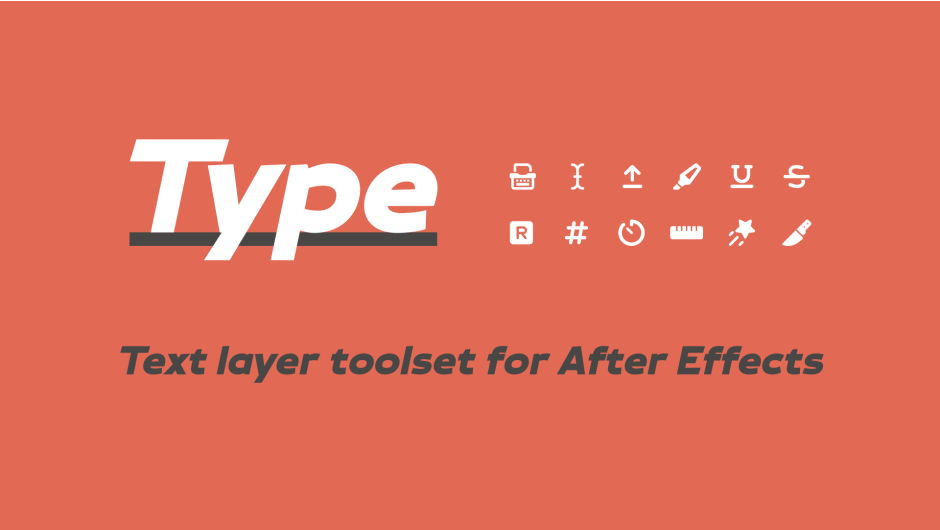
Type by AE Screens is a text animation and formatting toolset for Adobe After Effects. It includes controls for revealing text, adding emphasis, formatting counters, building text boxes, and splitting text layers.
Animate text and add emphasis
Typewriter reveals text by character, word, or line. Text can flow upward or start from the middle, and a customizable blinking cursor tracks the text. Highlight, underline, and strikethrough can target a layer or a specific text range. Hold Shift to animate those treatments automatically.
Format, fit, and split text
A number rig formats values for different locales, adds symbols, and abbreviates large numbers. A time counter follows the layer's time. Monospacing works with any font, with controls for spacing and variable spacers on selected ranges. A smart rectangle adapts to changes in the text; Type can also make a fitted track matte.
Text layers can be split by word, line, or character while retaining editable text, positioning, and effects. Type can also automatically create a shape layer for each necessary frame of a text animation.
Version and purchase details
The listing identifies version 1.6.1 and compatibility with After Effects 2020 through 2025. Its September 2, 2025 release note says the version rolls back to the 1.5.2 codebase while critical bugs are being fixed. The earlier 1.6 notes describe typing tags and a time-counter pause feature, so check the current version notes if you rely on those additions. The aescripts listing shows a $49.00 price, advertises 25% off at checkout, and provides a free trial; confirm current terms on the product page.
For more detail, see the AE Screens product listing, the Type guide, or the full tutorial.