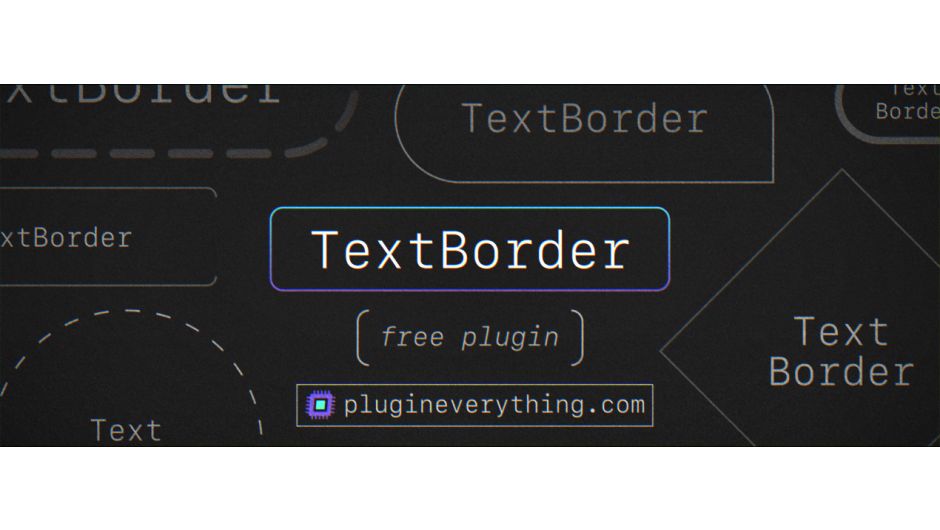
TextBorder by Plugin Everything creates a border that fits around text in After Effects and updates automatically when the text changes. Apply it directly to the text layer, without parenting, mattes or expressions. That keeps the border connected to the text as you edit titles or animated captions.
Adjust the border
A global expansion control changes the border size overall. For more precise spacing, adjust expansion separately for width, height, top, left, bottom and right. You can round selected edges, choose a solid or gradient fill, and use dash options to change the outline’s appearance.
Transform controls let you animate the border independently from the text. This lets the border and text move independently when a title treatment needs them to move differently.
Text and animation support
The product page lists compatibility with motion blur, After Effects’ built-in text animation tools, paragraph text and vertical text. These options make TextBorder relevant to layouts where copy changes or needs to fit a particular text block. The border follows the text automatically, so you do not have to rebuild a separate matte as the wording changes.
Compatibility and limits
The compatibility selector on the TextBorder product page lists After Effects versions from CS6 through 2024. The description on that same page separately says CS6 through CC 2018. Those statements differ, so confirm support for your exact After Effects version with Plugin Everything before relying on the broader range.
TextBorder can be used with 3D text layers, but it does not account for their 3D transformations. The product page says it does account for 2D X and Y transforms. If your composition depends on 3D positioning or rotation, check the result in a test composition first.
Price and product details
The aescripts listing shows a price of $0.00. Check the product page for current pricing, license terms, downloads and support details.